
What are the top features to look for in a study timer smart?
- 1) Can a smart study timer reliably block digital distractions on my phone and browser, and how does cross-device blocking actually work?
- 2) How should I evaluate real battery life and standby time for a smart study timer that uses Bluetooth and an always-on display?
- 3) Which analytics matter when choosing a study timer for long-term habit tracking, and how accurate are session metrics?
- 4) Do smart study timers with adaptive intervals (AI or smart Pomodoro) actually improve retention, and how do I tune them for different subjects?
- 5) How can I ensure a smart study timer integrates with my existing study planner and task-management apps securely?
- 6) What physical build and alert features reduce the tendency to check the device and are best for users with ADHD or high distractibility?
- Conclusion: Advantages of Choosing the Right Smart Study Timer
Smart Study Timer: Top Features to Look For
When purchasing a digital or smart study timer, beginners face specific pain points that generic reviews and product pages often don't address. Below are six long-tail, practical questions students and professionals actually need answered — with in-depth guidance, real-world tests to run, and purchase checklists tailored to the needs of focused study, habit-building, and accessibility.
1) Can a smart study timer reliably block digital distractions on my phone and browser, and how does cross-device blocking actually work?
Pain point: You buy a “distraction-blocking” timer but still find yourself scrolling social media because the block isn't enforced on your devices.
What to know:
- How blocking is implemented: There are three common approaches — local device enforcement (built into the smartphone OS like iOS Focus or Android Digital Wellbeing), companion-app enforcement (the timer vendor’s app toggles Do Not Disturb / Focus shortcuts), and network-level blocking (router or DNS-level blocking for Wi‑Fi networks).
- Platform limits: On iOS, third-party apps cannot fully block Safari or other apps without using Focus Mode shortcuts or MDM (mobile device management) profiles. On Android, accessibility APIs or VPN-based blocking can be used, but these require user consent and can be bypassed.
- Cross-device sync: Reliable multi-device blocking needs a persistent, low-latency sync channel (Bluetooth LE or cloud). Bluetooth-only solutions can fail when devices are out of range; cloud-based sync may have seconds-to-minutes delay and depends on internet connectivity.
How to test before buying:
- Ask the vendor exactly how blocking is enforced on iOS and Android and whether they provide documented instructions to enable Focus Mode or DND shortcuts.
- Test a demo or trial: Start a session from the timer and verify that your phone enters the intended state (DND, Focus) and that browsers are blocked if advertised. Check both online and offline scenarios.
- Simulate edge cases: Put devices on different Wi‑Fi networks, turn Bluetooth off, and test if blocks persist or fail.
Purchase checklist:
- Companion app with documented Focus/DND integration for both iOS and Android.
- Option for router/DNS-level blocking for home Wi‑Fi (if full web blocking is required).
- Clear fallbacks listed in the documentation (what happens if the network disconnects or Bluetooth range is exceeded).
2) How should I evaluate real battery life and standby time for a smart study timer that uses Bluetooth and an always-on display?
Pain point: Product specs list a single battery figure but real-life usage with Bluetooth, vibrations, and a bright screen drains faster than expected.
What to know:
- Different metrics: Manufacturers may quote standby time, continuous display time, or average daily use. Clarify which one you’re seeing in the spec sheet.
- Key power consumers: wireless radios (Bluetooth/wifi), display type (OLED/LED/LCD), haptic motor, and backlight. Bluetooth LE (5.0+) is more efficient than older Bluetooth Classic.
- Battery design: removable batteries (AA/AAA) are convenient for long-term low-maintenance use; rechargeable built-in batteries are fine if the device supports USB-C fast charging and power-saving modes.
How to test or estimate:
- Ask for a realistic usage profile: e.g., “2–4 sessions/day, display on during sessions, haptic alerts enabled.” Vendors should be able to provide expected run times for that usage.
- Check charging specs: USB-C charging and whether the device supports pass-through power or use while charging.
- Look for power-saving features: auto-dim, sleep mode between sessions, and the ability to turn off wireless sync to extend battery life.
Practical thresholds:
- For heavy daily use (several timed sessions plus Bluetooth sync), expect manufacturers to aim for multi-day operation; a best-in-class device will offer multi-week standby plus 24–72 hours active session time depending on display and haptics.
- If you need all-day reliability without recharging, prioritize devices with removable batteries or high-capacity internal batteries and conservative displays.
3) Which analytics matter when choosing a study timer for long-term habit tracking, and how accurate are session metrics?
Pain point: The timer app shows “study streaks” and “hours studied,” but you later discover sessions were merged, mis-timestamped, or double-counted.
What to look for in analytics:
- Raw session logs: exportable CSV/JSON with start/stop timestamps, timezone-aware data, and session labels (subject/task). This lets you run your own analysis or import into spreadsheets, Notion, or analytics tools.
- Granularity: minute-level timestamps are minimum; second-level timestamps are better for precise metrics (session micro-pauses, interruptions logged separately).
- Correction and annotation: ability to split/merge sessions, add notes, and indicate whether a session was “productive” vs “distracted.”
- Sync consistency: timestamps should reflect local time and handle daylight saving changes; cloud aggregation should be deterministic (no double-counting when reconnecting devices).
Accuracy caveats and vendor questions:
- Ask whether the timer auto-pauses on interruption or relies solely on user stop. Automatic pause detection can inflate or deflate totals if not well tuned.
- Check whether analytics are calculated on-device or server-side. Server-side aggregation can introduce latency and depends on reliable sync; on-device metrics are immediate and editable but require export for backups.
Practical tests:
- Run short, known-duration sessions (e.g., 25 min) and compare recorded times. Note any consistent offset.
- Disconnect and reconnect devices to see how the system reconciles split or duplicate sessions.
4) Do smart study timers with adaptive intervals (AI or smart Pomodoro) actually improve retention, and how do I tune them for different subjects?
Pain point: A timer claims to use “AI” to change focus intervals, but you aren’t sure whether that helps for conceptual study vs language practice vs problem-solving.
What adaptive intervals are and what to expect:
- Two main approaches: rule-based adaptive timers (adjust intervals based on user-set success/failure rules) and data-driven adaptive systems (use historical performance/engagement metrics to recommend intervals).
- Evidence and applicability: cognitive science supports focused work blocks and distributed practice (spaced repetition). Adaptive intervals can help by aligning session length with attention capacity, but effectiveness depends on good feedback signals (e.g., self-reported productivity, quiz scores, or objective task completion).
How to evaluate adaptive features:
- Transparency: the vendor should document how intervals adjust. Black-box AI that simply “optimizes” without explainability is risky.
- Controls and overrides: you must be able to set subject-specific profiles (e.g., 50–90 min for deep math work vs 20–30 min for vocabulary drills) and lock minimum/maximum durations.
- Feedback channels: adaptive systems should accept explicit signals such as “productive/unproductive,” quiz results, or manual corrections to refine recommendations.
Tuning recommendations by subject:
- Concept-heavy subjects (theory, math proofs): longer intervals (50–90 min) with fewer breaks for deep work; use longer focus windows with short 5–10 min resets.
- Memory tasks (language vocab, flashcards): shorter, high-frequency intervals paired with spaced repetition algorithms (SRS integration) and quick quizzes after each interval.
- Problem-solving/practice: mixed intervals — start with medium focus windows (30–50 min) and lengthen when accuracy improves; adaptive timers that use correctness metrics can be particularly useful here.
5) How can I ensure a smart study timer integrates with my existing study planner and task-management apps securely?
Pain point: You want your timer to start sessions from tasks in Todoist, Notion, or Google Calendar, but you don’t want to expose data unnecessarily or lose control of your study logs.
Security and integration considerations:
- Integration methods: OAuth-based API integration (recommended), local automation via shortcuts (iOS Shortcuts, Android intents), or third-party connectors (IFTTT, Zapier). OAuth avoids storing credentials and lets you revoke access.
- Data minimization: vendor should document what data is synced (task titles, timestamps, durations) and whether any sensitive fields are omitted or hashed.
- Local-only mode: some users need on-device-only logs with no cloud sync due to privacy or institutional constraints — vendors should offer an option to disable cloud backups.
Questions to ask the vendor and tests to run:
- Ask which apps are officially supported. Supported native integrations with Google Calendar, Todoist, and major SRS apps are a plus.
- Confirm the authentication method (OAuth or API key) and whether data at rest is encrypted on the vendor’s servers (AES-256 is common) and in transit (TLS).
- Test task-based start/stop: create a task in your planner and trigger a session from it; verify that session logs are associated with the original task accurately.
6) What physical build and alert features reduce the tendency to check the device and are best for users with ADHD or high distractibility?
Pain point: Visual or tiny audible alerts invite more checking; you need a timer that nudges without becoming another distraction.
Hardware and alert design features that help:
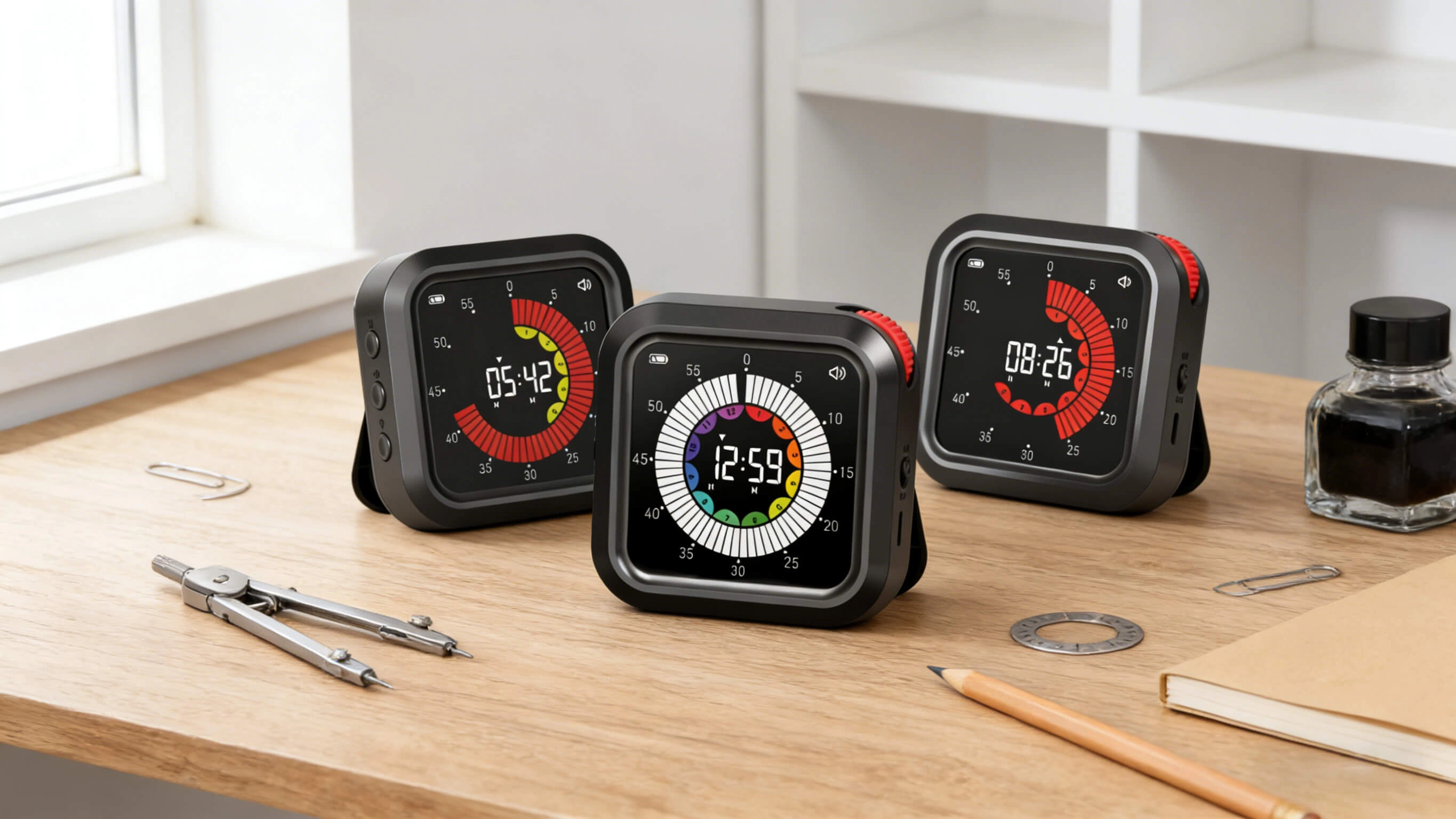
- Haptic quality: strong, distinct vibration patterns (different patterns for start, halfway, and end) reduce the need to look at the device. Linear resonant actuators (LRAs) provide clearer patterns than simple eccentric rotating mass motors.
- Tactile controls: large physical buttons or rotary dials let you start/stop without a screen. Tactile feedback reduces cognitive friction and refocuses attention more quickly.
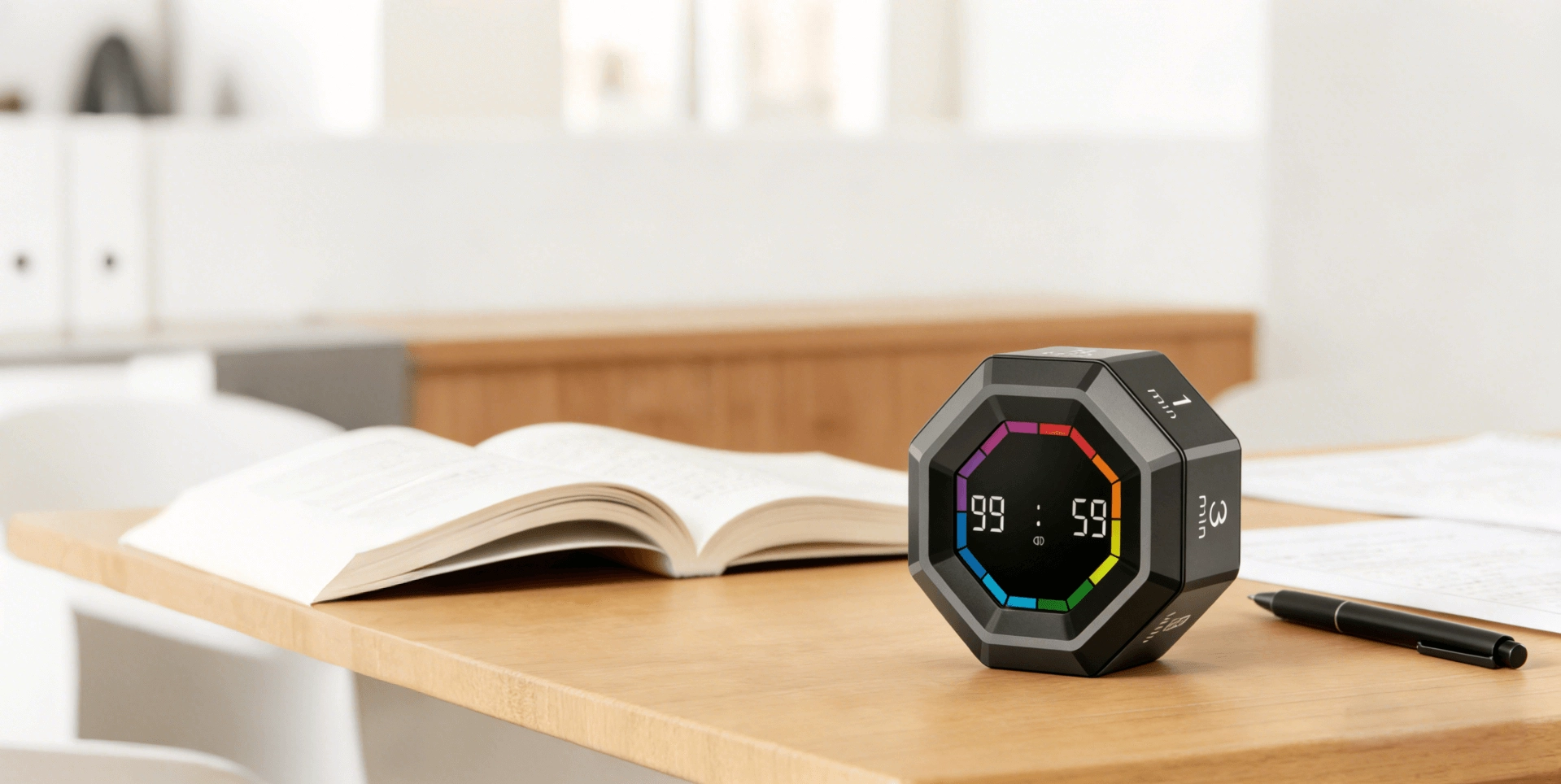
- Minimal visual footprint: subdued displays or ring lights that provide peripheral status without bright animations lower the temptation to unlock your phone or stare at the screen.
- Mounting and placement: magnetic bases or flat stands that let you put the timer in your peripheral vision (and out of direct reach) reduce fidgeting and the urge to touch the device.
Features to test in-store or during a trial:
- Vibration intensity and pattern distinctiveness — try multiple presets and ask whether vibration strength is adjustable.
- Button layout — can you operate the timer by touch alone? Check for accidental presses and confirm the presence of a dedicated “skip” or “pause” button.
- Noise level — check the chirp or beep volume and whether sounds can be replaced by tones or white-noise cues that are less interruptive.
Conclusion: Advantages of Choosing the Right Smart Study Timer
Picking the right smart study timer delivers concrete advantages: fewer digital distractions through robust blocking and sync, realistic battery performance for uninterrupted sessions, analytics you can trust and export, adaptive interval logic you can tune by subject, secure integrations with your study stack, and hardware designed to minimize checking and maximize sustained focus. Together, these elements transform a simple clock into an evidence-aligned productivity tool that supports long-term learning habits and measurable progress.
Contact us for a personalized quote and product recommendations: visit www.youbenlife.com or email info@youbenlife.com.
Contacts
Sofia
WhatsApp/Phone
All
Do you offer OEM & ODM clock services?
Yes, we provide both OEM & ODM solutions, allowing clients to customize clock design, materials, packaging, and branding.
What types of clocks can you manufacture?
We manufacture a wide range of clocks, including wall clocks, desk clocks, digital clocks, and smart clocks.
Can I customize the clock design and logo?
Absolutely. We offer customization for clock appearance, structure, materials, and logo printing to perfectly match your brand.
What is the minimum order quantity (MOQ)?
Our standard MOQ varies depending on the model, usually starting from 200–500 pieces. Custom designs may require different quantities.
How do you ensure product quality?
All clocks undergo strict quality control, including time accuracy tests, durability checks, and packaging inspections before shipment.
Interested in this article?
Let’s talk.
Need specifications, pricing, or customization options? We’ll provide everything you need.
By clicking “Submit,” you agree to share your information with our authorized team to process your request.
Your data will only be used for necessary communication and support.

Youben life
Youben life