
How can a study timer smart improve classroom productivity?
- 1. How can a smart study timer integrate with my school's LMS and still protect student data?
- 2. Which smart study timer features actually reduce off-task behavior during group work?
- 3. How do I calibrate interval lengths and break schedules by age using a smart study timer?
- 4. Can a smart study timer provide reliable engagement analytics suitable for interventions (not grading)?
- 5. How do I deploy a wall-mounted visual countdown timer in a noisy classroom without increasing student anxiety?
- 6. What are the real battery, durability, and maintenance factors for daily classroom digital timer use?
1. How can a smart study timer integrate with my school's LMS and still protect student data?
Integration is a frequent blocker for IT and procurement teams. Look for smart study timers and companion study timer apps that support standard education integrations (LTI/SCORM) or provide well-documented REST APIs and OAuth 2.0 for secure authentication. These allow the classroom timer to sync schedules, deliver class-specific focus sessions, and log anonymized session metadata to a learning management system without exposing personally identifiable information.
Data protection checklist:
- Use products that explicitly state compliance with FERPA (U.S.) and GDPR (EU) or provide options to disable student-identifying telemetry.
- Prefer timers that support role-based access (teacher vs student) and teacher-initiated sessions to avoid unauthorized data capture.
- Require encrypted transport (TLS 1.2+) and store only hashed, minimal identifiers if analytics require longitudinal tracking.
- Ask vendors for a data processing agreement (DPA) and a security whitepaper detailing encryption, retention, and access logs.
Practical tip: Validate integration by running a pilot across one grade with anonymized data. Confirm that the device or study timer app only records session start/end times and aggregate engagement counts unless you explicitly sign a DPA allowing more granular collection.
2. Which smart study timer features actually reduce off-task behavior during group work?
Many product pages list dozens of features; classrooms need targeted capabilities proven to reduce distractions. Prioritize these functional features in a digital timer and classroom timer system:
- Large visual countdown (color-coded lights + numeric display): visible from all seating areas reduces teacher micromanagement and lowers off-task checking.
- Teacher override & locked controls: prevents students from pausing or changing timers during assessments or group tasks.
- Multi-zone timers: separate timers for groups/tables to coordinate simultaneous activities without confusion.
- Soft audio cues & vibration: configurable volumes and nonstartling signals help maintain flow without causing anxiety.
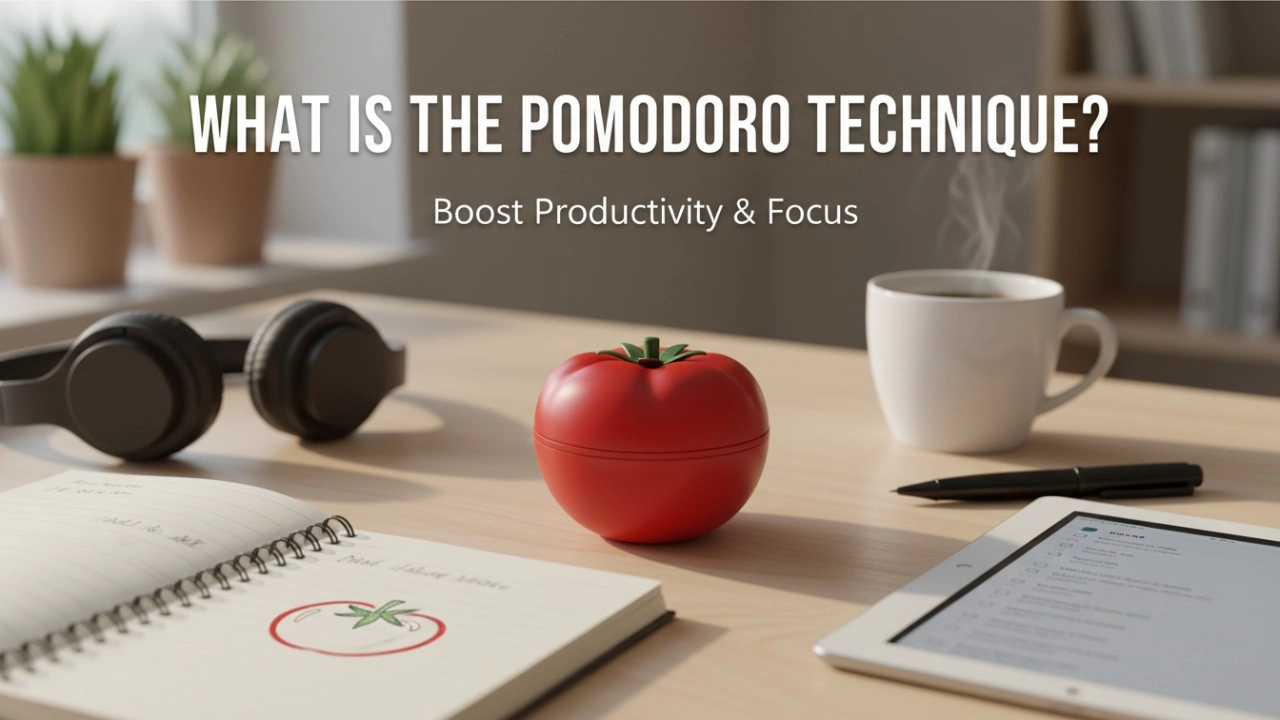
- Task batching & pomodoro presets: built-in pomodoro timer modes (e.g., focus 25/short break 5) and customizable interval training patterns support habit building for different age groups.
- Companion app with push notifications: nudges students back on task on personal devices without loud interruptions.
Evidence-based deployment: Combine a visible visual countdown with teacher-controlled sessions. Teachers report fewer interruptions when students can self-manage time visually and the teacher retains final control.
3. How do I calibrate interval lengths and break schedules by age using a smart study timer?
Beginners often copy a default 25/5 pomodoro without adjusting for developmental attention spans. A practical, evidence-aligned approach:
- Elementary (K–5): Start with short focus sessions — 10–15 minutes — with 3–7 minute active breaks. Use movement-based breaks to reset attention.
- Middle school (6–8): Move to 15–25 minute focus sessions and 5–10 minute breaks. Introduce simple task batching for project work.
- High school (9–12): 25–45 minute focus sessions with 5–15 minute breaks. Allow longer uninterrupted blocks for complex tasks or labs.
Calibration method (iterative A/B test): run two-week blocks with different presets (e.g., 15/5 vs 25/5) while logging on-task completion rates and qualitative teacher observations. Use the smart study timer’s analytics to compare average number of interruptions and task completion. Adjust based on subject demands—math may favor shorter bursts; reading or labs may need longer sessions.
4. Can a smart study timer provide reliable engagement analytics suitable for interventions (not grading)?
Smart timers can capture useful proxies (session durations, number of pauses, button interactions), but they are not direct measures of cognitive engagement. Reliable use-cases for analytics:
- Aggregate trend detection: spotting classes or time-of-day patterns where focus declines (e.g., mid-afternoon dips).
- Intervention triggers: identifying students or groups needing teacher check-ins when repeated short sessions or frequent pauses occur.
- Program evaluation: measuring the impact of a new schedule or pedagogical change by comparing pre/post aggregate metrics.
Limitations and safeguards:
- Do not use timer-derived metrics as sole grading inputs. Correlate with teacher observations and quality-of-work measures.
- Validate proxies locally: run small studies correlating timer logs with independent observations for 2–4 weeks to establish reliability before operational use.
- Prefer anonymized, aggregated reporting and clear consent mechanisms for individual analytics to meet ethical and legal standards.
5. How do I deploy a wall-mounted visual countdown timer in a noisy classroom without increasing student anxiety?
Visual timers are powerful, but a poorly implemented display can induce stress. Follow these deployment guidelines:
- Design for visibility, not intimidation: choose large digits with soft color transitions (green → amber → red) rather than flashing lights or harsh red from the start.
- Gradual introduction: teach the timer as a classroom tool. Model calm responses and practice a few low-stakes sessions so students build predictability around transitions.
- Customize audio: set gentle chimes or disable sound. Provide students with a visual-only option when noise sensitivity is a concern.
- Provide student control options: allow learners to opt into personal-study timer modes (study timer app), keeping the wall timer teacher-controlled for group tasks.
- Accessibility: ensure color choices and audio alternatives for visually impaired students and choose e-paper or high-contrast LCD displays for readability.
Monitoring: After rollout, survey students for perceived stress and adjust settings. Many classrooms see improved time awareness without increased anxiety when transitions are consistent and teacher-led.
6. What are the real battery, durability, and maintenance factors for daily classroom digital timer use?
Classrooms demand rugged, low-maintenance devices. When evaluating hardware, consider:
- Power options: rechargeable Li‑ion batteries with USB-C charging are convenient; also prefer devices that support continuous wired operation for high-use zones. Confirm typical runtime (e.g., 8–72 hours depending on display brightness and wireless usage).
- Display technology: LED for brightness, LCD for lower power, e-paper for constant visibility with minimal power. LED works well in bright rooms; e-paper excels when you want static displays without backlight fatigue.
- Build quality: ABS or polycarbonate housings with an IP rating if the device may be exposed to dust or spills. Look for devices with 2+ year warranties and replaceable mounting brackets.
- Mounting & theft prevention: options for flush mounting, wall anchors, or locked enclosures help durability. Magnetic or tabletop stands are fine for mobile carts.
- Maintenance & updates: choose vendors offering over‑the‑air firmware updates, clear battery replacement instructions, and accessible customer support for education customers.
Procurement tip: Request a small hardware sample batch and log uptime and battery performance for 30 days in your actual classroom settings (brightness, Wi‑Fi load, number of sessions). This real-world data is far more predictive than vendor specs alone.
Concluding summary
Smart study timers and classroom digital timers, when chosen and configured with attention to integration standards (LTI/API), privacy (FERPA/GDPR), ergonomics (visual countdowns and calm cues), and rugged hardware specifications, reliably reduce teacher overhead, lower off-task behavior, and produce actionable aggregate engagement signals for interventions. Prioritize teacher control, minimal student-identifying telemetry, and physical durability when purchasing. For procurement teams, run short pilots to validate interval presets and analytics before wider rollout to ensure measurable classroom productivity gains.
Contact us for a quote: www.youbenlife.com | info@youbenlife.com
Contacts
Sofia
WhatsApp/Phone
All
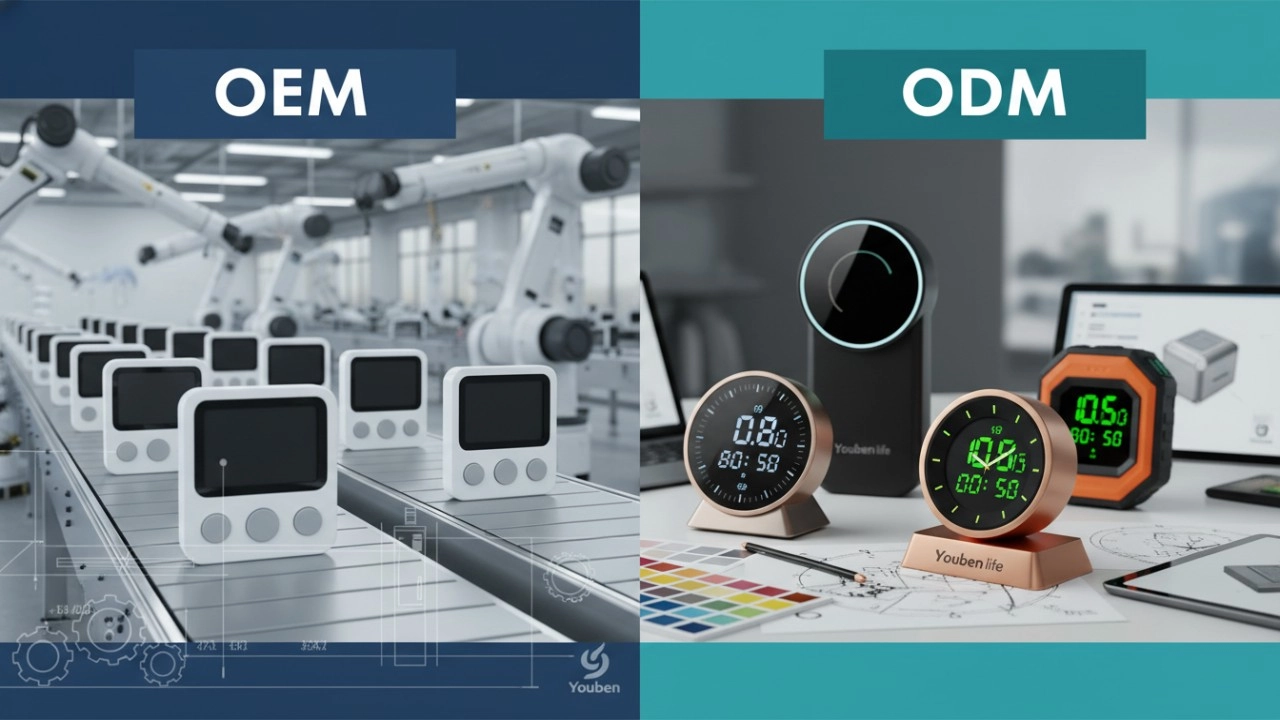
Do you offer OEM & ODM clock services?
Yes, we provide both OEM & ODM solutions, allowing clients to customize clock design, materials, packaging, and branding.
What types of clocks can you manufacture?
We manufacture a wide range of clocks, including wall clocks, desk clocks, digital clocks, and smart clocks.
Can I customize the clock design and logo?
Absolutely. We offer customization for clock appearance, structure, materials, and logo printing to perfectly match your brand.
What is the minimum order quantity (MOQ)?
Our standard MOQ varies depending on the model, usually starting from 200–500 pieces. Custom designs may require different quantities.
How do you ensure product quality?
All clocks undergo strict quality control, including time accuracy tests, durability checks, and packaging inspections before shipment.
Interested in this article?
Let’s talk.
Need specifications, pricing, or customization options? We’ll provide everything you need.
By clicking “Submit,” you agree to share your information with our authorized team to process your request.
Your data will only be used for necessary communication and support.

Youben life
Youben life