
Are magnetic or wearable digital timers better for kids?
- 1. How do I choose a digital timer with the right visual countdown for a 4–6-year-old who can’t read numbers?
- 2. Can magnetic digital timers safely stick to classroom whiteboards or fridges without falling and disrupting lessons?
- 3. Are wearable timers (wrist or clip-on) distracting for kids with sensory processing differences, and how do I pick a sensory-friendly wearable?
- 4. How accurate are low-cost digital timers for teaching time concepts, and do they drift or lose calibration over months of classroom use?
- 5. Which alert types—sound, vibration, or flashing lights—reduce meltdown triggers for neurodiverse kids, and how should parents set them up?
- 6. Are magnetic or wearable digital timers better for travel, multi-room routines, and hygiene (cleanability) in daycare or family settings?
As specialists in digital timers for kids and classroom time-management tools, we address six specific, often-missed buying questions. The answers combine product feature guidance, classroom best practices, and safety/hygiene considerations so parents, teachers, and therapists can choose the right kid-friendly timer.
1. How do I choose a digital timer with the right visual countdown for a 4–6-year-old who can’t read numbers?
Problem: Young children rely on visual cues rather than numeric time; many digital timers show only digits, which doesn’t help non-readers develop time awareness.
What to look for:
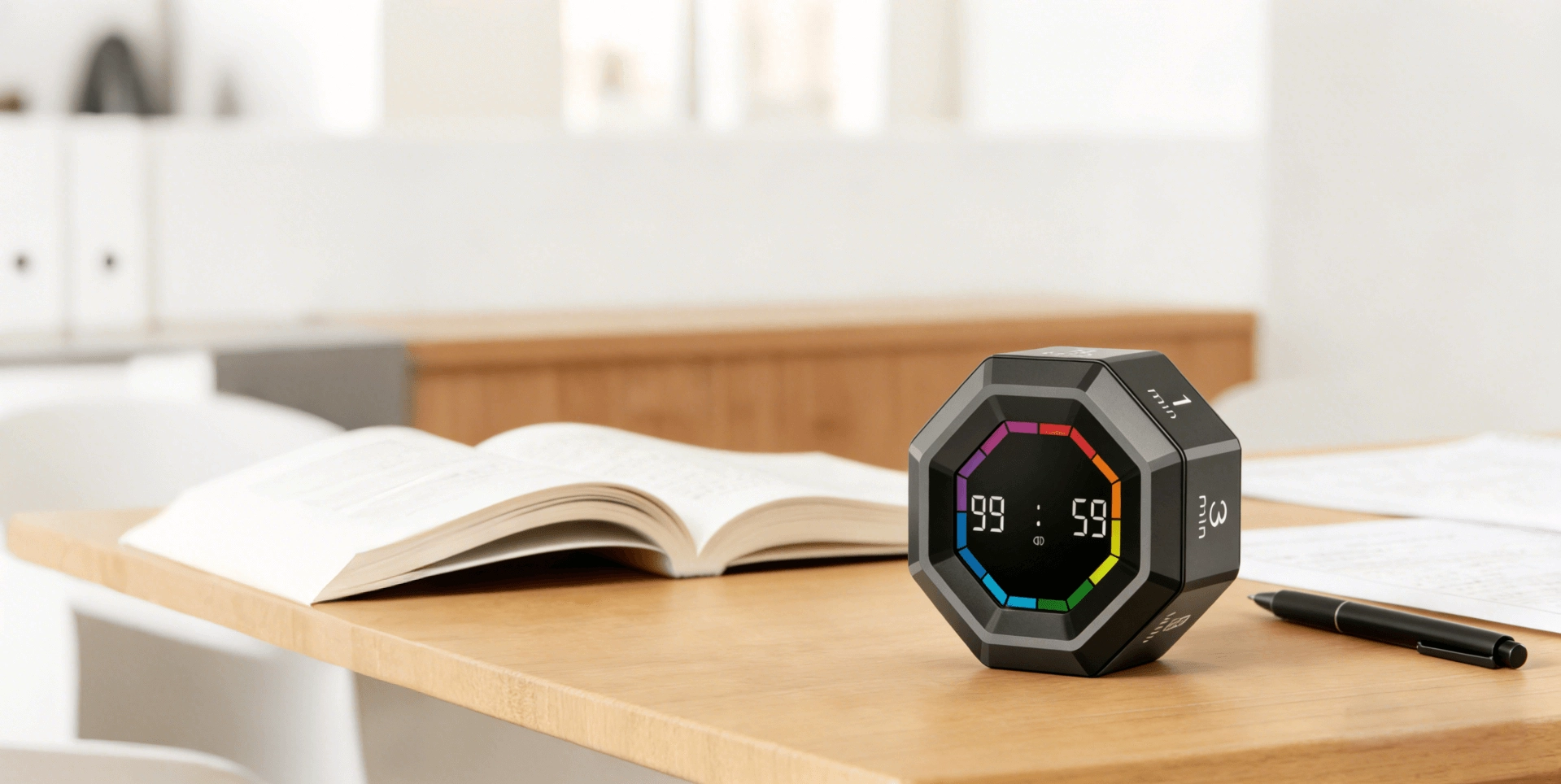
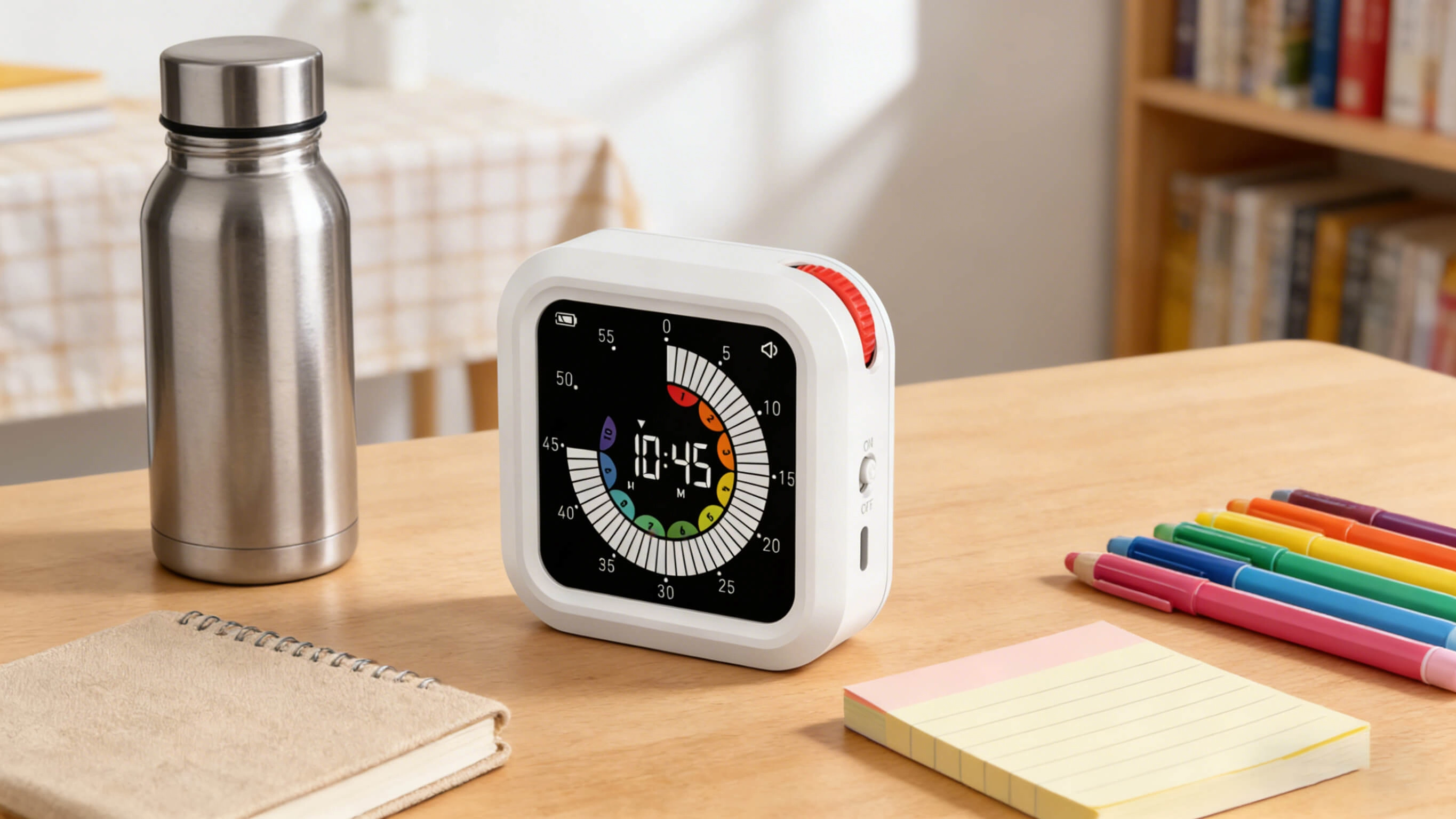
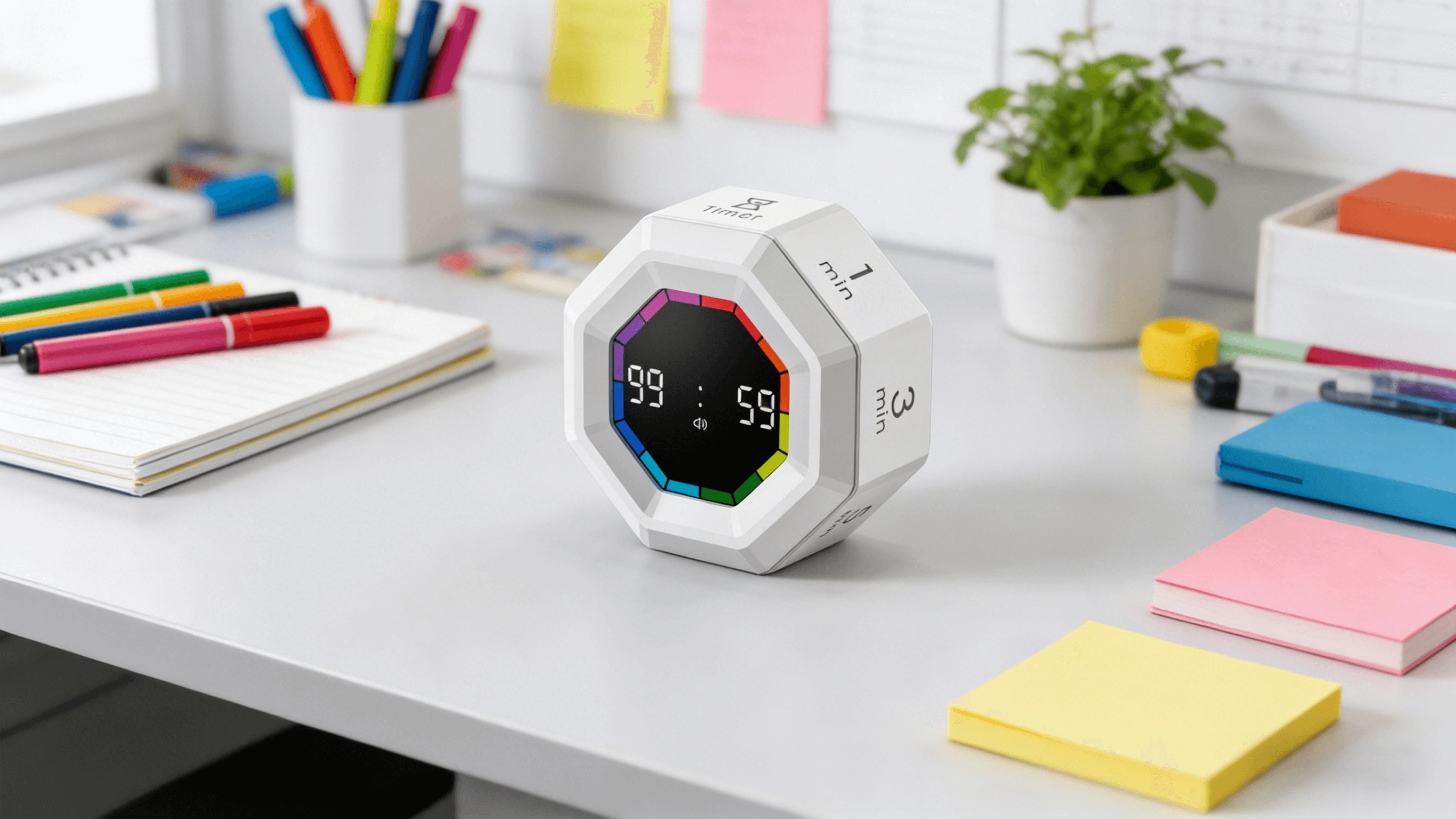
- Color-segmented visual countdown: Timers that fill or empty a colored ring or bar give an intuitive sense of remaining time. This is more effective than a numeric-only display for pre-readers.
- Large, high-contrast display: A big LED or LCD display with bright colors increases visibility across a classroom or playroom.
- Adjustable total duration: Ensure the timer supports short intervals (1–5 minutes) and longer chunks (up to 60–99 minutes) so you can adapt activities as the child matures. Many reputable kid timers offer up to 99:59 for flexibility.
- Progressive warnings: Look for a countdown with a visual “warning” stage (e.g., color change from green to yellow to red) so children learn to anticipate transition moments.
- Screen-free options: For low-tech practice, consider visual sand-like timers (analog) that complement digital visual countdowns during early learning.
How to implement: Pair the visual timer with simple cues: “Green means play, yellow means wrap up, red means stop.” Repetition builds temporal vocabulary. Use the timer for short, repeatable tasks (clean-up races, focused reading) to reinforce cause-and-effect learning.
2. Can magnetic digital timers safely stick to classroom whiteboards or fridges without falling and disrupting lessons?
Problem: Thin or poorly-secured magnets can detach, causing distractions or minor safety hazards. Teachers need reliable mounting for classroom timers.
Practical recommendations:
- Magnet type and placement: Timers using embedded rare-earth (neodymium) magnets or large surface-area magnets adhere more reliably to metal whiteboards and file cabinets. Check product specs or manufacturer photos to confirm embedded magnets rather than a glued-on thin disk.
- Weight and footprint: Lightweight timers (<200 g) with a broad magnetic base are less likely to shift than heavier, point-contact units.
- Secure-mount alternatives: If concern persists, affix with removable adhesive strips (Velcro loop/adhesive tabs) rated for classroom surfaces. This preserves portability while improving stability.
- Safety and testing: For busy classrooms, choose timers marketed for educational settings — they are often drop-tested and use safer magnet housings. Teacher reviews and vendor classroom use notes are good verification points.
Operational tip: Test the mounted timer during a mock activity. If it shifts when children bump the board, upgrade to a broader-magnet model or use low-residue mounting strips to keep lessons interruption-free.
3. Are wearable timers (wrist or clip-on) distracting for kids with sensory processing differences, and how do I pick a sensory-friendly wearable?
Problem: Wearable timers offer portability but can be intrusive—noise, vibration strength, and strap materials may trigger sensory responses in some children.
Selection checklist for neurodiverse needs:
- Quiet/vibration modes: Choose wearables offering multiple alert types—soft vibration, adjustable volume tones, and silent visual flash. Vibration amplitude should be adjustable or mild to avoid startling.
- Hypoallergenic, breathable straps: Look for silicone or woven fabric straps marketed as hypoallergenic and easy to wash. Silicone is often preferred for easy cleaning and gentle feel against skin.
- Low-profile design: Slim, low-bulk wearables reduce tactile irritation. Devices with recessed buttons avoid accidental activation and fidget triggers.
- Gradual introduction and personalization: Start with visual-only or very mild vibration settings. Let the child try the wearable during low-stakes tasks to assess sensory tolerance before relying on it for transitions.
Clinical context: Behavioral support resources (including guidance from education and pediatric organizations) recommend tailoring sensory inputs. Many classrooms use wearable countdowns successfully when matched to an individual child’s sensory profile and when alternative cues (visual board timer) are available.
4. How accurate are low-cost digital timers for teaching time concepts, and do they drift or lose calibration over months of classroom use?
Problem: Price-sensitive buyers worry that cheap timers may be inaccurate, affecting task pacing and undermining time-teaching exercises.
Real-world considerations:
- Typical accuracy: Most consumer digital timers use quartz-based timing circuits that are stable for everyday use. For classroom and home routines, typical accuracy is sufficient—errors are usually a few seconds per day, not enough to disrupt most activities.
- Causes of drift: Extreme temperature changes, low batteries, and poor internal components can cause errors. If a timer consistently loses or gains time by minutes per hour, it likely has a defect.
- Longevity and testing: Read user reviews about sustained performance. For classroom deployments, buy a small batch, run a one-week accuracy check against a reliable digital clock, and return any units that drift significantly.
- Battery and power: Battery-powered timers are stable while battery voltage is within specification. Consider models with battery-life indicators or USB-rechargeable options to avoid sudden failures mid-lesson.
Buying tip: For teaching time concepts, prioritize clear visual countdown behavior over sub-second precision. If you need precise timing for assessments, choose dedicated timing hardware used by schools or labs; for routines and transitions, mainstream kid-friendly timers are reliable.
5. Which alert types—sound, vibration, or flashing lights—reduce meltdown triggers for neurodiverse kids, and how should parents set them up?
Problem: Loud or unexpected alarms can escalate behavior rather than help transitions if not tailored properly.
Evidence-based approach and setup:
- Test multiple modalities: Start with visual-only and add low-level vibration or a soft chime as needed. Many educators recommend a progressive warning system: gentle vibration or visual change at 60 seconds remaining, soft chime at 10–15 seconds, then final cue.
- Individualize settings: Children with auditory sensitivity may respond best to vibration or visual cues; those with tactile sensitivity may prefer visual-only. Conduct brief trials to see what reduces anxiety and supports transitions.
- Predictability is key: Use the same sequence of cues every time. Predictable multi-stage alerts help children internalize time boundaries without surprise.
- Fallback cues: Always have a secondary cue (e.g., verbal countdown by an adult or a classroom visual display) so the timer augments rather than replaces human scaffolding.
Practical note: Many therapeutic and educational programs recommend timers as part of a suite of visual supports. Combining a visual countdown with a low-intensity vibration or soft tone usually minimizes triggers while improving compliance.
6. Are magnetic or wearable digital timers better for travel, multi-room routines, and hygiene (cleanability) in daycare or family settings?
Problem: Families and caregivers need timers that survive handling, are easy to clean, and work consistently across different environments (car, playground, multiple rooms of a house).
Comparative guidance:
- Travel and portability: Wearable timers win for travel and multi-room routines because the child carries the timer. Choose a rugged, splash-resistant wearable with a secure clip or strap.
- Hygiene and cleaning: Magnetic timers with sealed casings are easy to wipe; wearables with removable silicone bands can be washed under running water or sanitized with alcohol wipes. For daycare settings, prefer devices with cleanable surfaces and minimal crevices.
- Durability: Look for impact-resistant housings and IP-rated splash resistance. For mixed indoor/outdoor use, choose timers with at least splash protection (e.g., IPx4) or explicit product descriptions indicating outdoor suitability.
- Multi-use workflow: A hybrid approach is often best: a magnetic visual timer for shared spaces (kitchen, classroom board) and a wearable for individual use on field trips or during transitions.
Summary recommendation: For single-child travel and routines, a durable, washable wearable with multiple alert modes is ideal. For shared or stationary use, a magnetic visual timer with a large color display fits classroom or kitchen use better. Many families benefit from owning both types to cover all scenarios.
Concluding summary of advantages: Magnetic digital timers excel in shared spaces—they offer a large visual countdown, stable mounting for classroom whiteboards or fridges, and easy visibility for groups. Wearable timers provide portability, private vibration alerts, and personal time-management support for individual children, especially during travel or multi-room routines. Choose a timer that offers adjustable alerts (visual, vibration, sound), easy cleaning (silicone straps or sealed housings), reliable magnet mounting or secure straps, and battery/charging features suited to your setting. Combining both styles often yields the best classroom- and family-level results.
For tailored recommendations and bulk classroom or daycare pricing, contact us for a quote at www.youbenlife.com or info@youbenlife.com.
Contacts
Sofia
WhatsApp/Phone
All
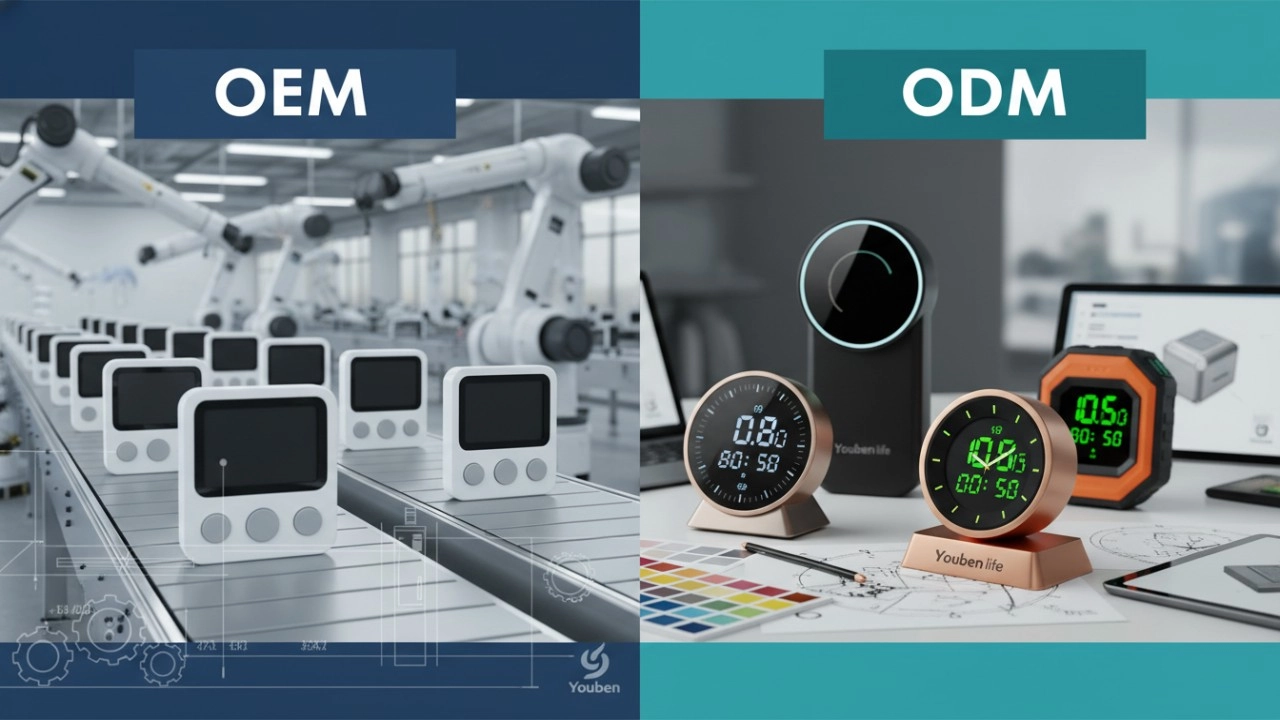
Do you offer OEM & ODM clock services?
Yes, we provide both OEM & ODM solutions, allowing clients to customize clock design, materials, packaging, and branding.
What types of clocks can you manufacture?
We manufacture a wide range of clocks, including wall clocks, desk clocks, digital clocks, and smart clocks.
Can I customize the clock design and logo?
Absolutely. We offer customization for clock appearance, structure, materials, and logo printing to perfectly match your brand.
What is the minimum order quantity (MOQ)?
Our standard MOQ varies depending on the model, usually starting from 200–500 pieces. Custom designs may require different quantities.
How do you ensure product quality?
All clocks undergo strict quality control, including time accuracy tests, durability checks, and packaging inspections before shipment.
Interested in this article?
Let’s talk.
Need specifications, pricing, or customization options? We’ll provide everything you need.
By clicking “Submit,” you agree to share your information with our authorized team to process your request.
Your data will only be used for necessary communication and support.

Youben life
Youben life