
How to choose a digital timer for kids: buyer's checklist?
- 1. How do I pick a digital timer that truly works for a child with ADHD or sensory processing needs?
- 2. Which certifications and material specs prove a digital timer is safe for toddlers and pre-schoolers?
- 3. For classroom or heavy-use scenarios, what durability and power specifications ensure long-term reliability?
- 4. How can I prevent a child from deactivating or reprogramming the timer mid-use (anti-tamper features)?
- 5. Which connectivity and privacy factors matter when choosing a smart digital timer for homeschooling or remote learning?
- 6. How do I choose a digital timer that non-readers or multilingual families can reliably use?
- Concluding summary: Advantages of choosing the right digital timer for kids
How to Choose a Digital Timer for Kids: Buyer's Checklist
Choosing the right digital timer for children requires more than picking a colorful gadget. Parents, teachers, and therapists need timers that are safe, accurate, durable and usable for neurodiverse kids, classrooms and homes. Below are six specific, pain-point-focused questions beginners often ask — each answered with actionable criteria, real standards, and purchase checkpoints.
1. How do I pick a digital timer that truly works for a child with ADHD or sensory processing needs?
Why this matters: For kids with ADHD or sensory differences, timers are tools for pacing, transitions and focus. The wrong timer—too quiet, too abrupt, or with busy visuals—can increase anxiety or be ignored.
What to look for:
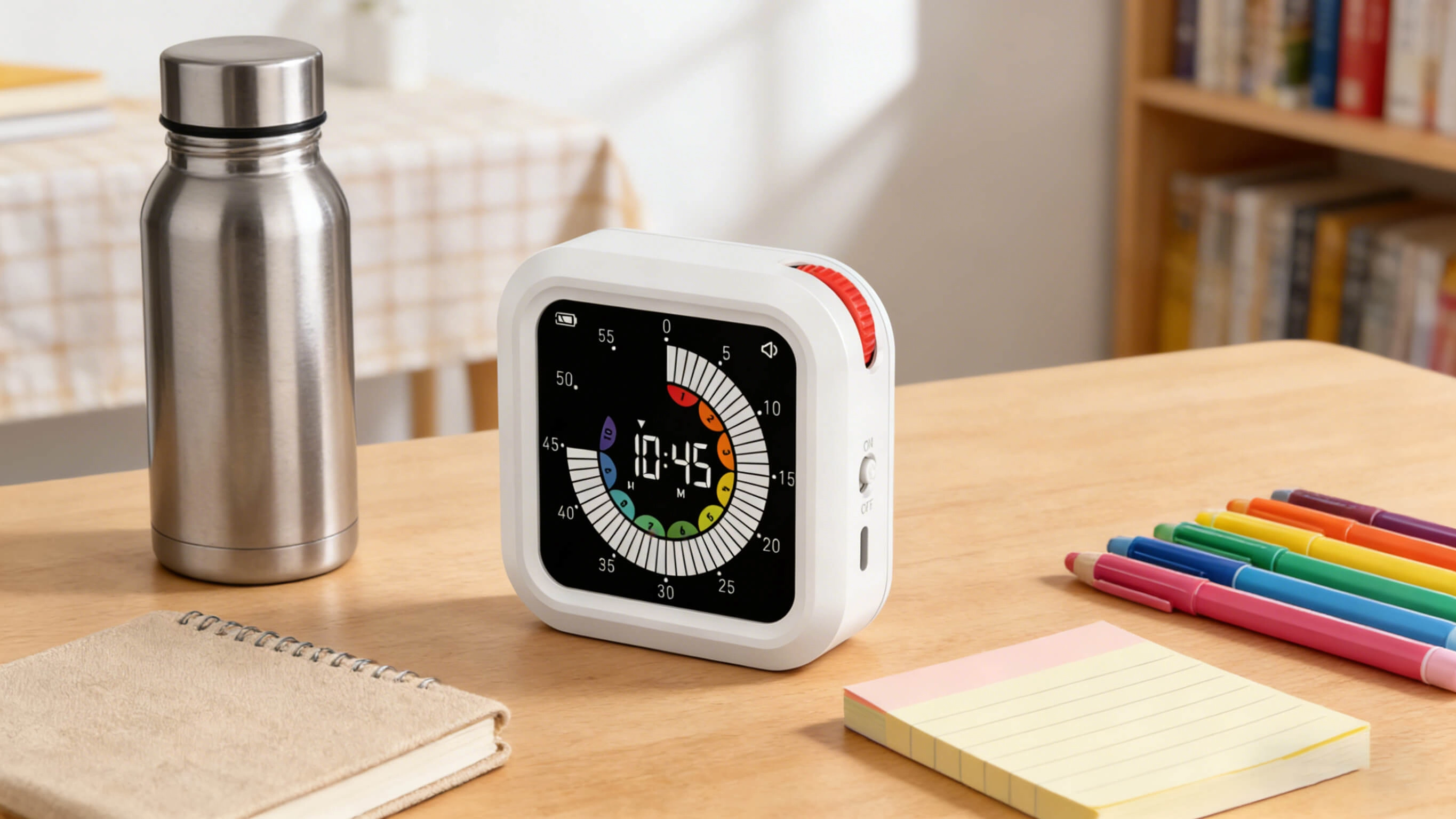
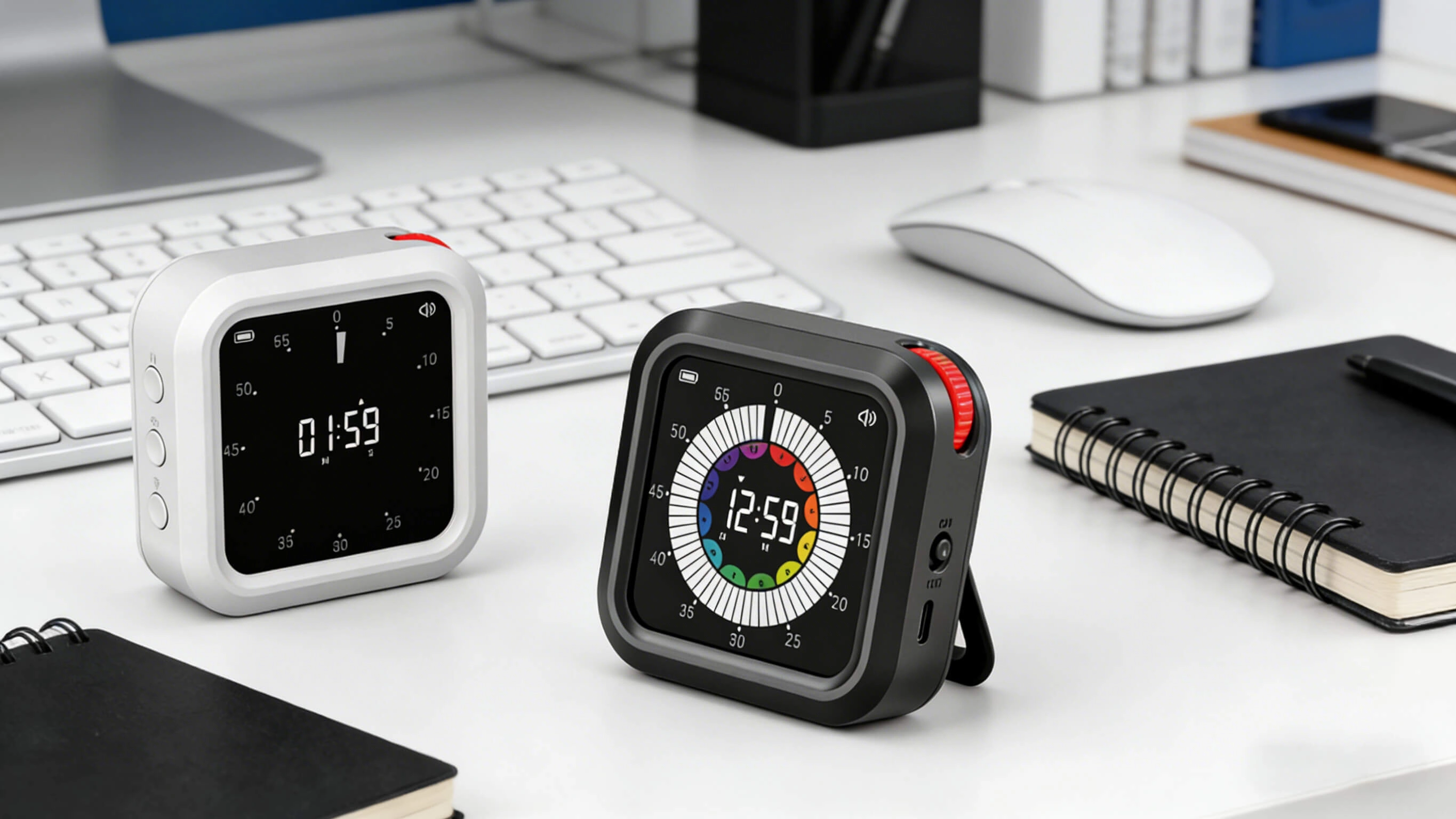
- Multimodal cues: Choose timers offering simultaneous visual (color gradient or progress bar), auditory (adjustable tones), and tactile (vibration) signals so you can match a child’s sensory profile. Visual timer for ADHD features like fading color rings or percentage bars are more intuitive than numeric-only displays for many children.
- Adjustable intensity and escalation: Look for settings that let you ramp alerts (soft chime → louder chime → vibration) to avoid startling the child and to provide advance notice. Progressive cueing (e.g., 5-min, 2-min, 30-sec warnings) helps with task termination.
- Quiet/Non-distracting display modes: If classroom focus is crucial, choose a model that can show a subtle countdown (small LED strip) rather than flashing lights which may distract others.
- Simple, repeatable intervals: For focus techniques like Pomodoro or task blocks, ensure the timer supports preset interval cycles and auto-repeat without complex reprogramming.
- CPSIA compliance (United States): ensures limits for lead and phthalates in children’s products.
- EN 71-3 (European toy safety): restricts migration of certain elements in toys — relevant if the timer is marketed for preschool use.
- RoHS: restricts hazardous substances in electronics (lead, mercury, etc.).
- FCC (US) or CE marking for electromagnetic compliance and basic safety.
- UL/ETL listings for electrical safety where applicable.
- Surface and parts: No removable small parts; seams and battery covers secured with screws (tamper-resistant) to prevent access by children.
- Materials: Look for food-grade silicone bumpers or ABS plastics that are BPA-, phthalate-, and lead-free. Verify manufacturer test reports or SDS (safety data sheet) if available.
- Rounded edges and non-slip base: Reduces choking and drop-sliding risks in play areas or kitchens.
- Ruggedized housing: rubberized bumpers, shatter-resistant ABS, and reinforced corners. Some classroom timers specify drop-resistance testing—look for stated drop heights (e.g., 1 m) in product specs or reviews.
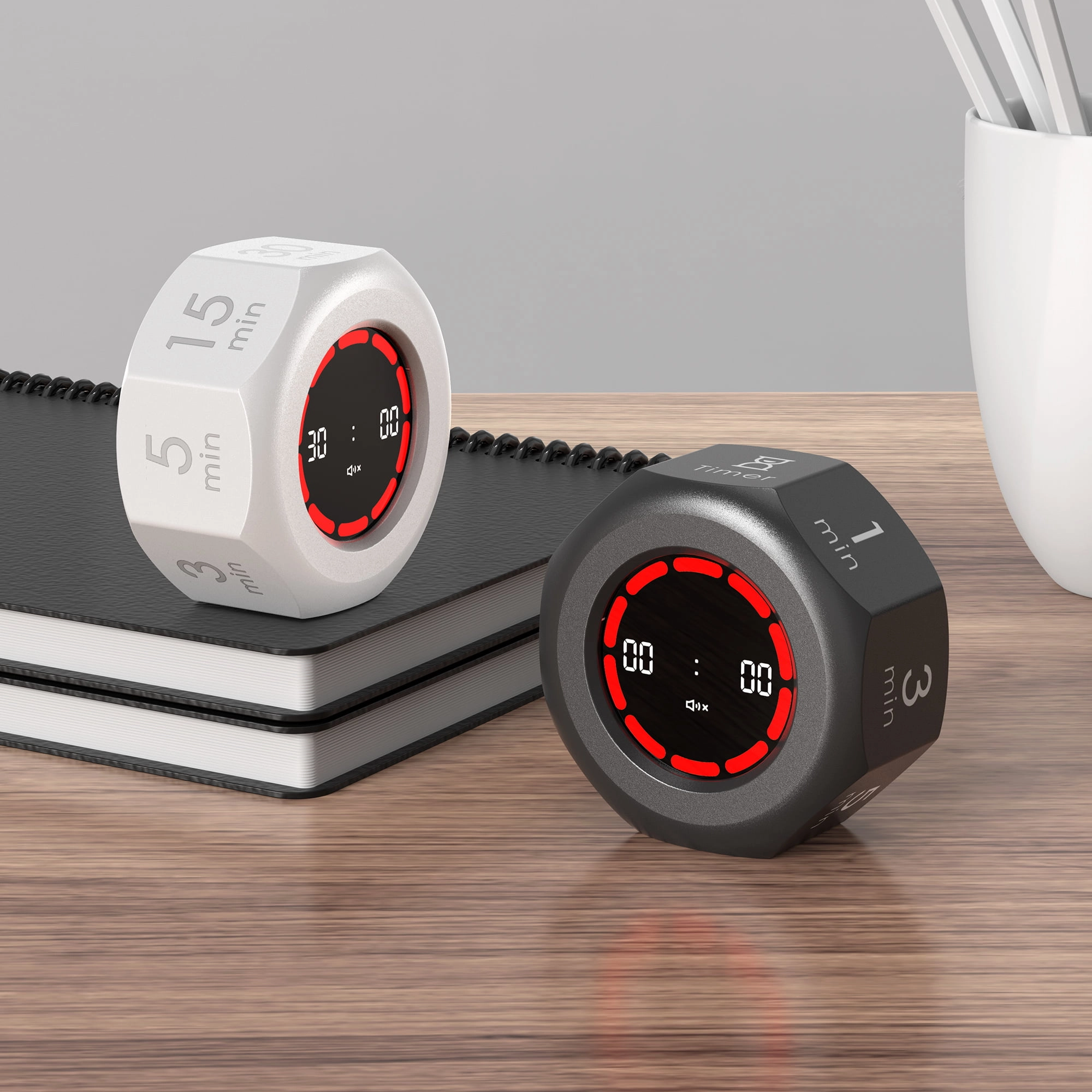
- Mounting options: magnetic back + belt clip + fold-out stand gives placement flexibility and reduces accidental drops.
- Battery options: for heavy use choose either replaceable AA/AAA alkaline (easy and cheap to swap) or rechargeable Li-ion with USB-C charging. Rechargeable models save long-term costs and reduce waste for frequent use.
- Serviceability and warranty: replaceable battery covers with screws, and a warranty of at least 1 year for classroom use. Check for available replacement parts or protective covers.
- Button lock or hold-to-lock: Some timers include a child-lock that disables front-panel controls until a key combination is entered.
- Recessed or protected buttons: Buttons set below the bezel level or covered by a silicone sleeve are much harder for small hands to press accidentally.
- Secure battery compartment: Screw-fastened battery covers or internal batteries only serviceable by adults prevent easy removal.
- Remote control or parental app: For smart timers, parents/teachers can start/stop via a remote or app (but check privacy policies—see the next section).
- Mounting out of reach: Magnetic or wall-mount options let you place the timer where it’s seen but not touched.
- Bluetooth Low Energy (BLE): good for local control and less battery drain; typically works only within a room or nearby area.
- Wi‑Fi (2.4 GHz common): enables remote control from anywhere and cloud-based scheduling, but requires careful privacy vetting and stable home network.
- Proprietary RF remotes: simple and reliable in a classroom without network dependency.
- Local-first options: Prefer devices that operate locally (Bluetooth or local Wi‑Fi without mandatory cloud account) so schedules and settings stay on your network.
- Read the privacy policy: For cloud timers, confirm the vendor’s data retention and whether they share analytics. Avoid devices that collect microphone/camera data unless explicitly needed and secured.
- Security features: WPA2/WPA3 for Wi‑Fi devices, and apps that use end-to-end encryption or modern TLS for server connections.
- Children’s data compliance: If the device stores or processes data about minors, check whether the provider follows COPPA (US) or applicable local child-data regulations.
- Icon-based and color-coded displays: Large icons (clock, play/stop) and color gradients (green → amber → red) convey remaining time at a glance.
- Progress bars and visual percentage: A circular or linear progress bar that visually empties is easier for non-readers to understand than digits.
- Multi-language voice prompts or custom recordings: Some smart timers let you select a language for spoken cues or record your own voice for culturally familiar instructions.
- Haptic cues and tactile buttons: Vibrations and distinct clicky buttons help users who can’t read or have visual impairments.
Shopping checklist: test demo units in-store (or demo videos online) to confirm the vibration strength, tone quality and visual clarity. Confirm return policy so you can trial with the child.
2. Which certifications and material specs prove a digital timer is safe for toddlers and pre-schoolers?
Why this matters: Small children explore devices by touch and mouth. Safety requires confirming both electronic safety and toy-product material standards.
Standards and certifications to verify:
Material and mechanical safety specs:
Shopping checklist: Request certificates or test reports for CPSIA/EN71 if buying for toddlers. Avoid devices that merely claim child-safe without documented compliance.
3. For classroom or heavy-use scenarios, what durability and power specifications ensure long-term reliability?
Why this matters: Classrooms and daycare centers put timers through continuous cycles, drops, and shared handling. Consumer kitchen timers often fail under that load.
Key durability features to require:
Accuracy considerations: consumer digital timers use microcontroller timing with quartz time bases; for typical classroom tasks, accuracy within a few seconds per day is expected. If you need precision for timed tests, look for device specs that mention quartz timing stability or compare model timing in user tests.
Shopping checklist: Choose timers marketed as educational/classroom with reinforced build, or buy consumer timers with rugged silicone cases. Confirm charging/replaceable battery method matches your maintenance plan.
4. How can I prevent a child from deactivating or reprogramming the timer mid-use (anti-tamper features)?
Why this matters: Kids may press buttons, open battery covers, or hit reset when an alarm starts. For routines and classroom management you need a timer that can’t be accidentally disabled.
Anti-tamper features and design solutions:
Shopping checklist: Physically inspect buttons and battery covers. If shopping online, look for images showing recessed controls, or request a demo video. Prefer models that explicitly list a lock feature for classrooms or toddler-proof scenarios.
5. Which connectivity and privacy factors matter when choosing a smart digital timer for homeschooling or remote learning?
Why this matters: Smart timers that sync with phones or cloud services add functionality (schedules, remote start) but introduce privacy and reliability trade-offs.
Connectivity types and practical implications:
Privacy and data-safety checklist:
Shopping checklist: If you need remote features for homeschooling, choose models that clearly document local operation vs cloud dependency and provide straightforward privacy controls. If privacy is a high priority, select non-cloud Bluetooth or RF models labeled local-only.
6. How do I choose a digital timer that non-readers or multilingual families can reliably use?
Why this matters: Young children or families speaking multiple languages need timers that communicate time remaining without relying solely on text or a single spoken language.
Features that help non-readers and multilingual households:
Shopping checklist: Look for product descriptions that mention icon-based UI, customizable voice prompts, or multi-language support. Test the display size and contrast for visibility from typical distances (e.g., across a classroom or living room).
Concluding summary: Advantages of choosing the right digital timer for kids
Well-chosen digital timers for kids improve routine adherence, reduce transition friction, support attention and time awareness, and can adapt across developmental and classroom needs. The best options combine safety certifications (CPSIA/EN71), durable construction for heavy use, sensory-informed signaling (visual, audio, vibration), anti-tamper designs, and appropriate connectivity with transparent privacy. Whether you need a non-cloud visual timer for preschoolers, a rugged classroom countdown, or a smart parental-controlled timer for homeschooling, prioritize verified safety, trialability, and the sensory features that match the child’s profile.
For a custom quote or to discuss bulk classroom or therapy orders, contact us at www.youbenlife.com or email info@youbenlife.com.
Contacts
Sofia
WhatsApp/Phone
All
Do you offer OEM & ODM clock services?
Yes, we provide both OEM & ODM solutions, allowing clients to customize clock design, materials, packaging, and branding.
What types of clocks can you manufacture?
We manufacture a wide range of clocks, including wall clocks, desk clocks, digital clocks, and smart clocks.
Can I customize the clock design and logo?
Absolutely. We offer customization for clock appearance, structure, materials, and logo printing to perfectly match your brand.
What is the minimum order quantity (MOQ)?
Our standard MOQ varies depending on the model, usually starting from 200–500 pieces. Custom designs may require different quantities.
How do you ensure product quality?
All clocks undergo strict quality control, including time accuracy tests, durability checks, and packaging inspections before shipment.
Interested in this article?
Let’s talk.
Need specifications, pricing, or customization options? We’ll provide everything you need.
By clicking “Submit,” you agree to share your information with our authorized team to process your request.
Your data will only be used for necessary communication and support.

Youben life
Youben life