
What features matter in digital timers for kids with visual cues?
- 1) Which visual cues (colors, progress bars, flashing) actually help a 5–8-year-old with limited reading stay on task, and how should they be configured?
- 2) How do I verify a kids' digital timer is safe and compliant for classroom use (small parts, non-toxic materials, electrical safety)?
- 3) My child has sensory sensitivities—what configurable features in a digital timer prevent overstimulation yet still cue transitions effectively?
- 4) For classroom vs home use, what are reasonable brightness and alarm volume ranges, and how can I test those before buying?
- 5) Are app-connected (Bluetooth/Wi‑Fi) timers better than standalone units for managing multiple kids, and what trade-offs exist (battery life, privacy, reliability)?
- 6) What build and mounting features (magnet, hook, stand, IP rating) matter for daily classroom/home use, and which options are most durable long-term?
Digital Timers for Kids: What Features Matter in Timers with Visual Cues?
1) Which visual cues (colors, progress bars, flashing) actually help a 5–8-year-old with limited reading stay on task, and how should they be configured?
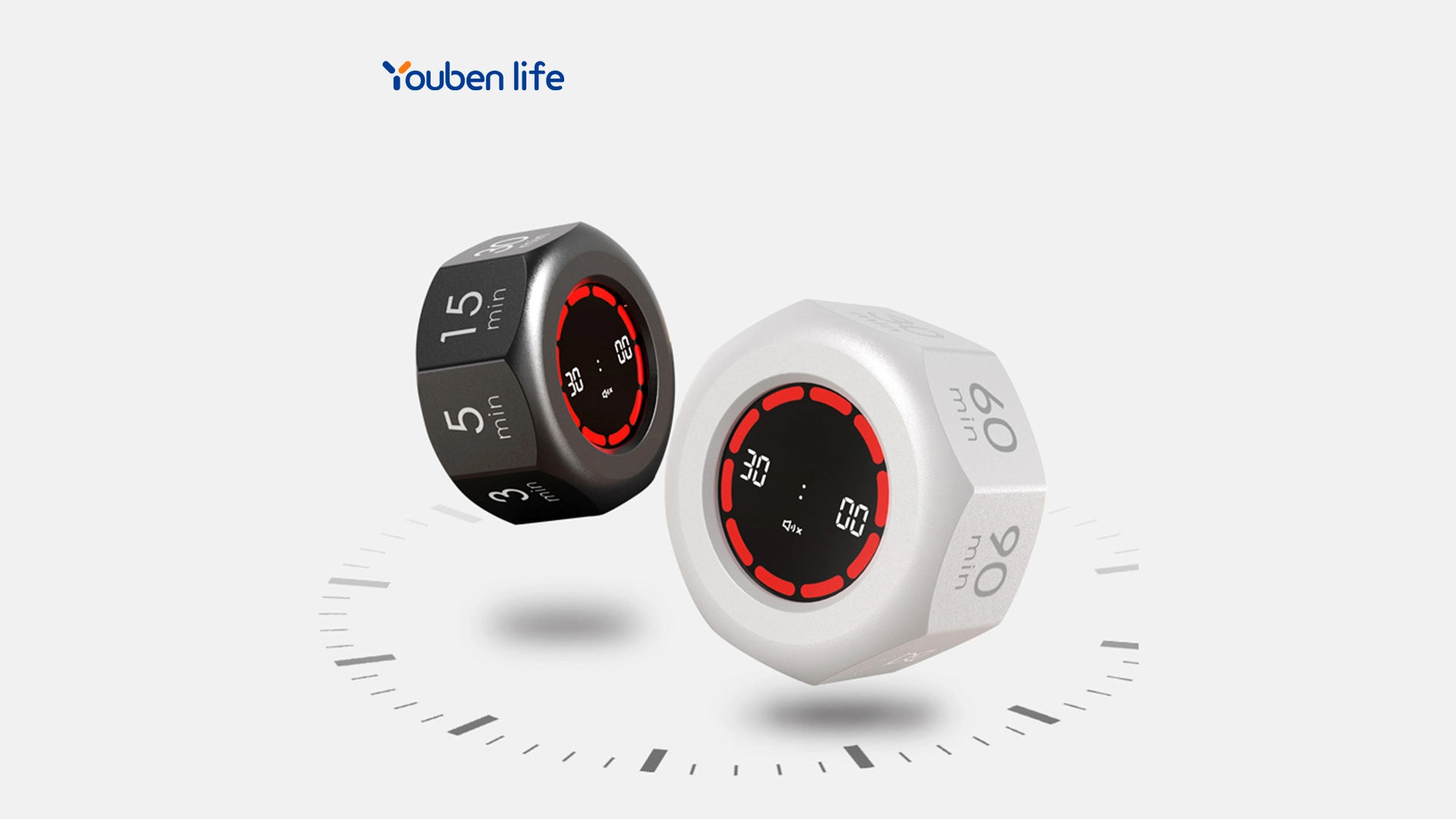
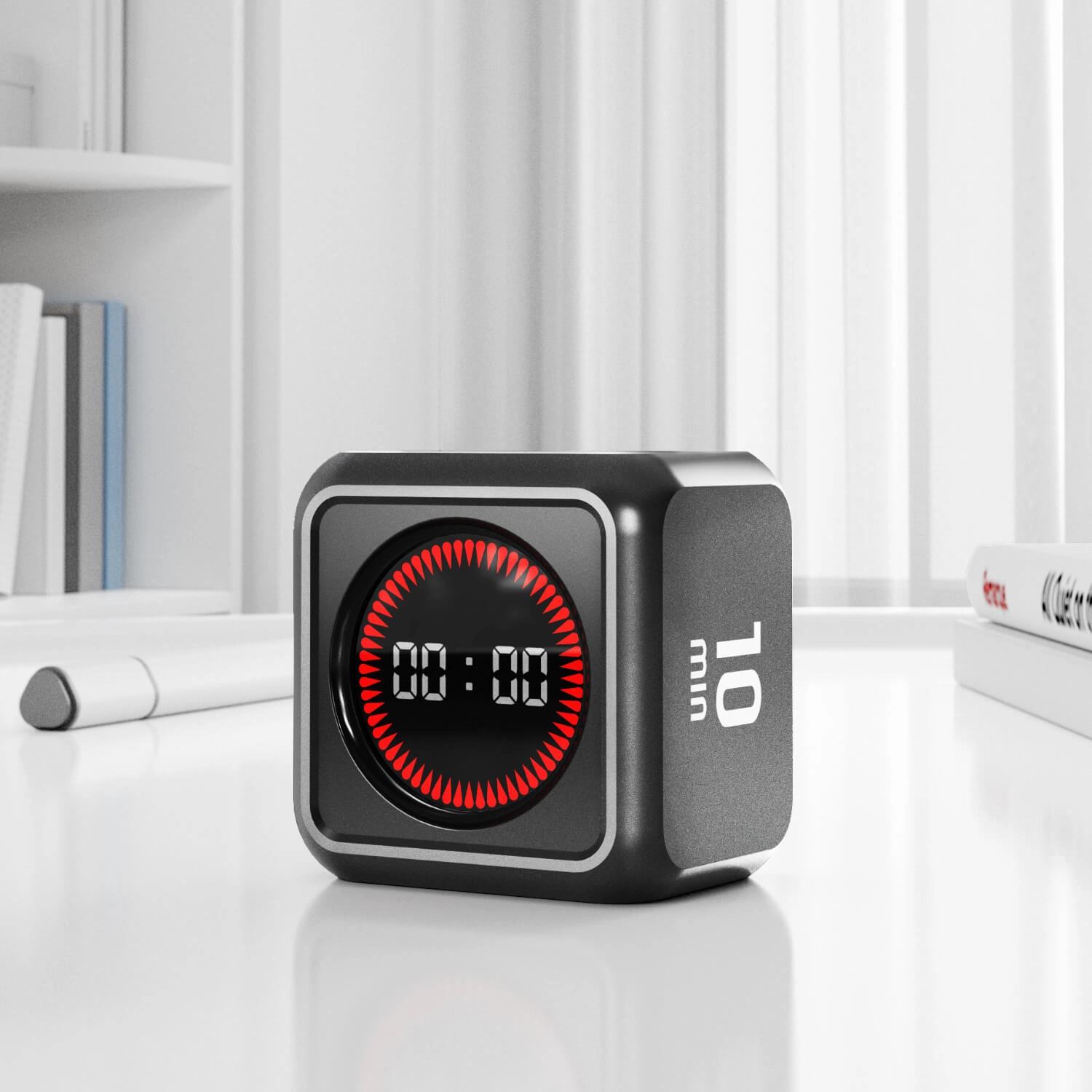
Answer:For early readers you want a clear, consistent visual language: a full-screen or ring-style progress indicator that moves from green→yellow→red plus large numeric countdown is best. Color transitions should be gradual (fading or sweeping LEDs) rather than abrupt flashing, because steady transitions reduce startle and help children internalize remaining time.
Configuration checklist:
- Default color sequence: Green (working), Yellow (warning), Red (end). Many classroom timers use 3-stage cues because they’re intuitive across ages.
- Adjustable thresholds: allow parents/teachers to set when color changes occur (e.g., 70% time remaining = green, 30% = yellow, 10% = red). Look for timers that let you change percent or absolute minutes.
- Visual granularity: minute-by-minute numeric display plus a progress ring or LED bar of at least 10 segments helps children see gradual progress.
- Contrast and size: high-contrast numerals (white on black or black on white) sized for typical viewing distances (classroom: 30–50 cm; home: 1–2 m).
- Avoid excessive flashing: flashing should be optional and reserved for end-of-time alerts to avoid sensory overload.
Why this matters: Children who can’t read quick numeric values still learn time-to-go from a color/shape pattern. Combining color, numeric, and motion cues covers diverse learning styles and supports transitions.
2) How do I verify a kids' digital timer is safe and compliant for classroom use (small parts, non-toxic materials, electrical safety)?
Answer:Safety verification has three practical checks:
- Child-product safety: For products marketed to children, check for CPSIA (U.S.) or EN 71 (EU toy safety) markings when applicable. For classroom tools not sold as toys, ask the manufacturer for material safety data (MSDS) or confirmation of non-toxic ABS/TPU plastics and absence of regulated heavy metals.
- Small parts & choking risk: Ensure that any removable parts (battery covers, knobs) are secured with screws or tethered. Products for ages under 3 should explicitly state compliance with small-parts regulations.
- Electrical and emissions safety: Look for FCC (U.S.), CE (EU), or similar product safety/EMC markings for devices that include wireless modules or mains power. If the timer is rechargeable, verify compliance with UL or IEC battery/charger safety standards and that the device uses a regulated charger (USB-C with over-current protection is preferable).
Practical tips when buying:
- Request certificates or batch test results from suppliers (RoHS, CPSIA, CE, FCC) if you buy in bulk for schools. Reputable sellers provide these on request.
- Inspect physical build in person: battery doors that require a coin or screwdriver to open, rounded edges, and secure mounting points are good indicators of child-safe design.
3) My child has sensory sensitivities—what configurable features in a digital timer prevent overstimulation yet still cue transitions effectively?
Answer:Key configurable features for sensory-friendly timers:
- Volume control and mute: Full mute plus multiple volume steps (e.g., low/medium/high) with precise decibel labels or relative levels. Devices that offer vibrate-only alerts are valuable for school settings.
- Brightness control and night mode: Multiple brightness levels and automatic dimming (ambient light sensor) prevent glare. Look for a soft color palette option instead of saturated LEDs.
- Optional haptic feedback: Gentle vibration options help non-auditory cueing without flashing lights.
- Choice of visual mode: steady color band, slow fade, or static background color (no motion). Ability to disable flashing entirely is essential.
Implementation advice:
- Test in the child’s typical environment before permanent deployment—what’s tolerable in the living room may be overstimulating in a small bedroom.
- Favor timers that store user profiles (classroom vs home vs therapy) so you can switch sensory settings quickly.
4) For classroom vs home use, what are reasonable brightness and alarm volume ranges, and how can I test those before buying?
Answer:Practical target ranges and testing steps:
- Brightness: For close desktop use, look for adjustable luminance with at least 3 levels. A high setting should be visible in daylight; mid-range should be workable in a classroom; low should be dim enough for quiet corners. Manufacturers rarely list lux; instead check product demos or ask for measured lux at 30 cm.
- Alarm volume: Typical classroom alarms range from 60–80 dB at 1 meter (audible but not painful). Home alarms often need lower settings; 50–70 dB is usually adequate. Devices with a broad volume range (both mute and >80 dB max) are most flexible.
How to test before purchase:
- In-store demo: Place the timer on a table and step back to typical viewing and hearing distances to test visibility and audibility.
- Ask for sample videos from the seller showing the timer in a lit classroom and in a quiet home environment. Video demonstrations should include volume measured with a smartphone decibel app (approximate) and brightness visually.
- Return policy: For classroom bulk buys, secure a small-sample order first and evaluate with students for at least one week before wider deployment.
5) Are app-connected (Bluetooth/Wi‑Fi) timers better than standalone units for managing multiple kids, and what trade-offs exist (battery life, privacy, reliability)?
Answer:Trade-offs:
- Control & flexibility: App-connected timers enable a teacher or parent to control multiple timers from one phone or tablet, push synchronized starts/stops, and customize profiles. They are ideal for multi-child households and classroom stations.
- Battery & connectivity costs: Wireless modules (Bluetooth/Wi‑Fi) increase power draw. Expect shorter battery life on app-connected units unless they include rechargeable batteries with larger capacity (USB-C). For classroom use, mains-powered or rechargeable units reduce maintenance overhead.
- Reliability: Standalone timers have near-perfect reliability (no pairing issues); app-connected devices can suffer from Bluetooth dropouts, firmware bugs, or OS compatibility problems. Choose vendors with regular firmware updates and clear pairing instructions.
- Privacy & data: Some apps log usage. For schools, confirm vendor privacy policies and data handling: prefer local-only control or guaranteed data minimization. Ask for GDPR/COPPA compliance if applicable.
When app-connected makes sense:
- Managing stations simultaneously (e.g., rotation activities) or when remote control by staff is needed. Standalone is better for single-user, low-maintenance scenarios.
6) What build and mounting features (magnet, hook, stand, IP rating) matter for daily classroom/home use, and which options are most durable long-term?
Answer:Mounting and durability features to prioritize:
- Mounting versatility: Magnetic back + fold-out stand + wall slot/hook covers most use cases. Magnets are great for whiteboards/fridge; a secure wall-slot prevents accidental falls. Avoid single mounting options unless your use is fixed.
- Impact protection: Look for rubberized bumpers or TPU overmolds and ABS housings. These absorb drops better than hard plastic alone. Products that advertise drop resistance (e.g., tested to 1 m) are preferable.
- Splash and dust resistance: IPX4 (splash-resistant) is useful in classrooms and kitchens. For outdoor or highly dusty settings, higher IP ratings matter—ask vendor for specific IP rating.
- Replaceable batteries and user-serviceable parts: Timers with replaceable AAA/AA batteries or an accessible rechargeable port are easier to maintain. Secure battery doors that require a screwdriver are safer in child settings.
- Warranty & parts availability: Prefer 1–2 year warranty and vendors that sell replacement parts (charging cables, stands, adhesive mounts).
Durability checklist for purchase orders:
- Rubber bumpers, magnetic/stand/wall mounting, IPX4 or higher if near sinks, screw-secure battery compartment, and 1+ year warranty.
Conclusion: Advantages of digital timers with visual cues
Digital timers that combine clear visual cues (color progression, numeric countdown, and progress bars) with adjustable sensory settings, verified safety compliance, and robust mounting options provide measurable benefits at home and in schools. They make routines predictable, reduce transition friction, and support children with diverse learning needs without relying on reading. For classrooms, choose timers with secure mounting, replaceable power options, and provable safety certifications. For sensory-sensitive children, prioritize brightness/volume control, vibration options, and non-flashing visual modes.
If you’d like help sourcing compliant, classroom-grade digital timers for kids—standalone or app-connected—contact us for a quote at www.youbenlife.com or info@youbenlife.com.
Contacts
Sofia
WhatsApp/Phone
All
Do you offer OEM & ODM clock services?
Yes, we provide both OEM & ODM solutions, allowing clients to customize clock design, materials, packaging, and branding.
What types of clocks can you manufacture?
We manufacture a wide range of clocks, including wall clocks, desk clocks, digital clocks, and smart clocks.
Can I customize the clock design and logo?
Absolutely. We offer customization for clock appearance, structure, materials, and logo printing to perfectly match your brand.
What is the minimum order quantity (MOQ)?
Our standard MOQ varies depending on the model, usually starting from 200–500 pieces. Custom designs may require different quantities.
How do you ensure product quality?
All clocks undergo strict quality control, including time accuracy tests, durability checks, and packaging inspections before shipment.
Interested in this article?
Let’s talk.
Need specifications, pricing, or customization options? We’ll provide everything you need.
By clicking “Submit,” you agree to share your information with our authorized team to process your request.
Your data will only be used for necessary communication and support.

Youben life
Youben life