
What are the best digital timers for kids in classrooms?
- Which digital timers for kids provide a visible countdown without screens and survive rough classroom use?
- How do I pick a digital timer for kids that enforces quiet transitions for sensory-sensitive students?
- Which digital timers for kids support multi-interval lessons or staggered group rotations in one device?
- Which digital timers for kids are easiest to sanitize and safe for frequent cleaning?
- Can a digital timer for kids integrate with behavior charts or record individual student time-on-task data?
- What are the best affordable bulk-buy digital timer options for classrooms under tight budgets?
Which digital timers for kids provide a visible countdown without screens and survive rough classroom use?
Pain point: teachers want large, easy-to-read visual countdowns that don’t rely on small LCDs and that stand up to drops, sticky fingers and backpacks.
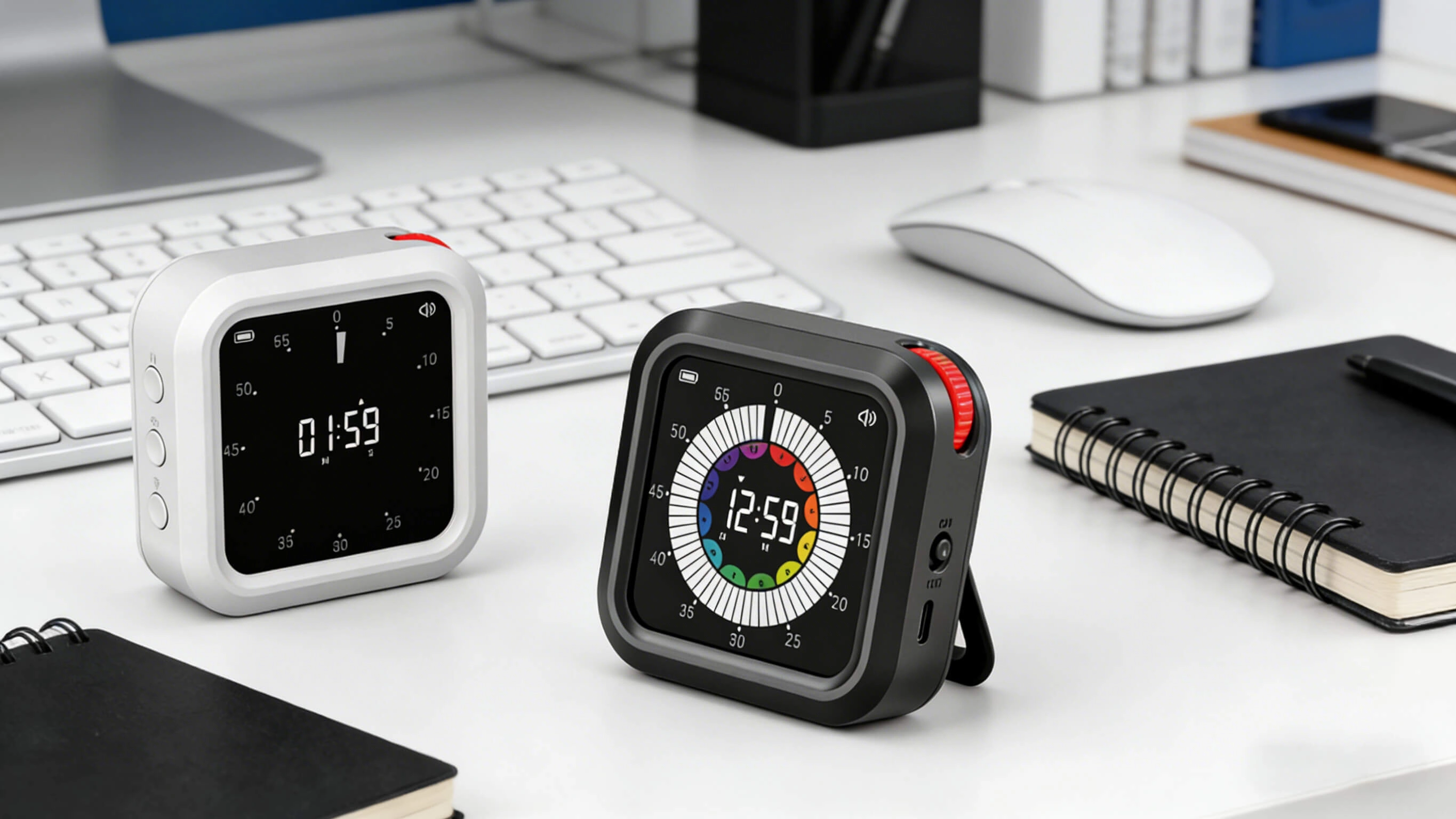
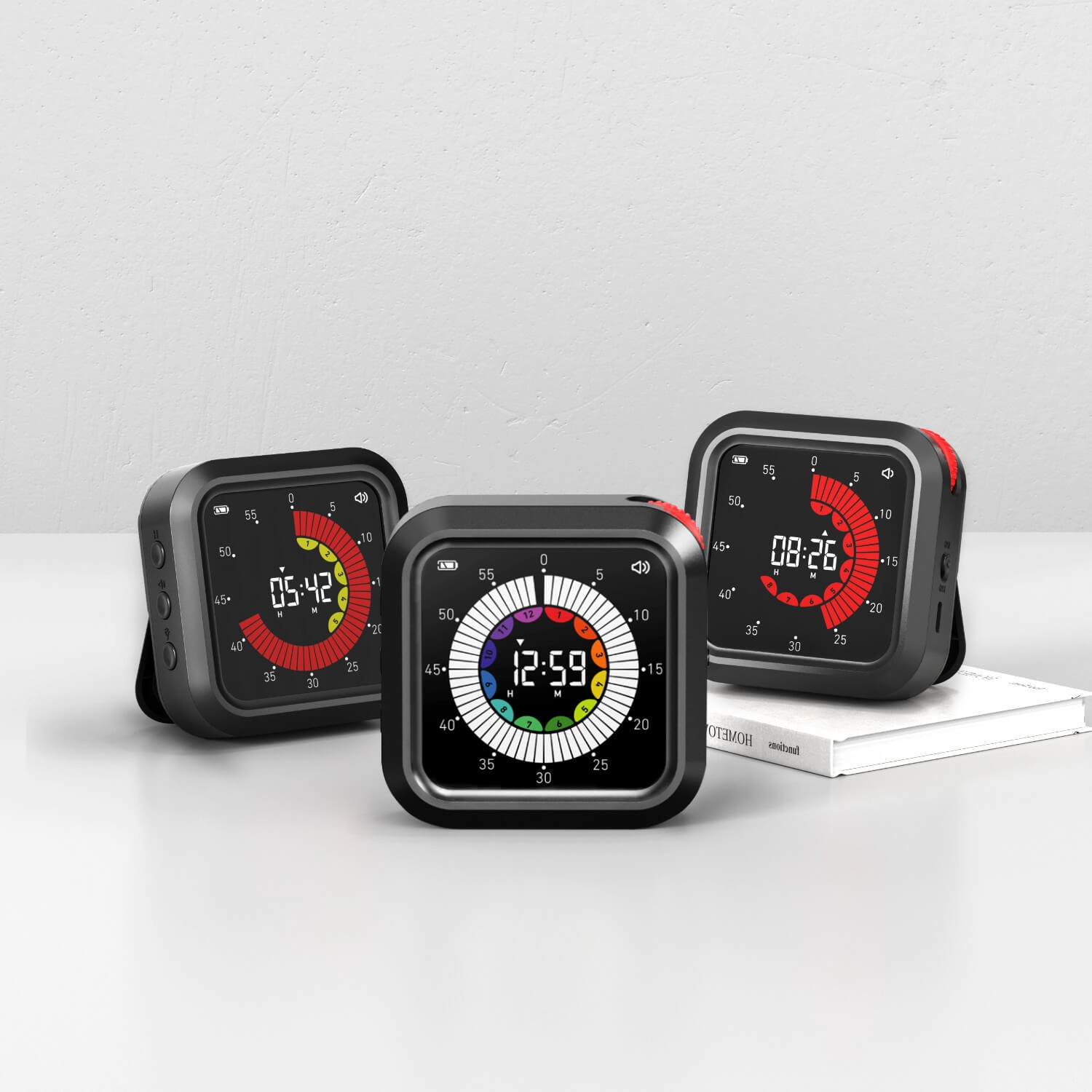
Look for visual timers that use a color-disk or color-bar countdown in addition to digits—these give instant time-left cues to early readers and students with executive-function challenges. Prioritize these physical attributes: a thick, shatter-resistant outer bezel, an acrylic or polycarbonate front, and a removable silicone bumper or rubberized housing that absorbs impact. Magnetic backs and a folding easel are practical so you can stick a timer to a whiteboard or set it on desks. Many classroom-grade visual timers are purposely simple (single 60-minute countdown, large color disk) which reduces failure points.
Why it matters: visual cues reduce the cognitive load for younger students and those with autism or ADHD; durability lowers replacement frequency. Examples of the features to request when ordering: 60-minute visual disk, 3–5 visible diameter color area, magnetic back, silicone bumper, and an easy-to-reset knob or single-button interface. When buying for a class, choose samples first and confirm a rugged casing and non-toxic materials suitable for frequent cleaning.
How do I pick a digital timer for kids that enforces quiet transitions for sensory-sensitive students?
Pain point: loud beeps or alarms can distress sensory-sensitive children or disrupt focused work.
Seek timers with adjustable audio volume, a “silent” or vibration-only mode, and visual alerts (strobe or flashing LED) as alternatives to sound. Vibration-based wearable timers (wrist or clip) let you cue a single student without disturbing the group. Another option is timers that allow custom tones (soft chimes or melodies) and gradual volume increase rather than abrupt loud beeps.
When comparing models, test these features in the real classroom: does mute truly silence all audible signals? Can the vibration be felt through clothing or a desk? Is the visual cue bright enough for the back of the room without being distracting? Prioritize an easy-to-access volume control and a persistent LED so staff can reliably use non-audio cues during sensitive activities.
Which digital timers for kids support multi-interval lessons or staggered group rotations in one device?
Pain point: teachers running stations need a timer that can handle multiple intervals (e.g., 7 minutes station A, 12 minutes station B) without constant manual resetting or multiple devices.
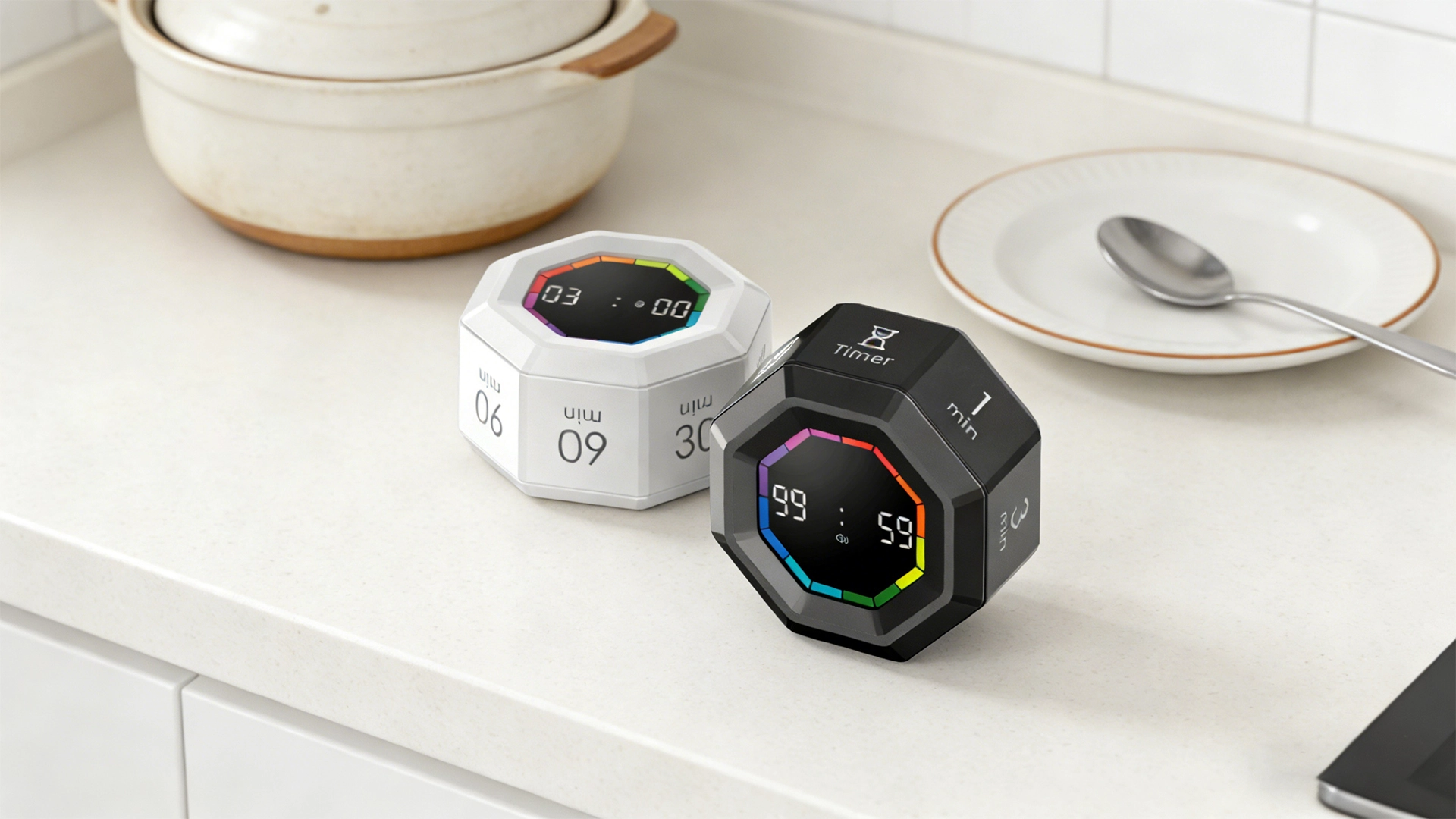
Look for timers that offer a multi-interval/sequence function, lap mode, or programmable presets. Good classroom units let you program 2–6 interval sequences with automatic progressions and an optional between-interval tone. Another practical workflow is small, identical standalone timers per table that are pre-set and synchronized by a teacher; the downside is management and storage.
For higher-end needs, consider timers with a teacher console or app that can push start/stop to multiple devices (Bluetooth or RF). These systems are more expensive but reduce teacher overhead for large classes and enable synchronized station changes. If you prefer simplicity, buy a batch of identical visual countdown timers (magnetic + stand) and label them—this provides the visual continuity students need for rotations without relying on complex programming.
Which digital timers for kids are easiest to sanitize and safe for frequent cleaning?
Pain point: during flu seasons and infectious disease outbreaks, teachers need timers that can be wiped frequently without damage or harboring germs.
Choose sealed designs with minimal seams and no open speaker grills. Timers rated water-resistant (look for IPx ratings when sellers provide them) or with a fully sealed front face are much easier to sanitize. Removable silicone sleeves or bumpers are useful because they can be wiped thoroughly or even laundered on low heat. Avoid timers with fabric covers or exposed battery compartments that require disassembly for cleaning.
Material guidance: smooth polycarbonate or ABS plastics wipe clean effectively. Request non-porous finishes and confirm the manufacturer’s recommended cleaning agents (isopropyl alcohol wipes vs. diluted bleach). For shared classroom equipment, choose units that tolerate routine 70% isopropyl alcohol wipes; when in doubt, ask suppliers for cleaning compatibility documentation before buying in bulk.
Can a digital timer for kids integrate with behavior charts or record individual student time-on-task data?
Pain point: modern classroom management seeks measurable data—teachers want to log how long students stay on tasks and tie that to behavior or progress charts.
Most basic standalone timers do not store usage logs. To capture time-on-task data you need either a smart timer with companion app/Bluetooth connectivity or a classroom management system that supports timers. Look for timers that advertise app connectivity, timestamped logs, or cloud sync. These allow you to export session durations per device and correlate them with a student ID in a separate behavior-tracking spreadsheet or LMS.
If app-connected smart timers aren’t within budget, implement a low-tech hybrid: pair visual timers with simple charting templates—teachers or aides can record start/stop times quickly and then transfer aggregated minutes into digital records. When shopping, request demo access to the companion software and confirm export formats (CSV or Excel) if you plan to integrate time data with your school’s analytics tools.
What are the best affordable bulk-buy digital timer options for classrooms under tight budgets?
Pain point: limited school budgets require balancing price with essential features (visibility, durability, mute options).
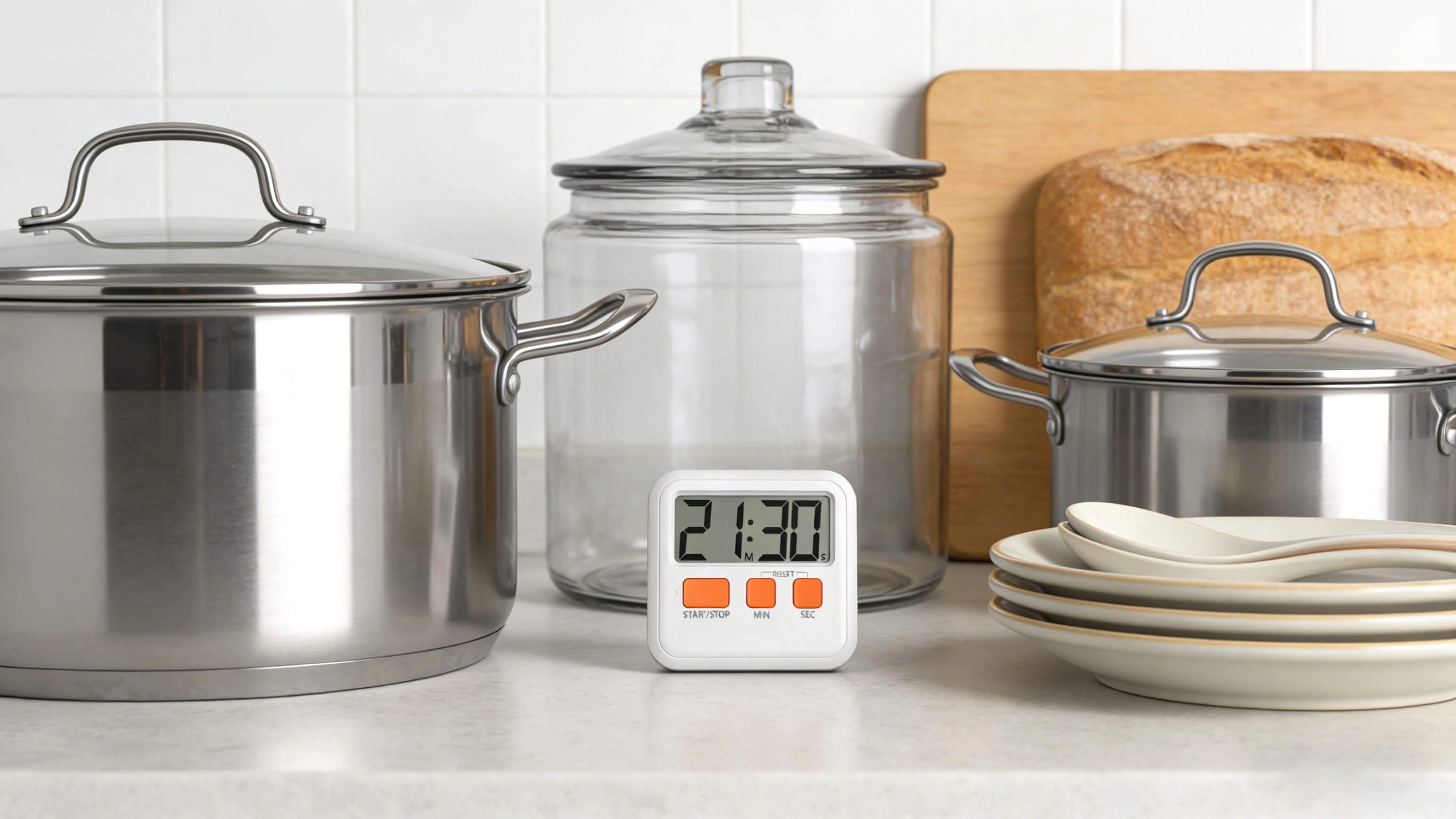
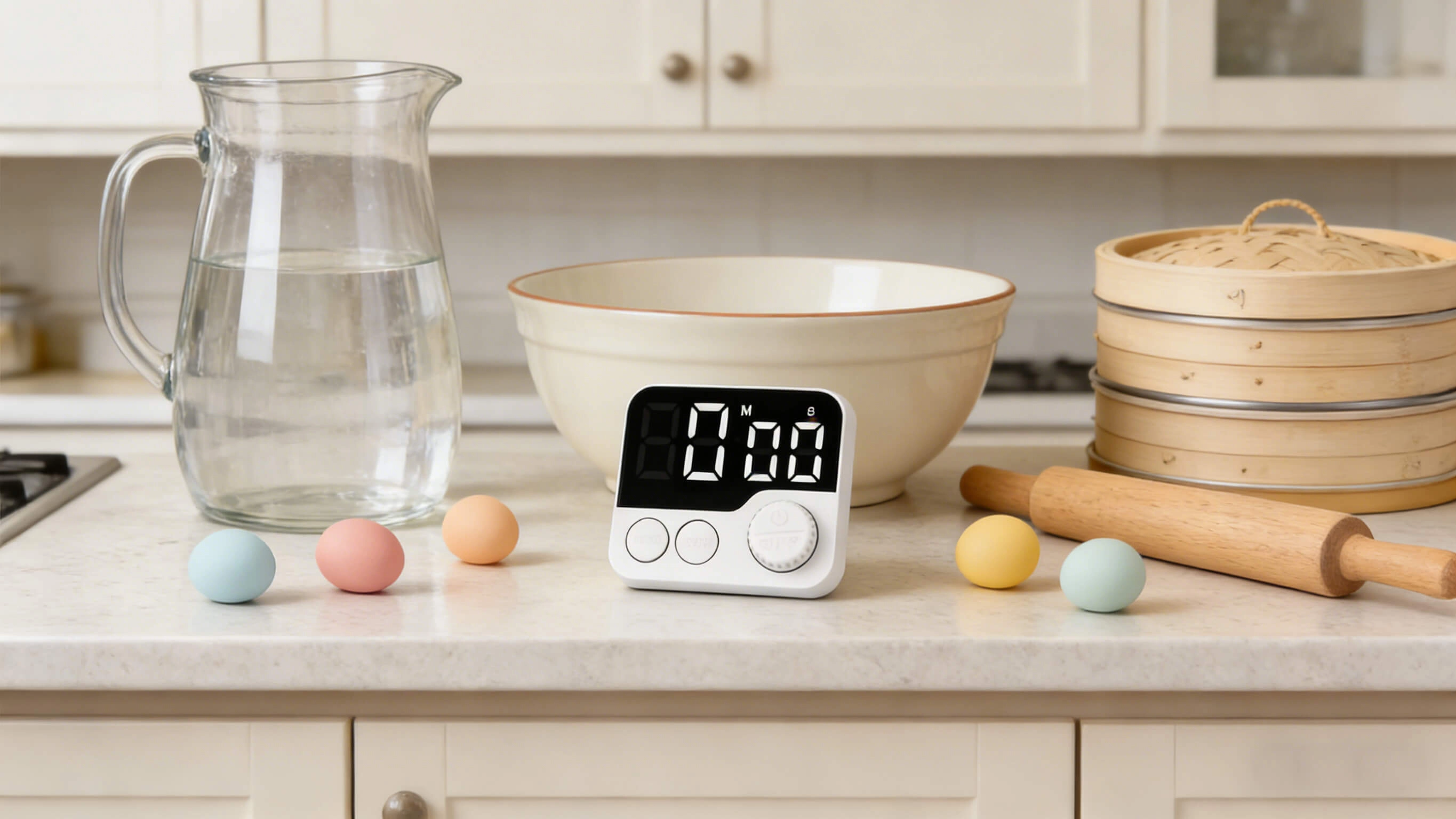
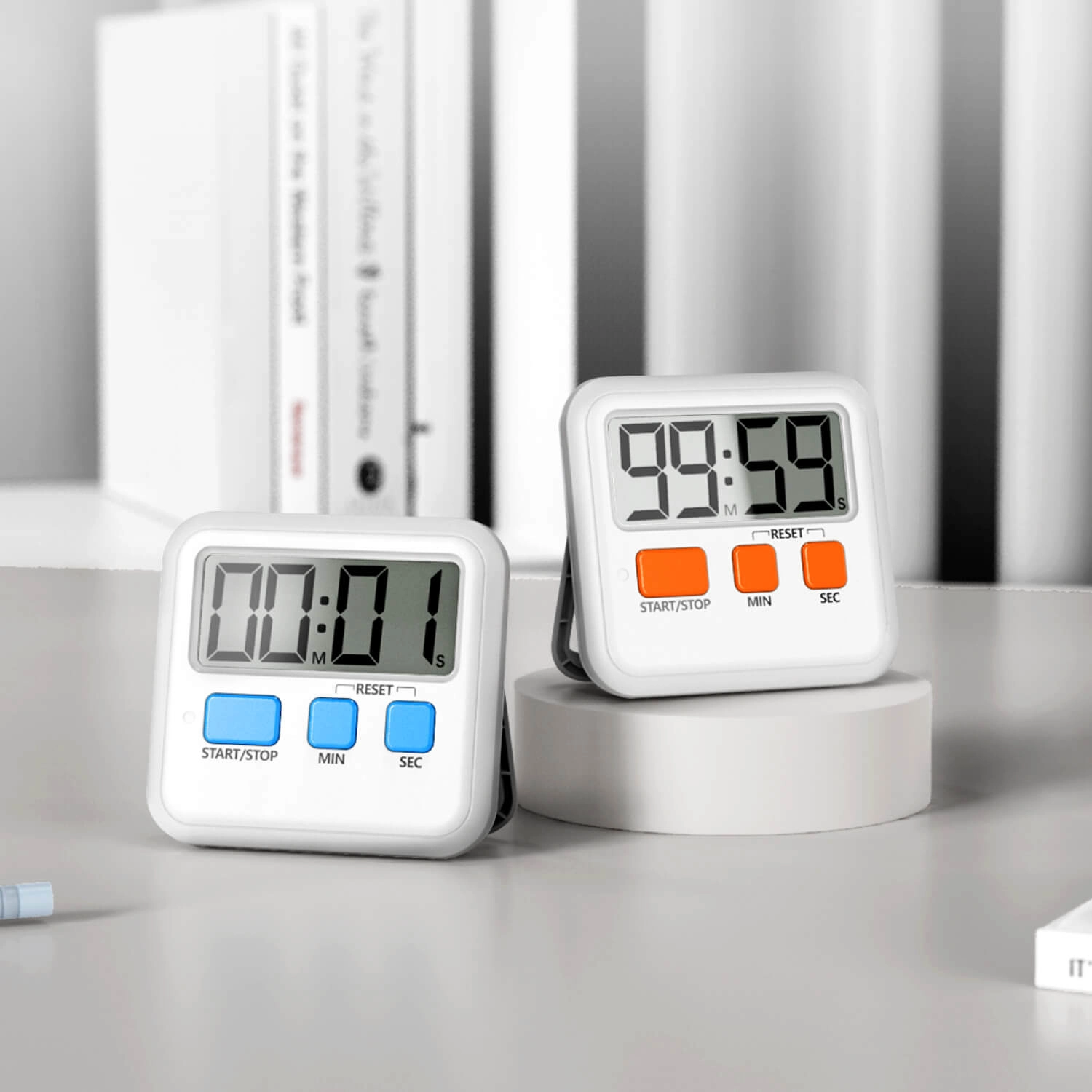
When cost is the primary constraint, prioritize core classroom features over extras: large digits or visible color area, durable casing, easy reset, and a mute option. Cheaper models achieve this with simple digital countdowns, basic alarms, and silicone bumpers. Buying in bulk from wholesalers or suppliers that support educational discounts reduces per-unit cost and often allows custom labeling (useful for inventory).
Procurement tips: request sample units before placing a larger order, ask about minimum order quantities (MOQ), warranty terms, and lead times. Consider units with replaceable batteries (AA/AAA) versus rechargeable models—rechargeables lower long-term cost but increase upfront spend and change cleaning/management routines. For guaranteed classroom suitability, include a clause in your purchase order for return or exchange on failure within a trial period.
Concluding summary — advantages of using digital timers for kids in classrooms: Digital and visual timers improve time management, reduce transition friction, support neurodiverse learners with consistent visual cues, enable quieter classroom routines via mute or vibration modes, and simplify station rotations with interval programming or multiple synchronized units. For budget-conscious classrooms, prioritizing visibility, durability, and sanitizable designs provides the best value while maintaining student engagement.
For bulk orders, custom branding, or a tailored recommendation based on your classroom size and needs, contact us for a quote at info@youbenlife.com or visit www.youbenlife.com.
Contacts
Sofia
WhatsApp/Phone
All
Do you offer OEM & ODM clock services?
Yes, we provide both OEM & ODM solutions, allowing clients to customize clock design, materials, packaging, and branding.
What types of clocks can you manufacture?
We manufacture a wide range of clocks, including wall clocks, desk clocks, digital clocks, and smart clocks.
Can I customize the clock design and logo?
Absolutely. We offer customization for clock appearance, structure, materials, and logo printing to perfectly match your brand.
What is the minimum order quantity (MOQ)?
Our standard MOQ varies depending on the model, usually starting from 200–500 pieces. Custom designs may require different quantities.
How do you ensure product quality?
All clocks undergo strict quality control, including time accuracy tests, durability checks, and packaging inspections before shipment.
Interested in this article?
Let’s talk.
Need specifications, pricing, or customization options? We’ll provide everything you need.
By clicking “Submit,” you agree to share your information with our authorized team to process your request.
Your data will only be used for necessary communication and support.

Youben life
Youben life