
Digital Visual Countdown Timer vs. Traditional Timers: Which Solution Fits Your Operation?
- How visual countdown displays compare with conventional timing tools
- Visibility and shared awareness
- Setup, alerts, and user interaction
- Accuracy, power, and operating conditions
- Match the timer format to the task and operating environment
- Production, service, and training workflows
- Accessibility, visibility, and human factors
- Comparison table for a first-round evaluation
- Build a procurement case around lifecycle value and supplier fit
- Specifications and quality checks to request
- How our product range can support selection
- Frequently Asked Questions
A digital visual countdown timer makes remaining time easier to see across a shared workspace, while traditional timers can offer simple, familiar operation with fewer display features. The right choice depends on viewing distance, ambient conditions, required alerts, timing accuracy, maintenance expectations, and how the device fits an existing process. For B2B buyers, the decision should be based on workflow tests and documented specifications rather than appearance alone: a production cell may benefit from a large, glanceable display, whereas a workstation needing only a basic elapsed-time prompt may be well served by a compact mechanical or conventional electronic timer.
How visual countdown displays compare with conventional timing tools
Both timer types perform the same basic job: they help people manage a defined interval. Their operational differences are in how time is set, displayed, signaled, and maintained. “Traditional timer” can mean a mechanical dial, a small electronic unit, or a timer integrated into another piece of equipment, so buyers should compare actual device specifications rather than assume every product in a category behaves alike.
Visibility and shared awareness
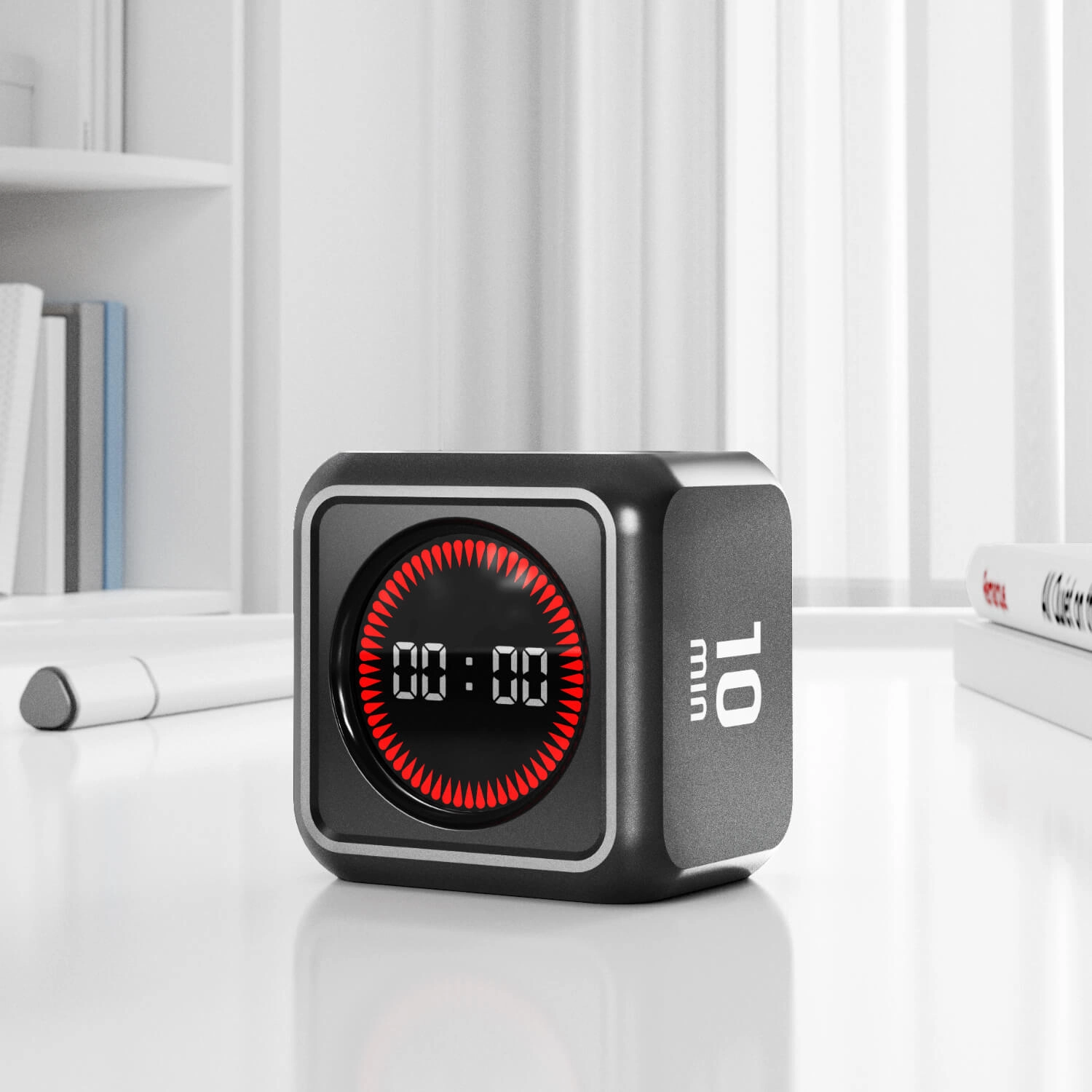
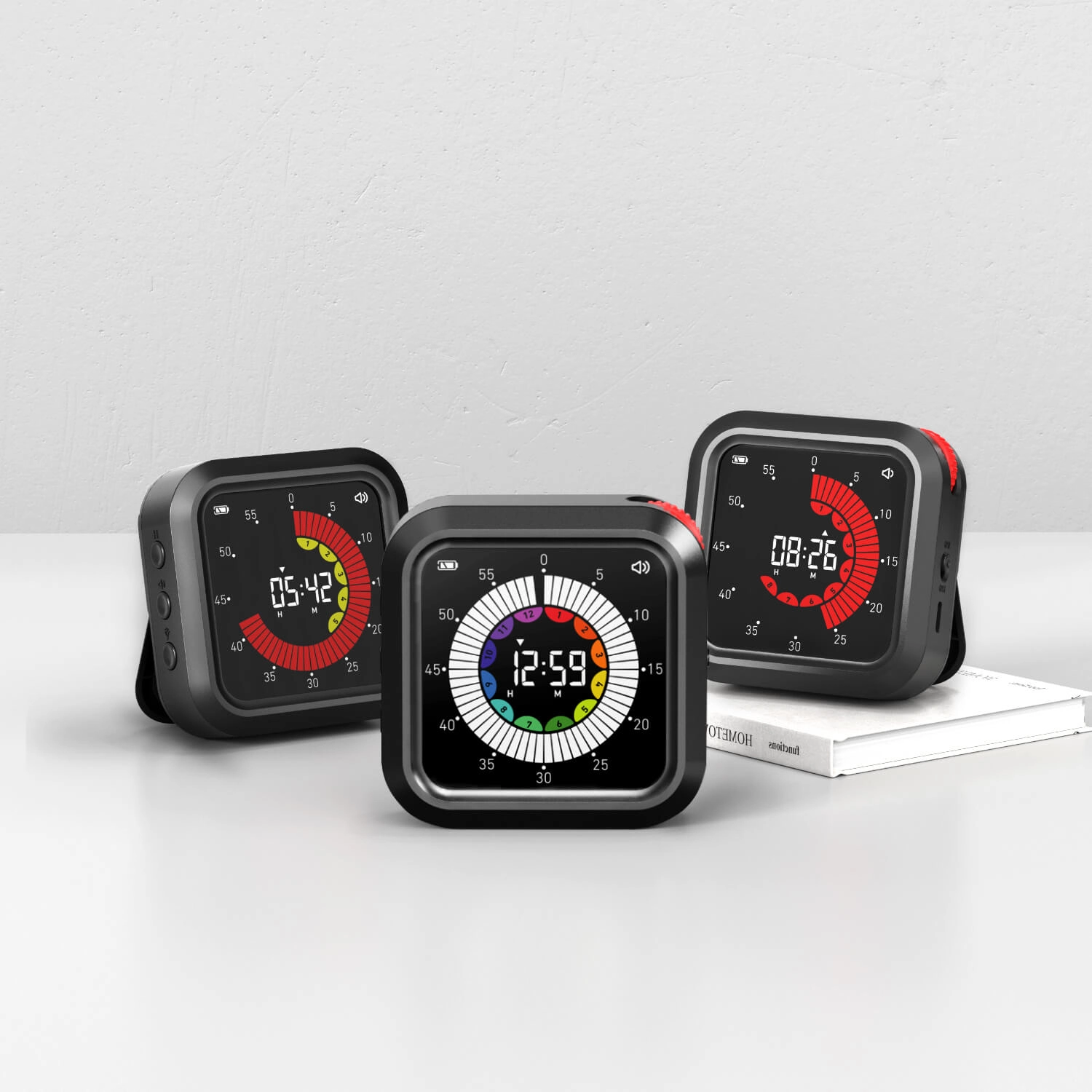
A prominent numerical display or changing visual indicator can make a countdown legible to several people at once. That can be useful in training rooms, kitchens, assembly areas, laboratories, and service counters where a supervisor or team needs to see progress without approaching the device. The benefit depends on display size, viewing angle, contrast, mounting position, and the distance between the timer and its users. A display that is technically large may still be hard to read in glare, from an oblique angle, or in a visually busy area.
Traditional dials and compact screens can suit one-person tasks where the operator is close to the device. They may also fit established routines where staff already know how to interpret a dial, indicator, or audible signal. The procurement question is not whether digital is inherently better, but whether more visible time information reduces missed handoffs, repeated checks, or dependence on verbal reminders in the specific work area.
Setup, alerts, and user interaction
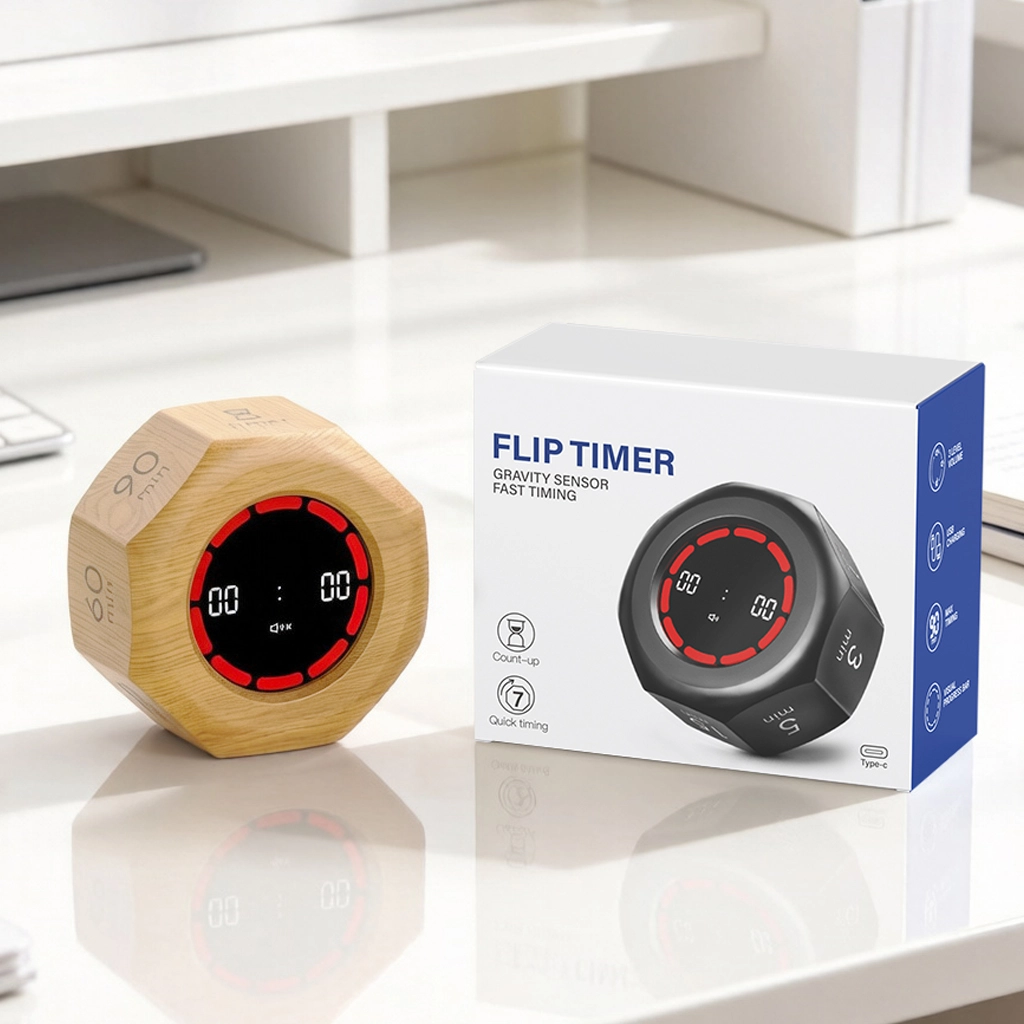
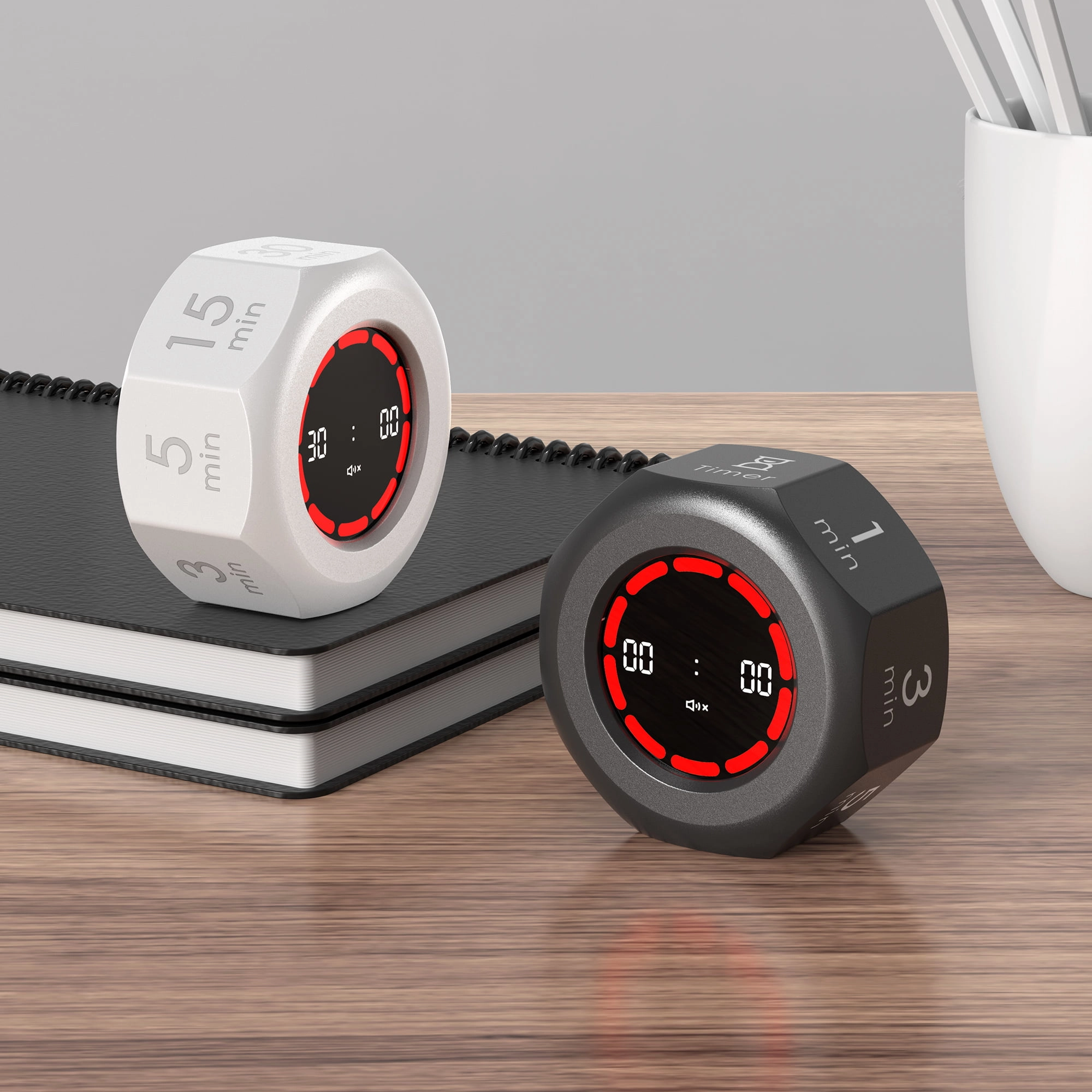
Electronic countdown products may provide options such as preset intervals, multiple alert modes, pause and restart controls, or a count-up function after the target interval ends. Those features vary by model and should be verified in the specification sheet. A traditional mechanical timer may be simpler to set and may avoid dependence on a display or electronic controls, but the user may have fewer options for alert configuration or repeatable presets. The simplest interface is often the one that matches the task and can be used correctly by temporary, rotating, or multilingual staff.
For shared operations, test the controls with the actual users who will set and reset the unit. Check whether buttons are distinguishable while wearing gloves, whether settings can be changed accidentally, and whether an alarm is noticeable without being disruptive. If a timer is used in a quiet office, classroom, or patient-facing environment, a loud alert may be a disadvantage; in a noisy production space, a subtle beep may go unheard. Visual and audible alerts should be evaluated against the real acoustic and lighting conditions.
Accuracy, power, and operating conditions
Timer accuracy requirements depend on the process. A short interval used as a staff reminder may tolerate a different level of precision than a documented test or controlled production step. Buyers should review the manufacturer’s stated accuracy, operating range, resolution, power source, and any applicable calibration or verification procedure. The National Institute of Standards and Technology explanation of time units provides a reliable reference for the SI unit of time, the second; it does not certify any particular commercial timer.
Power design is another practical distinction. Battery-powered devices are easy to place but require a replacement schedule and a way to identify low-battery conditions. Mains-powered models can reduce routine battery changes but depend on outlet access and may be less portable. In hot, cold, humid, dusty, or washdown environments, verify the product’s specified operating limits and enclosure rating rather than assuming that a digital display is suitable for industrial conditions. A timer should not be treated as a substitute for a validated control system when the process requires traceability, alarms, or safety interlocks.
Match the timer format to the task and operating environment
A useful selection process starts with the use case, not a preferred technology. Map who starts the timer, who needs to read it, what happens when the interval ends, and how the process is recorded. Then compare candidate devices against that workflow. This makes it easier to separate genuinely useful functions from features that add cost or complexity without improving the operation.
Production, service, and training workflows
In a production cell, a shared visual countdown may help teams coordinate changeovers, timed inspections, or work cycles when operators can see the unit from their stations. It should not, however, replace a machine control or safety system unless it is specifically designed, approved, and integrated for that role. In food operations, timing may support a documented procedure, but a standalone timer does not establish regulatory compliance. The FDA Food Code sets out food-safety provisions, including conditions for using time as a public health control; operators must follow the applicable code and local requirements rather than relying on a timer alone.
For training and focus sessions, an easy-to-read countdown can help participants understand how much time remains without repeatedly checking a phone or asking a facilitator. A dedicated pomodoro timer may be appropriate when work is organized into repeated focus and break intervals. In service settings, a discreet unit may be preferable if a large display or frequent alarm would distract customers. Each scenario has different priorities, so procurement teams should identify whether the main objective is coordination, routine reminders, focus management, or process documentation.
Accessibility, visibility, and human factors
Readable numerals, clear contrast, intuitive controls, and predictable alert behavior can reduce avoidable user errors. Evaluate the device at its intended mounting height and viewing distance, including under the brightest and dimmest conditions expected in normal operation. If operators have varied visual, hearing, or dexterity needs, include them in product trials. A visual indicator can complement an audible signal, but it should not be assumed to meet every accessibility need without checking the specific context and applicable requirements.
For handwashing reminders, for example, the Centers for Disease Control and Prevention guidance on handwashing recommends scrubbing with soap for at least 20 seconds. A timer can support that routine, but placement, ease of activation, cleaning compatibility, and staff habits determine whether it helps in practice. Similar human-factor considerations apply to laboratories, classrooms, care environments, and shared workstations: the device must be visible and usable where the task actually happens.
Comparison table for a first-round evaluation
The table below compares common selection characteristics. Product capabilities vary by model, so specifications and an on-site trial should confirm whether a particular device meets the operation’s needs.
| Evaluation criterion | Visual digital countdown | Traditional timer | Procurement question |
|---|---|---|---|
| Time visibility | May provide large numerals or a changing visual cue for shared viewing | May use a dial, small screen, or indicator intended for close viewing | Can the intended users read it from their normal positions? |
| Setting and repeat use | May support digital controls, presets, or additional modes, depending on model | May offer a familiar, direct setting method with fewer options | Which controls can staff use correctly with minimal instruction? |
| Alerts | May combine visual and audible signals; confirm the available modes | May provide a bell, beep, or other signal depending on design | Will the alert be noticed without disrupting nearby work? |
| Power and upkeep | May require batteries or a power connection and display-related checks | Mechanical models may avoid batteries; electronic versions still require power | What is the replacement, inspection, and downtime plan? |
| Best-fit use | Shared work areas where remaining time needs to be visible at a glance | Individual tasks or established routines needing a basic interval reminder | Does the device improve the workflow enough to justify its cost? |
Build a procurement case around lifecycle value and supplier fit
Purchase price is only one part of the decision. Buyers should estimate the full lifecycle cost, including batteries or power accessories, expected replacement frequency, staff instruction, cleaning and maintenance, spare-unit availability, and the cost of interruptions if a timer fails. A lower-cost unit may be suitable for a low-risk reminder, while a shared or high-use location may justify a more visible, robust device if its documented features support the process. Avoid assigning savings without operational evidence; where possible, pilot the selected format and compare missed intervals, user feedback, and upkeep over a defined period.
Specifications and quality checks to request
Before issuing a purchase order, request a clear product specification covering display dimensions, viewing angle if available, timer range, resolution, stated accuracy, alarm options, power requirements, operating conditions, materials, and warranty terms. Ask how the supplier defines and tests any accuracy claim, and whether instructions explain battery replacement, reset behavior, and maintenance. For multi-site procurement, confirm that the same model and configuration can be supplied consistently and that replacement units will remain available.
Where the timer supports a regulated or quality-controlled process, document the device’s role and the operator’s verification steps. Establish who checks settings, how a failed or depleted unit is identified, and what backup method is used. The appropriate level of documentation depends on the process and governing requirements. A consumer-style countdown unit should not be presented as a calibrated instrument or validated safety control unless its documentation and intended use support that claim.
How our product range can support selection
Our product range includes digital timers, pomodoro timers, thermo-hygrometers, and temperature and humidity monitors. These product categories address related measurement and time-management needs, but each device has a distinct purpose: a timer supports interval management, while environmental monitors report conditions such as temperature and relative humidity. Keeping those functions clear helps buyers select the right instrument for each task instead of expecting one product to perform unrelated monitoring or compliance functions.
For a project evaluation, our team can help buyers compare product specifications against the required timing range, display visibility, operating environment, power arrangement, and intended user workflow. Procurement teams should share the use case, target quantity, installation conditions, and any required documentation so the product review can focus on relevant criteria. Before final selection, confirm model-specific capabilities, availability, packaging, and warranty details directly with the supplier. This evidence-led approach supports a practical purchase decision without relying on unverified claims about accuracy, durability, or regulatory suitability.
To identify a suitable timer or related monitoring product for your operation, contact our team with your application requirements or review our product range.
Frequently Asked Questions
What is the main difference between a visual digital countdown timer and a traditional timer?
A visual digital countdown timer may provide large numerals or a changing visual cue that several people can read, while a traditional timer may use a mechanical dial, small screen, or indicator. Actual features vary by model, so buyers should compare device specifications and test readability in the intended workspace.
Are digital countdown timers more accurate than traditional timers?
Not automatically. Accuracy depends on the specific device and its stated specifications. Buyers should check the manufacturer’s accuracy claim, resolution, operating conditions, and any verification procedure against the requirements of the task.
Can a timer be used to meet food-safety requirements?
A timer can support a documented food-safety procedure, but a standalone timer does not establish regulatory compliance. Operators must follow the applicable food code and local requirements, including any conditions that apply when time is used as a public health control.
What should buyers check before purchasing a timer for a noisy workplace?
Evaluate alert audibility in the actual work area, alongside display visibility, viewing distance, ambient light, controls, power requirements, operating conditions, and maintenance needs. A visual cue may complement an audible alert, but the specific model should be tested with its intended users.
When is a traditional timer a suitable choice?
A traditional timer may suit an individual task or an established routine that needs a basic interval reminder and does not require a shared, highly visible countdown. The choice should reflect user familiarity, required functions, and the operating environment.
What specifications should a B2B buyer request from a timer supplier?
Request the timer range, resolution, stated accuracy, display and alert options, power requirements, operating conditions, materials, warranty terms, and instructions for maintenance and battery replacement. If the timer supports a controlled process, also clarify the supplier’s basis for accuracy claims and the product’s intended use.
How Brands Compare Custom Pomodoro Timer Suppliers
Gravity Flip Timer Manufacturer Guide: How Gravity-Activated Digital Timers Work
Certifications for Pomodoro Digital Timers: CE, RoHS, FCC
Waterproof and Heat-Resistant Timers for Professional Kitchens
Interested in this article?
Let’s talk.
Need specifications, pricing, or customization options? We’ll provide everything you need.

Youben life
Youben life