
Digital Visual Countdown Timer Installation and Maintenance Considerations
- Planning the installation of a visible countdown display
- Define the use case, audience, and viewing conditions
- Check power, mounting, and environmental requirements
- Specify readability and access before procurement
- Commissioning and ongoing care for timer equipment
- Use a documented commissioning checklist
- Build preventive maintenance around the site
- Compare common power and installation approaches
- Supplier selection and product fit for business applications
- Evaluate specifications, documentation, and support
- Match product families to the wider timing and monitoring need
- Plan total cost of ownership, not only unit cost
- Frequently Asked Questions
A digital visual countdown timer installation should be planned around the environment, viewing distance, power arrangement, and operating task—not simply the display size. For facility owners, integrators, and distributors, the key decisions are where the countdown will be seen, how the device will be powered and mounted, whether its enclosure suits the location, and how staff will verify operation over time. A sound process covers site assessment, electrical and mechanical installation, commissioning, preventive maintenance, and supplier documentation so that the countdown remains readable, reliable, and appropriate to the workflow.
Planning the installation of a visible countdown display
Define the use case, audience, and viewing conditions
Begin with the task the display must support. A production line may need a large, continuously visible cycle indicator, while a training room may need a timer that can be set quickly between sessions. A shared workspace could prioritize simple controls and clear status at a distance. These use cases affect digit height, display color, control placement, count-up or countdown behavior, and whether an audible signal is appropriate. The specification should describe who sets the timer, who relies on it, and what happens when the interval ends.
Assess the actual viewing environment rather than relying on a product photograph. Measure the farthest routine viewing position and check sightlines from seated and standing locations. Glare from windows, reflective surfaces, bright task lighting, and competing signs can all reduce legibility. In a space where people move through several viewing angles, a display facing a single operator may not serve the whole audience. Where the timing function is safety- or process-critical, the timer should complement documented procedures rather than act as the only control or warning.
Check power, mounting, and environmental requirements
Before ordering, compare the manufacturer’s electrical specifications with the available supply and installation method. Confirm input voltage, current or power consumption, connector type, cable length, and whether the unit uses a supplied adapter, replaceable batteries, or fixed wiring. Electrical work must follow applicable local codes and be performed by qualified personnel where required. In the United States, OSHA’s electrical requirements address installation and use of electrical equipment in workplaces; project teams should also verify jurisdictional rules and the product instructions.
Mechanical planning matters just as much. Select a mounting surface that can support the device and withstand expected vibration, accidental contact, and routine cleaning. Keep controls accessible without placing the unit where people can snag cables or strike it with carts and equipment. For outdoor, washdown, dusty, or humid locations, review the enclosure’s stated ingress-protection rating and installation limits. The IEC explanation of IP ratings describes how these classifications indicate protection against solid objects and water; an IP designation should be matched to the real exposure rather than treated as a general measure of product quality.
Specify readability and access before procurement
Display legibility depends on more than nominal digit height. Buyers should compare viewing distance, contrast, color, brightness adjustment, viewing angle, and ambient illumination. Excessive brightness can cause glare in dim areas, while a display that is too dim may disappear in a bright production space. When the timer is used by people with different visual abilities, assess contrast and character clarity in the installed context and provide alternative communication or process controls where the timer conveys important operational information.
Access for setting and servicing should also be included in the layout. A high-mounted display may be easy to see but difficult to configure, so verify whether controls are on the unit, available through a remote, or managed through another interface. Confirm whether the product can retain settings after loss of power and whether it resumes, resets, or requires manual restart. Those behaviors affect shift handovers and recovery procedures and should be recorded in the purchasing specification.
Commissioning and ongoing care for timer equipment
Use a documented commissioning checklist
After installation, inspect the mounting, cable routing, power connection, labels, and access to controls before placing the timer into service. Set representative intervals and verify that start, pause, reset, and end-of-count behavior match the intended workflow. Check that the displayed digits can be read from the agreed positions under normal lighting, and test any optional alarm or signal at a safe, appropriate level. If several units are installed, apply a consistent naming or asset-identification method so that maintenance records can be tied to the correct device.
Timekeeping expectations should be realistic. A countdown device measures or displays elapsed intervals according to its internal design; it is not automatically a traceable clock or a synchronized reference. The NIST overview of UTC and time realization explains the systems used to establish and disseminate coordinated time. For ordinary interval timing, buyers should confirm the product’s stated accuracy and intended use. For regulated or tightly coordinated operations, specify whether synchronization, calibration evidence, or a controlled master time source is required.
Build preventive maintenance around the site
Maintenance frequency should reflect the operating environment, usage, and consequences of failure. A clean office may require only periodic inspection, while a dusty workshop or frequently handled unit may need more frequent checks. A practical schedule can include gentle cleaning with materials approved by the manufacturer, inspection for cracked housings or loose mounts, cable and connector checks, verification of buttons and display segments, and a functional countdown test. Do not use solvents, abrasive pads, or liquid directly on openings unless the product instructions explicitly permit them.
Record the date, asset identifier, inspection result, fault symptoms, corrective action, and the person responsible. If batteries are used, follow the specified battery type and replacement procedure; remove depleted batteries promptly where the instructions require it. If the timer loses settings, displays incomplete digits, restarts unexpectedly, or becomes difficult to read, document the condition and assess whether repair or replacement is more economical. A simple log helps identify repeat failures and supports planned procurement instead of urgent, unbudgeted replacement.
Compare common power and installation approaches
The most suitable configuration depends on the location and operating routine. The following comparison describes general trade-offs, not universal product performance; buyers should validate the details against each supplier’s datasheet and installation instructions.
| Configuration | Typical advantages | Points to verify |
|---|---|---|
| Plug-in power adapter | Often supports straightforward installation where a suitable outlet is available. | Confirm outlet access, adapter placement, cable management, and the specified supply ratings. |
| Battery-powered unit | Can avoid a nearby mains outlet and may simplify placement in temporary or mobile settings. | Check battery life information, replacement access, low-battery indication, and behavior after power loss. |
| Fixed or hardwired supply | May suit a permanent installation designed around a dedicated power connection. | Confirm local electrical requirements, qualified installation needs, isolation method, and service access. |
| Wall or panel mounting | Can provide a stable, designated viewing position for a shared workspace. | Assess structural support, sightlines, vibration, mounting hardware, and access to controls. |
| Portable or desktop placement | Can support changing work areas and short-term use without permanent mounting. | Consider tipping, accidental movement, cable hazards, and visibility from all required positions. |
Supplier selection and product fit for business applications
Evaluate specifications, documentation, and support
Procurement teams should request a complete, comparable specification rather than selecting by price or appearance alone. Useful details include dimensions, display type, digit height, power input, operating conditions, enclosure rating where applicable, control functions, time accuracy, warranty terms, and included accessories. Ask for the operating manual and installation guidance before purchase so that facilities teams can check clearances, mounting, and power compatibility. For larger deployments, clarify packaging, labeling, spare-unit availability, lead time, and the process for reporting quality issues.
Product qualification should match the level of operational risk. A timer used for informal work intervals has different assurance needs from equipment that supports a documented manufacturing sequence. Buyers should identify whether the unit is a visual aid, a process indicator, or part of a controlled system, and avoid assuming that a consumer display provides industrial communications, synchronization, or environmental protection unless those features are explicitly documented. Where a third-party test report or compliance declaration is required, state that requirement in the request for quotation and verify the document’s scope and applicability.
Match product families to the wider timing and monitoring need
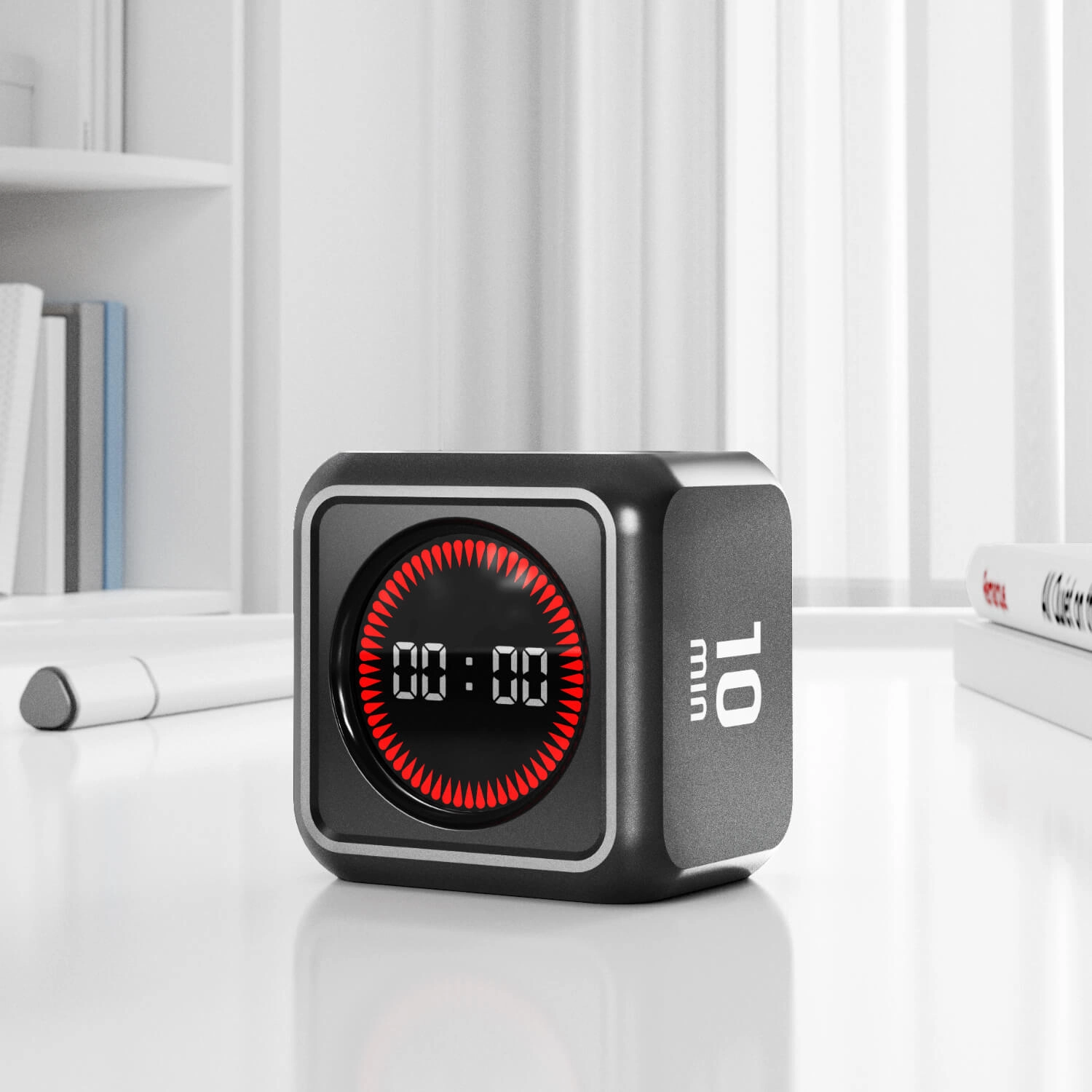
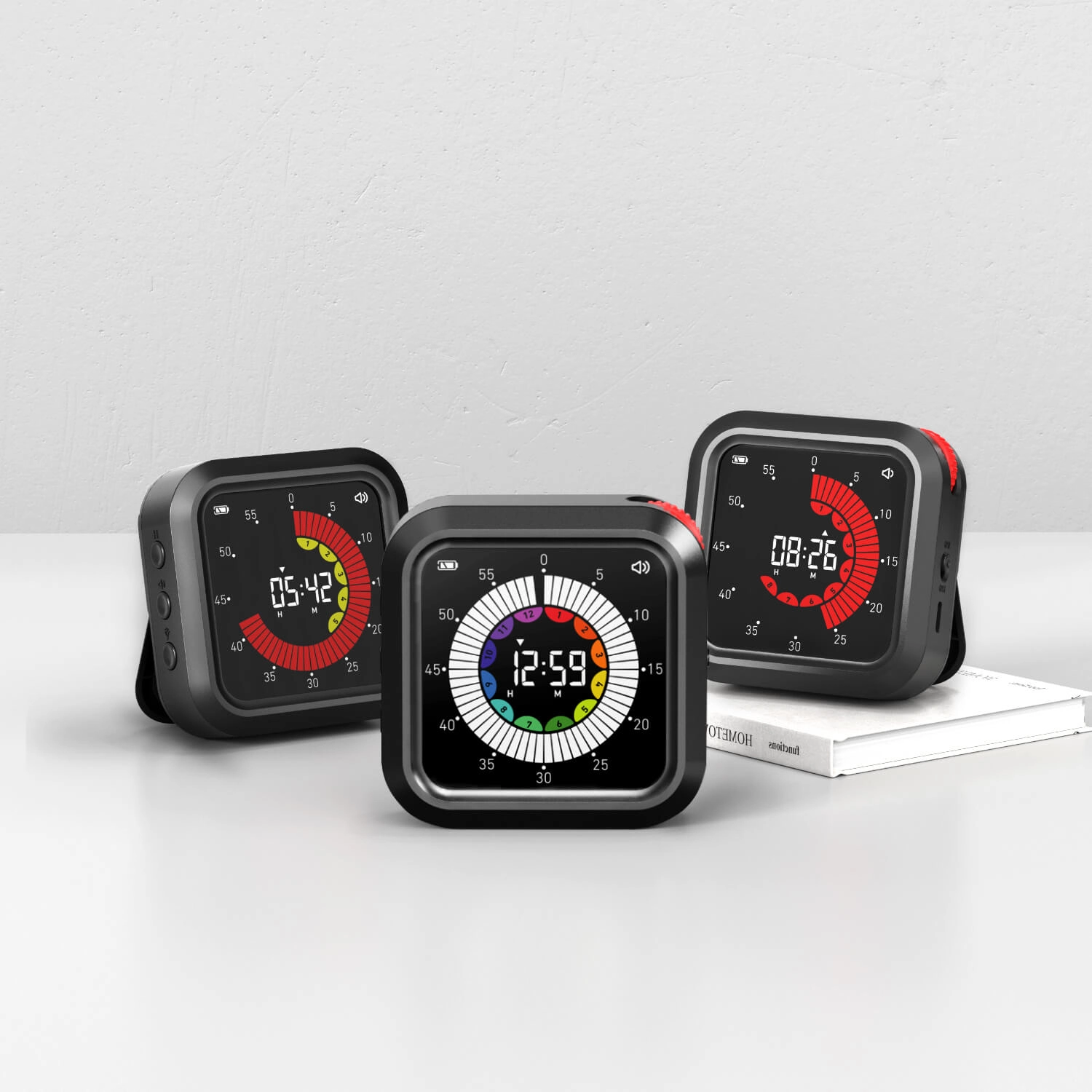
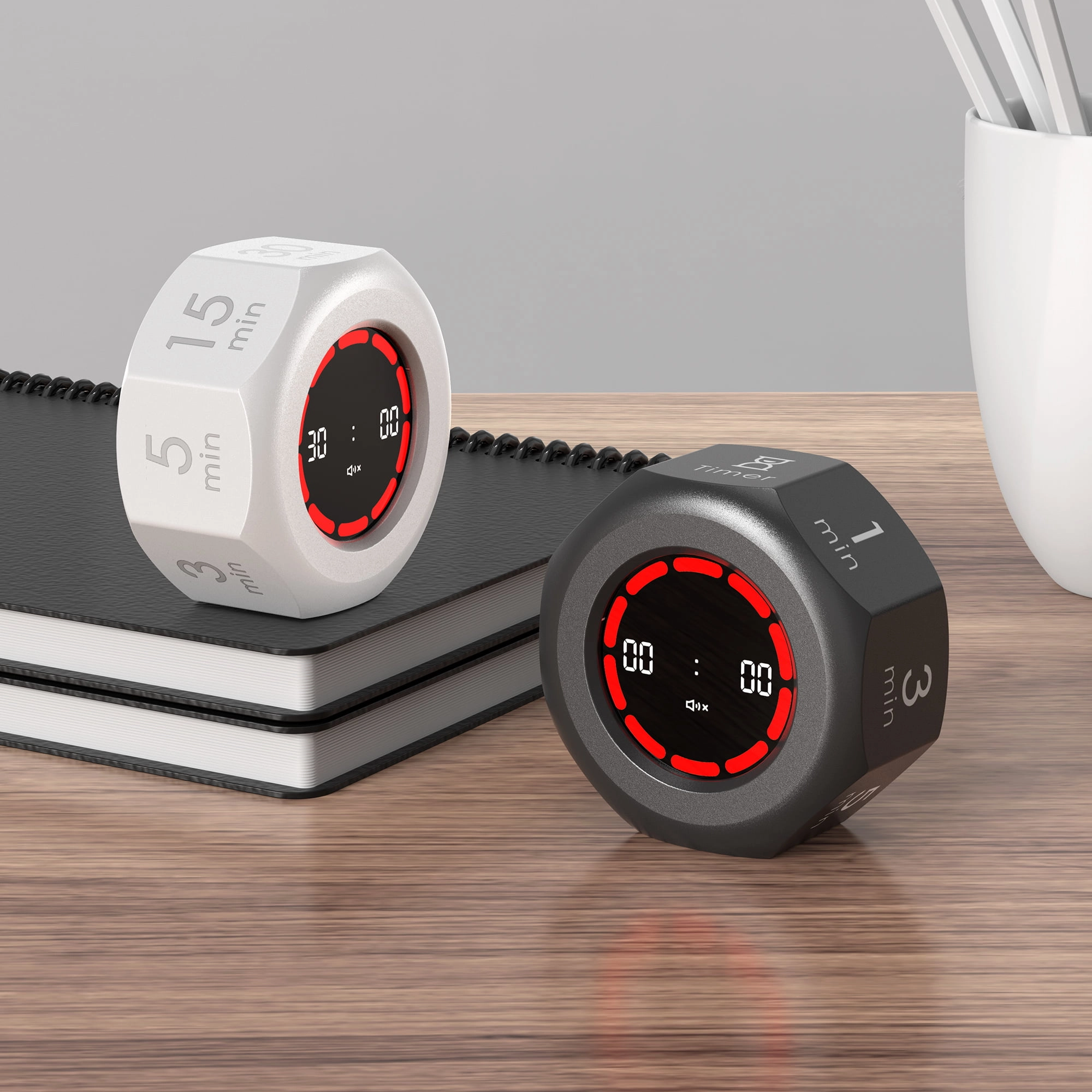
Our product range includes Digital Timer and pomodoro timer options alongside thermo hygrometer and temperature humidity monitor products. These categories address related but distinct needs: interval timing, structured focus sessions, and environmental measurement. Buyers can use this product-family view to plan complementary equipment for offices, classrooms, retail environments, and operational spaces, while confirming the individual model’s functions and specifications before purchase. A timer should not be treated as a temperature or humidity sensor, and a monitor should not be assumed to provide countdown functions unless the relevant product documentation says so.
For a project that includes several product types, our team can help buyers organize requirements by application, quantity, installation setting, and required documentation. Clear requirements make it easier to compare models consistently and reduce the risk of ordering a display that is difficult to read, mount, power, or maintain at the intended site. Before final approval, confirm the exact configuration, accessories, packaging, and support arrangements in writing so that the delivered products match the project specification.
Plan total cost of ownership, not only unit cost
A lower initial price may not represent the best purchasing outcome if the model needs frequent battery changes, requires an additional mounting bracket, is hard to clean, or cannot be read from the required distance. Compare purchase price with installation labor, accessories, expected maintenance, replacement availability, and the operational impact of downtime. Standardizing models across multiple locations can simplify training and spare-parts management, provided the same model is suitable for each site’s power and environmental conditions.
Before a volume order, consider approving a representative sample or pilot installation. A short site trial can reveal glare, control-access, cable-routing, or mounting issues that are not apparent in a specification sheet. Capture user feedback and revise the deployment plan before extending it to additional locations. This approach gives procurement, facilities, and end users a shared basis for acceptance and helps prevent avoidable rework.
Contact our team to discuss application requirements or review our Digital Timer, pomodoro timer, thermo hygrometer, and temperature humidity monitor products for your project.
Frequently Asked Questions
What should buyers check before installing a countdown display?
Confirm the intended task, viewing distance and sightlines, ambient lighting, power supply, mounting surface, environmental exposure, control access, and behavior after power loss. Check the manufacturer’s specifications and local installation requirements before ordering and installing.
How can a timer display remain readable in a bright or shared workspace?
Assess digit size, contrast, color, brightness adjustment, viewing angle, glare, and the farthest routine viewing position in the actual installation area. Verify readability from the required positions under normal lighting before approving a full deployment.
How often should a countdown timer be maintained?
Set maintenance frequency according to the operating environment, usage, and consequences of failure. A maintenance routine can include approved cleaning, checks for housing or mounting damage, cable and connector inspection, button and display tests, and a functional countdown test.
Does a countdown timer provide synchronized or traceable time?
Not automatically. A countdown device displays intervals according to its internal design and should not be treated as a traceable clock or synchronized reference unless the manufacturer documents those capabilities. Confirm accuracy and synchronization requirements for the intended application.
What power configuration is best for a countdown timer installation?
The choice depends on the site and workflow. Plug-in adapters require a suitable outlet and safe cable routing; battery units need a replacement and power-loss plan; fixed wiring requires compliance with applicable electrical rules and suitable service access. Compare the product documentation with site conditions.
What information should be included in a timer procurement specification?
Include the intended use, dimensions, digit height, display and control functions, power input, operating conditions, mounting method, enclosure rating where applicable, stated time accuracy, warranty, accessories, manuals, and any required compliance or test documentation.
Comparing Electronic Kitchen Timer Manufacturers & Suppliers
Complete Buyer's Guide to Timers OEM & ODM Services
Bulk Sourcing Pomodoro Digital Timers: Cost, MOQ & Tips
Wholesale digital timer with alarm and memory manufacturer and supplier

Interested in this article?
Let’s talk.
Need specifications, pricing, or customization options? We’ll provide everything you need.

Youben life
Youben life