
What Is a Digital Visual Countdown Timer? Key Features, Uses, and Benefits
- How visual time displays work and what to evaluate
- Display formats, readability, and visibility
- Controls, timing functions, and alerts
- Power, mounting, and environmental fit
- Where countdown displays add practical value
- Workplaces, meetings, and focused task sessions
- Education, service, and production workflows
- Comparing common time-management options
- Procurement, implementation, and product fit
- Build a buyer specification and acceptance test
- Implementation and operational limits
- How our product range can support selection
- Frequently Asked Questions
A digital visual countdown timer shows how much time remains through a numeric display, a colored ring, a shrinking visual field, or a combination of cues. Unlike a clock that reports the current time, this type of device makes a defined interval visible to operators, students, customers, or production teams. Buyers should evaluate display visibility, setting range, controls, alert options, mounting, power source, and intended environment before procurement. It can support task pacing, shift coordination, training, meetings, and service workflows, but it is not a substitute for a regulated safety alarm, a calibrated instrument, or a documented process.
How visual time displays work and what to evaluate
A countdown display starts from a selected duration and reduces the remaining interval until it reaches zero. The core function is simple, but the interface determines whether users can read and operate the device quickly. A compact kitchen timer may suit an individual workstation, while a wall-mounted unit with large digits or a high-contrast color field may be easier to interpret across a shared room. Selecting the right format starts with the actual viewing distance, lighting, user population, and task urgency.
Display formats, readability, and visibility
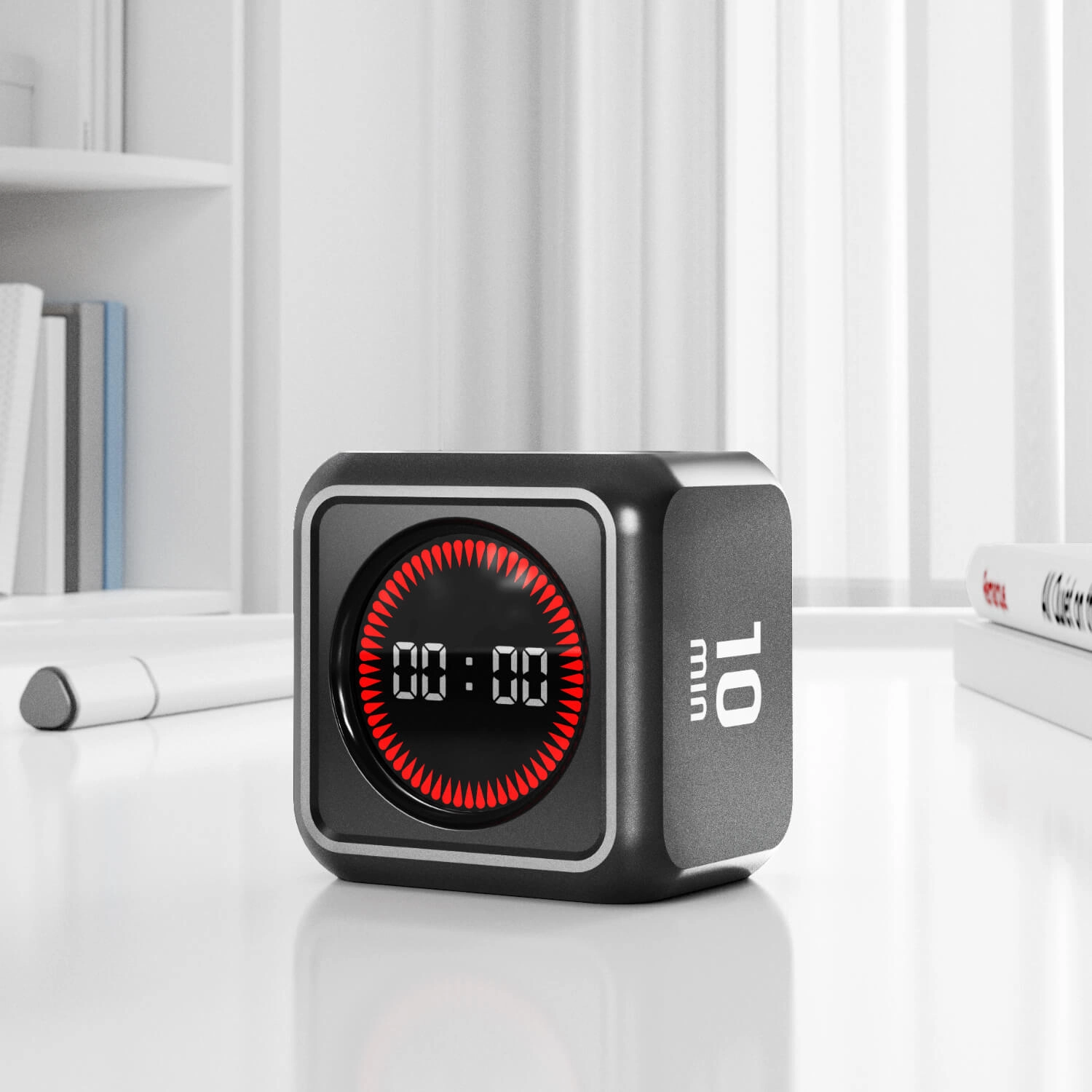
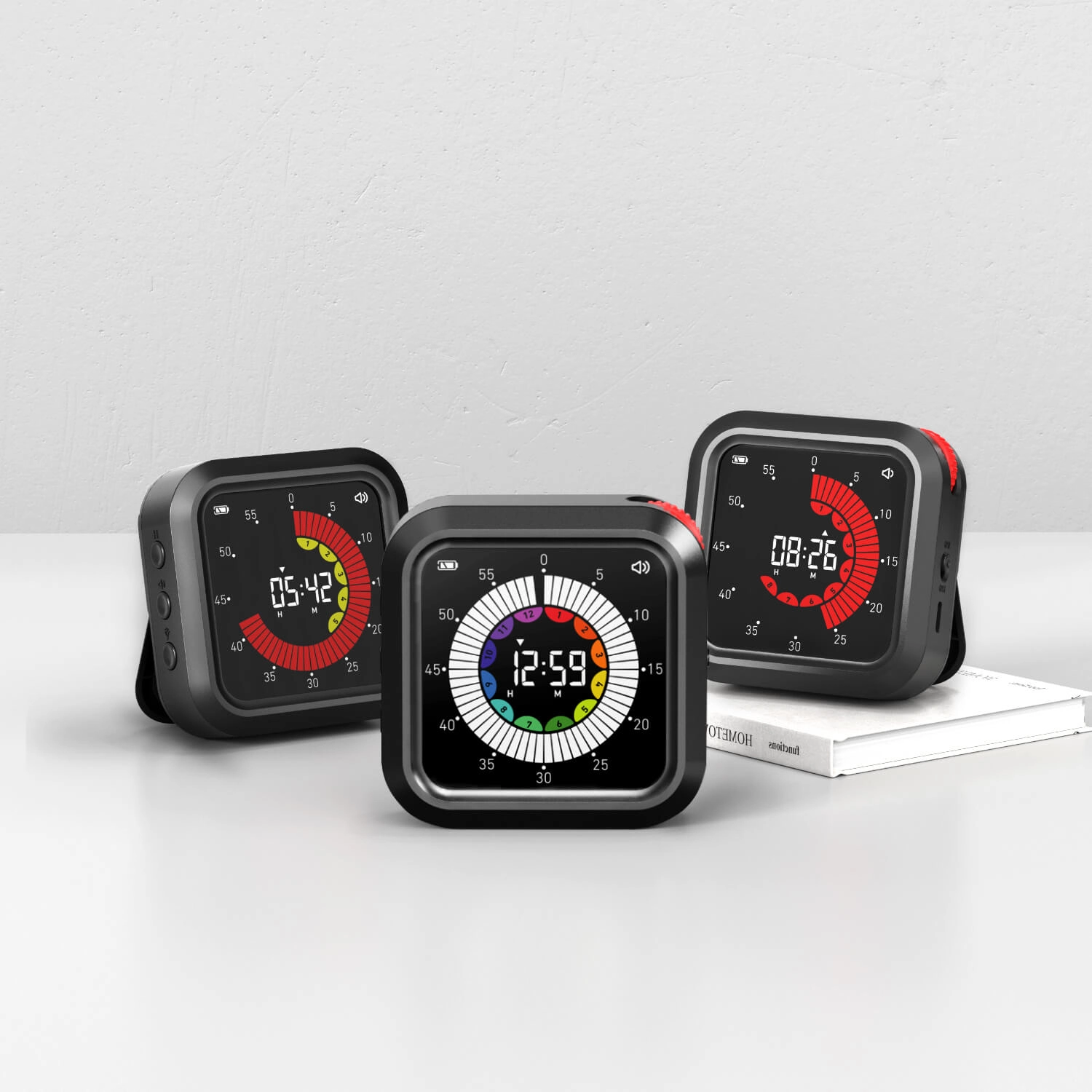
Numeric displays communicate precise remaining minutes and seconds, which can be useful for timed steps or short service targets. A graphical arc or shrinking colored area gives users a quick sense of progress without requiring them to read small digits. Some devices combine both formats. This can benefit shared spaces, where a person across the room may notice the visual field while someone nearby checks the exact time. Buyers should review digit height, viewing angle, contrast, glare, and whether colors remain distinguishable for users with color-vision differences.
Placement is part of display performance. A device that is technically bright enough may still be difficult to read when mounted too high, positioned behind equipment, or exposed to reflections. For procurement trials, test the unit from the furthest routine viewing point and under the facility’s normal lighting conditions. If the timer is used in a noisy environment, visual status becomes especially useful, but it should not be treated as an emergency notification system unless it has been specifically designed and approved for that purpose.
Controls, timing functions, and alerts
Common functions include count-up and countdown modes, adjustable duration, start, pause, reset, and an audible signal at the end of an interval. Other models may offer repeat cycles, multiple preset durations, or a remote control. Simpler controls can reduce training needs and accidental inputs; more advanced functions may be valuable when teams repeat the same sequence throughout a shift. Buyers should check whether the user can adjust the timer while it is running, whether a pause preserves the remaining duration, and how clearly the display indicates that the countdown has started.
Timekeeping accuracy and interval range should match the task rather than be selected by assumption. The NIST explanation of SI time units describes the standard unit of time, the second. That reference helps clarify what a second represents, but it does not certify the accuracy of any particular consumer or commercial timer. For a process with formal timing tolerances, buyers should request the manufacturer’s specifications and verification method, then determine whether the device is suitable for the process and its applicable quality requirements.
Power, mounting, and environmental fit
Battery-powered devices are easy to relocate and may work well for temporary stations, but battery replacement and low-power indication should be included in the operating plan. Mains-powered models reduce routine battery changes but require suitable outlets and cable management. Mounting options can include a stand, magnetic backing, wall bracket, or desktop base. The correct option depends on surface material, vibration, cleaning routines, and whether the unit must be moved between work areas.
Environmental suitability needs direct verification. A timer used near washdown, dust, heat, or frequent cleaning should have specifications that address those conditions; a general-purpose unit should not be presumed protected. Check operating temperature, enclosure rating if provided, cleaning compatibility, and warranty terms. In regulated or quality-sensitive operations, retain model specifications and installation records so that replacement purchasing does not introduce an unreviewed variation.
Where countdown displays add practical value
A visible time cue can help establish a shared reference point when several people need to begin, pause, or finish an activity together. Its value is operational rather than automatic: the timer only improves a workflow when the interval is meaningful, users understand what it represents, and the device is placed where it can be seen. Teams should define the task linked to the countdown and clarify what happens when the display reaches zero.
Workplaces, meetings, and focused task sessions
In offices and team rooms, a large countdown can make meeting segments, presentation limits, training exercises, and quiet work periods easier to coordinate. A pomodoro timer applies the same visible interval concept to focused work and planned breaks. For organizations, the useful question is not whether a particular technique suits every employee, but whether structured intervals support the team’s work without disrupting tasks that require uninterrupted attention. Managers should treat the device as a coordination aid, not as a standalone measure of productivity.
For shared use, agree on who sets the duration and what the alert means. A countdown to the end of a meeting segment may call for a transition, whereas a service timer could prompt a check or handoff. These are different procedures, even if they use the same hardware. Clear labeling or a short operating instruction helps prevent a visible countdown from being mistaken for a deadline with safety or compliance consequences.
Education, service, and production workflows
In classrooms, training rooms, and examination settings, a prominent time display can help participants understand the remaining time without repeatedly asking an instructor. In hospitality or customer service, a timer may help staff coordinate preparation or response intervals. On a production floor, visual timing can support repeatable work sequences or changeover awareness when the interval is defined by an approved procedure. In all these settings, a timer can make a process easier to follow, but it does not prove that the process was completed correctly.
Food handling illustrates the distinction between elapsed time and product condition. A timer can remind a worker that a specified interval has passed, but time alone does not verify that food has reached a safe internal temperature. The FDA’s food safety guidance provides consumer information about safe food handling and temperature checks. Businesses should follow the requirements applicable to their operation and use the appropriate thermometer where temperature measurement is required.
Comparing common time-management options
The following comparison describes typical use characteristics, not a guarantee about every product. Actual functions, accuracy, and durability vary by model, so procurement teams should verify the manufacturer’s documentation and test shortlisted units in the intended environment.
| Option | What users can see | Typical advantage | Procurement consideration |
|---|---|---|---|
| Digital visual countdown unit | Remaining time through digits, a graphic, or both | Progress is visible to individuals or groups at a glance | Check viewing distance, controls, alert behavior, power, and suitability for the environment |
| Basic audible timer | Usually no continuous visual progress; an alert sounds at completion | Compact and straightforward for a single user or nearby task | May be missed in noisy areas or disturb adjacent users |
| Clock or wall clock | Current time rather than the remaining duration of a defined task | Useful for schedules and coordination against a shared time of day | Users must calculate the remaining interval themselves |
| Phone or software timer | Screen-based countdown, often with configurable notifications | Flexible and convenient when personal devices are permitted | Screen lock, notifications, device rules, and distractions can affect use |
Procurement, implementation, and product fit
Effective purchasing begins with a defined use case rather than a feature checklist. Project owners should identify the interval range, viewing distance, number of users, mounting location, noise conditions, cleaning demands, and the consequence of a missed alert. A low-cost model may be entirely suitable for a meeting room, while a shared production environment may require a larger display, more robust mounting, or a documented verification process. The appropriate specification is the one that fits the operating risk and replacement plan.
Build a buyer specification and acceptance test
Before requesting quotations, record the required countdown range, display type, dimensions, control layout, alarm volume or mute option, power source, mounting method, environmental limits, and warranty. Ask suppliers for product manuals, technical data sheets, availability of replacement parts where relevant, and details of quality checks. If units will be deployed across several sites, confirm that the model number and firmware or configuration options are consistent, and specify packaging and labeling expectations for distribution.
Acceptance testing can be proportionate to the application. At minimum, confirm that the display is legible at the intended distance, settings can be entered reliably, start and pause behave as expected, the end alert is appropriate, and the unit can be mounted securely. For time-critical work, compare the timer against a suitable reference over the relevant interval and document the method. This is a practical screening step, not a substitute for formal calibration when a quality system or regulation requires it. ISO’s ISO 9241-110 overview concerns interaction principles for human-system interfaces; its relevance here is the broader procurement value of clear, learnable controls, not a claim that a particular timer is certified to the standard.
Implementation and operational limits
Successful deployment includes more than installing hardware. Assign responsibility for setting the countdown, explain the meaning of the end signal, define reset behavior, and provide a fallback for battery failure or device damage. Where several teams share a timer, a simple written instruction can prevent inconsistent settings. Periodically check mounting, visibility, battery status, and whether the selected duration still reflects the approved workflow.
Countdown devices should not be confused with alarm systems intended to warn people of fire, equipment failure, or another emergency. The OSHA requirements for employee alarm systems address workplace alarm systems and related safeguards. A general-purpose timer is not an equivalent safety system. Facility owners should select and maintain life-safety devices under applicable regulations and site procedures, keeping task timing tools separate from emergency notification equipment.
How our product range can support selection
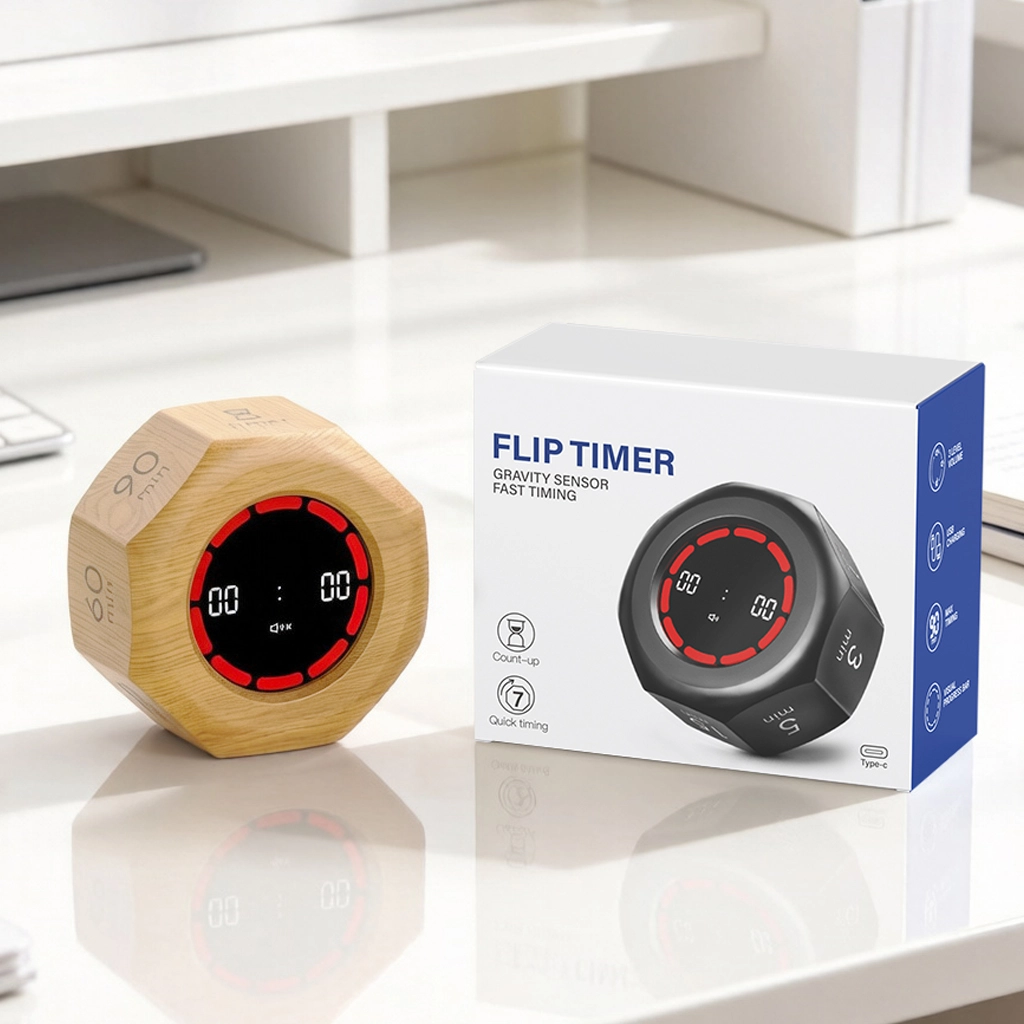
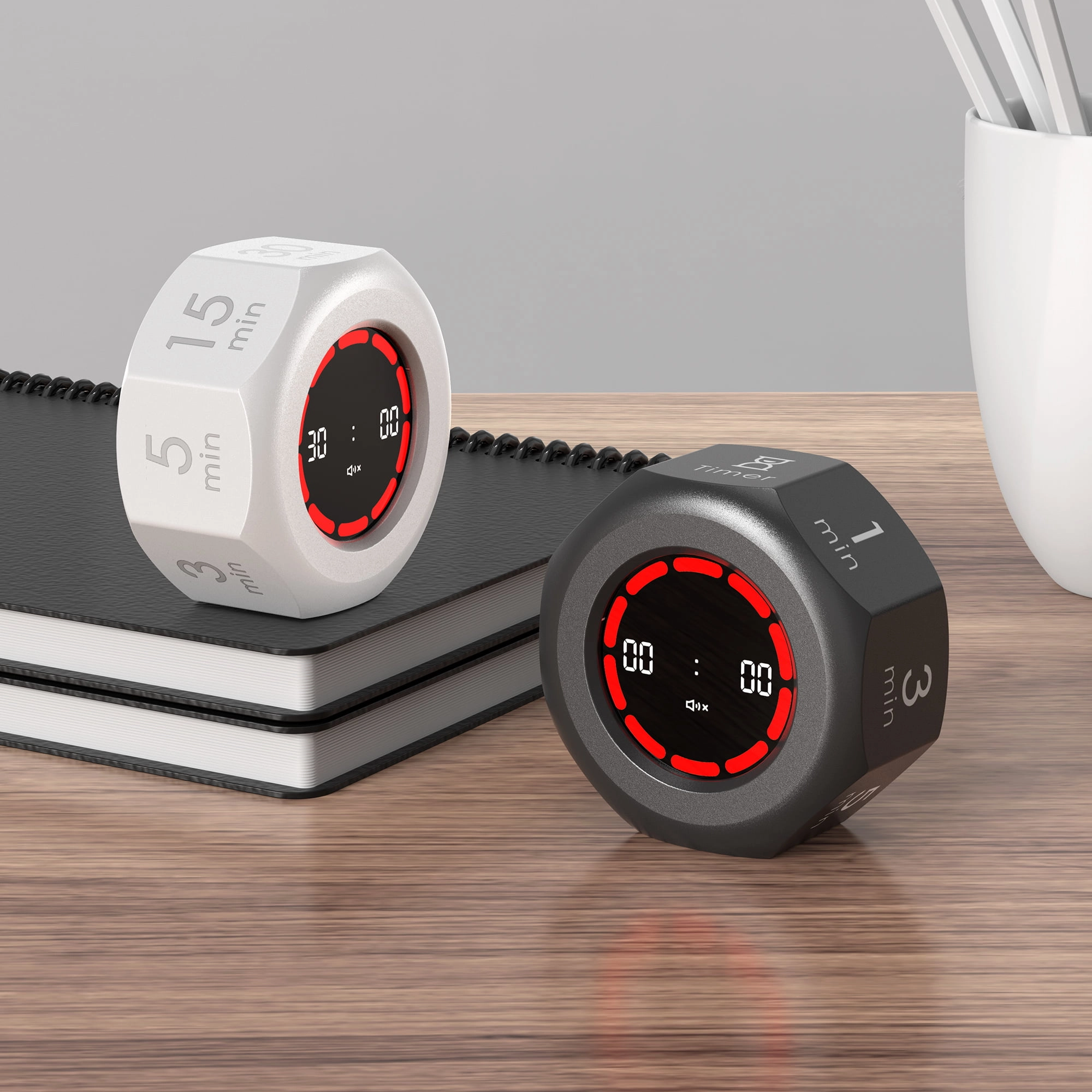
Our product range includes digital timers, pomodoro timers, thermo-hygrometers, and temperature humidity monitors. These products address related but distinct needs: countdown devices support interval awareness, while environmental monitors display temperature and humidity conditions. Keeping those functions clear helps buyers specify the correct instrument for each task instead of expecting one device to provide unrelated measurements. Model selection should be based on the required display, operating environment, measurement or timing range, and the documentation needed for the deployment.
For distributors and project buyers, a practical evaluation can compare display size, operating controls, power arrangements, mounting, packaging, and product specifications across candidate models. Our team can use the requested application and purchasing criteria to help identify relevant product options, while buyers should validate final suitability against site procedures and applicable requirements. Where timers and environmental monitors are procured together, maintaining separate product specifications and acceptance checks supports clearer inventory management and replacement planning.
To compare our digital timers, pomodoro timers, and environmental monitoring products against your application requirements, contact our team or explore the product range.
Frequently Asked Questions
What is a digital visual countdown timer?
It is a device that displays the time remaining in a selected interval through numerals, a colored ring, a shrinking visual field, or a combination of visual cues.
What features should buyers compare when selecting a visual countdown timer?
Buyers should compare the countdown range, display readability, controls, alert options, power source, mounting method, environmental suitability, specifications, and warranty.
Can a countdown timer replace an emergency alarm system?
No. A general-purpose timer is not an equivalent to a safety alarm system. Facility owners should select and maintain emergency notification equipment under applicable regulations and site procedures.
Is a timer enough to verify that food has reached a safe temperature?
No. A timer tracks elapsed time but does not verify internal food temperature. Use an appropriate thermometer when temperature measurement is required and follow applicable food-safety procedures.
What is the difference between a visual countdown timer and a clock?
A countdown timer shows the remaining duration of a defined interval. A clock shows the current time, so users must calculate the remaining interval themselves.
How should an organization test a timer before deployment?
Check legibility at the intended viewing distance, setting and control behavior, end alerts, secure mounting, and power arrangements. For time-critical work, compare the timer against a suitable reference over the relevant interval and document the method.
Top 10 silent desk clock for bedroom manufacturers and suppliers
How to Find Reliable Private Label Timer Manufacturers in China
Buyer's Guide: Choosing an Indoor Room Thermometer
ROI: How Smart Focus Timers Improve Team Efficiency
Interested in this article?
Let’s talk.
Need specifications, pricing, or customization options? We’ll provide everything you need.

Youben life
Youben life