
How to Choose the Right Digital Visual Countdown Timer for Different Environments
- How to Match a Visual Countdown Display to Its Operating Environment
- Start with audience, purpose, and viewing distance
- Assess light, visual contrast, and accessibility
- Check environmental exposure and installation conditions
- Environment-by-Environment Selection Priorities
- Offices, meeting rooms, and collaborative workspaces
- Classrooms, training rooms, and public-facing spaces
- Manufacturing, laboratories, and healthcare settings
- Build a Procurement Specification That Prevents Avoidable Costs
- Separate essential requirements from optional features
- Compare lifecycle cost, support, and product consistency
- Use a practical evaluation and approval process
- Product Portfolio Fit and Deployment Considerations
- Match product categories to user needs
- Plan rollout, user guidance, and replenishment
- Frequently Asked Questions
A digital visual countdown timer should be selected according to where it will be installed, who needs to read it, and what action the countdown is meant to support. Buyers should compare viewing distance, ambient light, display size and contrast, control simplicity, audible alerts, mounting, power continuity, and environmental protection. A classroom timer prioritizes shared visibility and quiet operation; a production-floor unit may need a large display, durable housing, and clear alerts; a meeting-room device should be easy to reset and unobtrusive. The right specification balances readability, reliability, safety, and total cost of ownership rather than focusing on digit size or price alone.
How to Match a Visual Countdown Display to Its Operating Environment
Start with audience, purpose, and viewing distance
Define the operational job before comparing products. A timer used to manage individual focus sessions has different requirements from one used to coordinate a production changeover, presentation, examination, or group exercise. Identify whether the display is for one person, a small team, or an entire room, and whether users need to read remaining minutes at a glance or require precise seconds. This distinction affects display scale, placement, controls, and whether a countdown, count-up mode, or both are necessary.
Measure the longest expected viewing distance and consider whether the audience will be seated, standing, moving, or approaching from different angles. A small desktop unit can suit a workstation but may become unreadable when placed across a training room. In shared spaces, assess visibility from the rear seats and from the sides, not just from directly in front. Product specifications should describe display dimensions and, where available, viewing angle or recommended viewing distance. If that information is missing, request a demonstration or sample before approving a large order.
Assess light, visual contrast, and accessibility
Ambient light changes the way a display is perceived. A bright LED panel can be useful in a sunlit or high-bay area, but excessive brightness may be distracting in a dim presentation room. Reflective surfaces, glare from windows, and competing signage can also reduce legibility. Check the unit in representative lighting conditions, including the time of day when the space is brightest or darkest. A clear, high-contrast display and a simple visual state change are often more useful than decorative effects.
Consider the range of users who must interpret the timer. Distinct digits, straightforward controls, and a visible indication of running, paused, or completed status reduce ambiguity. Do not rely solely on color to communicate a status change; color perception varies and lighting can alter appearance. For display ergonomics, buyers can review the scope of ISO 9241-303, which addresses requirements for electronic visual displays. The standard is a useful reference point for display-related evaluation, but it does not replace product testing in the intended room.
Check environmental exposure and installation conditions
Map the device’s location against dust, moisture, temperature variation, vibration, cleaning practices, and accidental impact. A timer placed near a washdown zone or exposed entrance needs a different enclosure than one kept on an office desk. Where ingress protection is specified, confirm what the stated rating covers and whether the full assembled product, connectors, and power supply are included. The IEC explanation of IP ratings describes how enclosure protection classifications relate to solid objects and water; buyers should verify the exact rating and test documentation with the supplier rather than infer suitability from appearance.
Installation details matter just as much as the enclosure. Check wall, magnetic, tabletop, or freestanding mounting options; cable routing; access to the battery compartment; and whether the display can be secured against movement. In a shared workplace, a poorly located unit can create a trip hazard, obstruct a walkway, or invite unauthorized adjustment. Confirm that the power arrangement and installation comply with applicable site rules. For US workplaces, OSHA electrical requirements in 29 CFR 1910.303 address electrical equipment and installation; project teams should consult their safety personnel for site-specific obligations.
Environment-by-Environment Selection Priorities
Offices, meeting rooms, and collaborative workspaces
In offices, the unit should be visible without becoming a source of distraction. For a conference room, place the display where participants can read it without turning away from the speaker or presentation. Consider mute or adjustable alert options, a quick-start interface, and a reset function that does not require navigating multiple menus. If the timer supports recurring meeting formats, confirm that presets are easy to configure and that staff can understand them without a separate instruction sheet.
For individual desks and focus areas, compact dimensions and simple controls may matter more than maximum brightness. A pomodoro timer or a general-purpose digital timer can support work intervals, breaks, and task transitions, but procurement teams should verify whether the device offers the exact timing modes and reset behavior required by the organization. Avoid paying for wireless connectivity, app control, or complex scheduling unless those functions solve a defined operational need and can be supported by the organization’s IT and facilities teams.
Classrooms, training rooms, and public-facing spaces
Schools and training providers typically need a display that is readable from the back of the room, quick to operate between activities, and resistant to frequent handling. A large visual countdown can help establish a shared time reference for exams, group work, demonstrations, or transitions. Where sound could disrupt instruction or concentration, ensure that alerts can be muted or adjusted. For public-facing environments, consider whether visitors can interpret the display without staff explanation and whether the mounting position remains visible when people gather nearby.
Check the interface with actual users before standardizing a model across multiple rooms. Buttons that are too small, labels that are unclear, or an unintuitive pause function can lead to missed intervals and repeated staff questions. A pilot deployment can reveal whether the display is visible at realistic distances, whether the alert is appropriate, and whether the unit survives routine handling. Record feedback and update the specification before placing a multi-site order.
Manufacturing, laboratories, and healthcare settings
On production floors, a visual timer may support a process step, inspection interval, changeover, or team handoff. Buyers should prioritize legibility in the presence of machinery, variable lighting, and background activity. Audible alerts should be evaluated against the site’s noise environment and communication procedures; a louder alarm is not automatically safer if it blends into existing alarms or creates confusion. Determine whether the device needs to be fixed in place, protected from dust or splashes, or operated with gloves.
Laboratories and healthcare spaces add requirements for cleaning, materials, and workflow separation. Confirm the manufacturer’s stated cleaning guidance and check whether the housing and controls tolerate the facility’s approved cleaning agents. Do not assume that a consumer product is appropriate for a regulated or clinical process simply because it displays accurate time. Where timing forms part of a controlled procedure, evaluate traceability, calibration expectations, recordkeeping, and the applicable quality system with the organization’s compliance team. A visual aid should not be treated as a substitute for validated process controls.
| Environment | Primary selection priority | Features to evaluate | Common procurement risk |
|---|---|---|---|
| Office or meeting room | Readable, unobtrusive shared timing | Adjustable or muted alert, quick reset, tabletop or wall placement | Overbuying connectivity or choosing a display that distracts participants |
| Classroom or training room | Visibility across the room and simple operation | Large digits, clear status, easy presets, durable controls | Approving a unit based only on close-range viewing |
| Production floor | At-a-glance recognition in active conditions | High legibility, secure mounting, suitable enclosure, practical alert options | Ignoring dust, vibration, noise, or glove use |
| Laboratory or healthcare space | Workflow fit and compatibility with cleaning procedures | Documented cleaning guidance, clear operation, appropriate placement | Assuming a general-purpose timer meets controlled-process requirements |
| Outdoor or semi-exposed area | Protection from expected environmental exposure | Verified enclosure rating, temperature limits, protected power arrangement | Relying on appearance instead of confirming rating and test scope |
Build a Procurement Specification That Prevents Avoidable Costs
Separate essential requirements from optional features
A clear request for quotation should distinguish mandatory criteria from preferences. Essential items may include display visibility at a stated distance, count-up and countdown modes, minimum and maximum interval, alert behavior, mounting method, power source, operating temperature, and enclosure protection. Optional features may include presets, remote control, network synchronization, or app integration. This separation lets suppliers quote comparable products and helps buyers avoid paying for functions that will not be used.
Time accuracy and resolution should be specified according to the task. A group exercise may only require minute-level changes, while a process step may need seconds or a repeatable preset. The NIST overview of the SI unit of time explains the second as the base unit used for time measurement. For procurement, the practical question is how the device represents and maintains the interval required by the application. Ask suppliers about displayed resolution, reset behavior, battery replacement, and whether the product retains settings after a power interruption.
Compare lifecycle cost, support, and product consistency
Purchase price is only one part of total cost. Include batteries or adapters, replacement frequency, installation labor, spare availability, support response, and the cost of inconsistent models across sites. Standardizing on a small number of models can simplify training and replenishment, but only when the same specification genuinely suits each location. If environments differ substantially, use a controlled product list with clearly defined application categories instead of forcing one model into every space.
Request product datasheets, operating instructions, warranty terms, and evidence for any claimed environmental or safety rating. Confirm packaging, labeling, and regional power requirements for international deployments. For larger orders, request a pre-production sample or conduct a limited pilot. Define acceptance checks in advance, such as display legibility at the intended distance, correct operation of each mode, alert behavior, mounting stability, and performance after a representative operating period. A written acceptance plan makes supplier comparisons more objective.
Use a practical evaluation and approval process
Involve the people who will use, install, and maintain the units. Facilities teams can assess mounting and power; operators can test control flow; health and safety personnel can review placement and alerts; procurement can compare commercial terms; and IT should review any connected features. A short evaluation form should capture the environment, user group, required timing range, visibility test result, alert preference, maintenance needs, and final approval. This record helps explain why a particular specification was selected and supports later replacement decisions.
For multi-site projects, compare samples under representative conditions instead of making decisions from catalog images. Record whether digits remain readable in glare, whether controls work with the expected gloves or hand position, whether sound is suitable, and whether the device stays in place. Where the timer supports a critical process, document the owner responsible for checking operation and replacing power sources. These measures reduce the risk of unplanned downtime and inconsistent practices after installation.
Product Portfolio Fit and Deployment Considerations
Match product categories to user needs
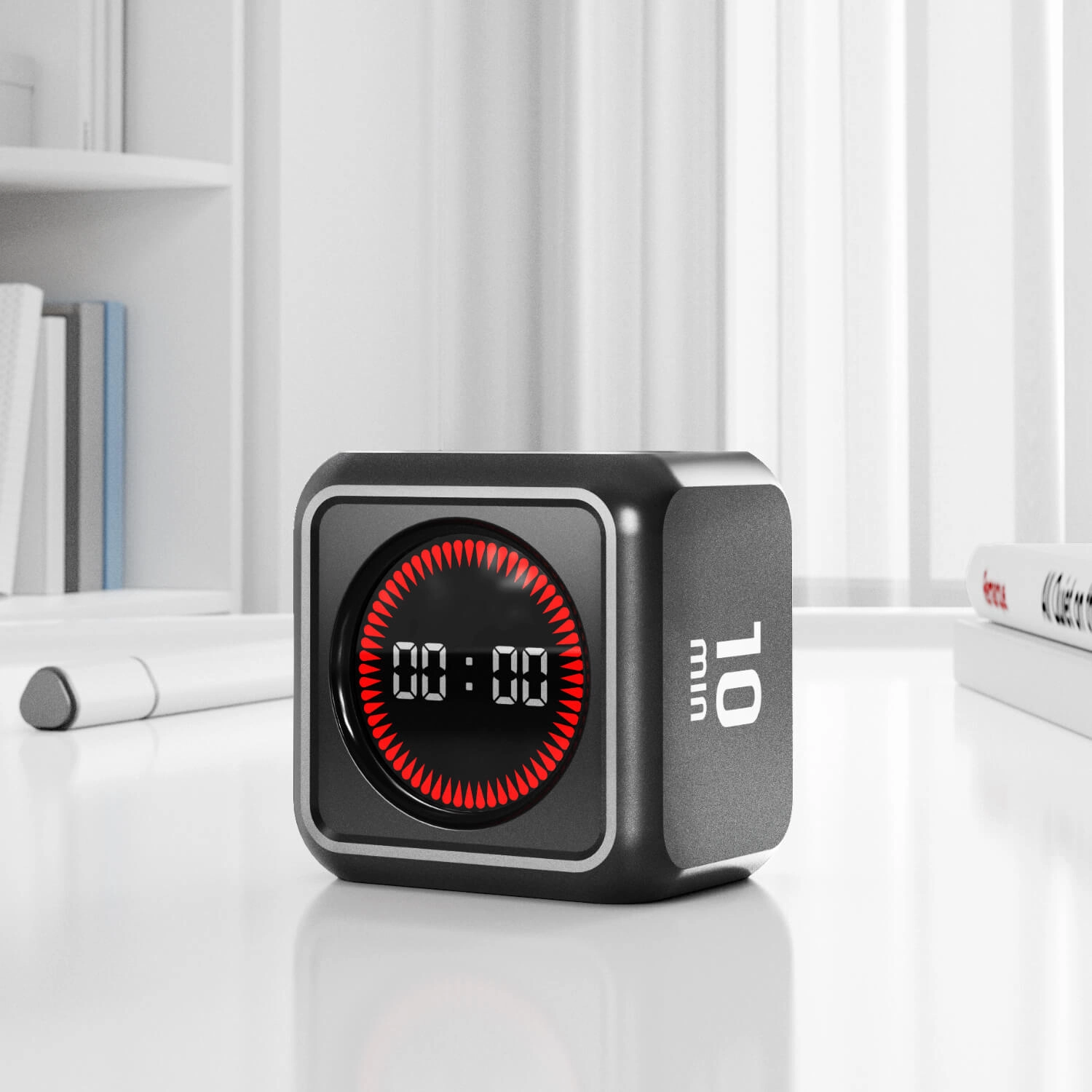
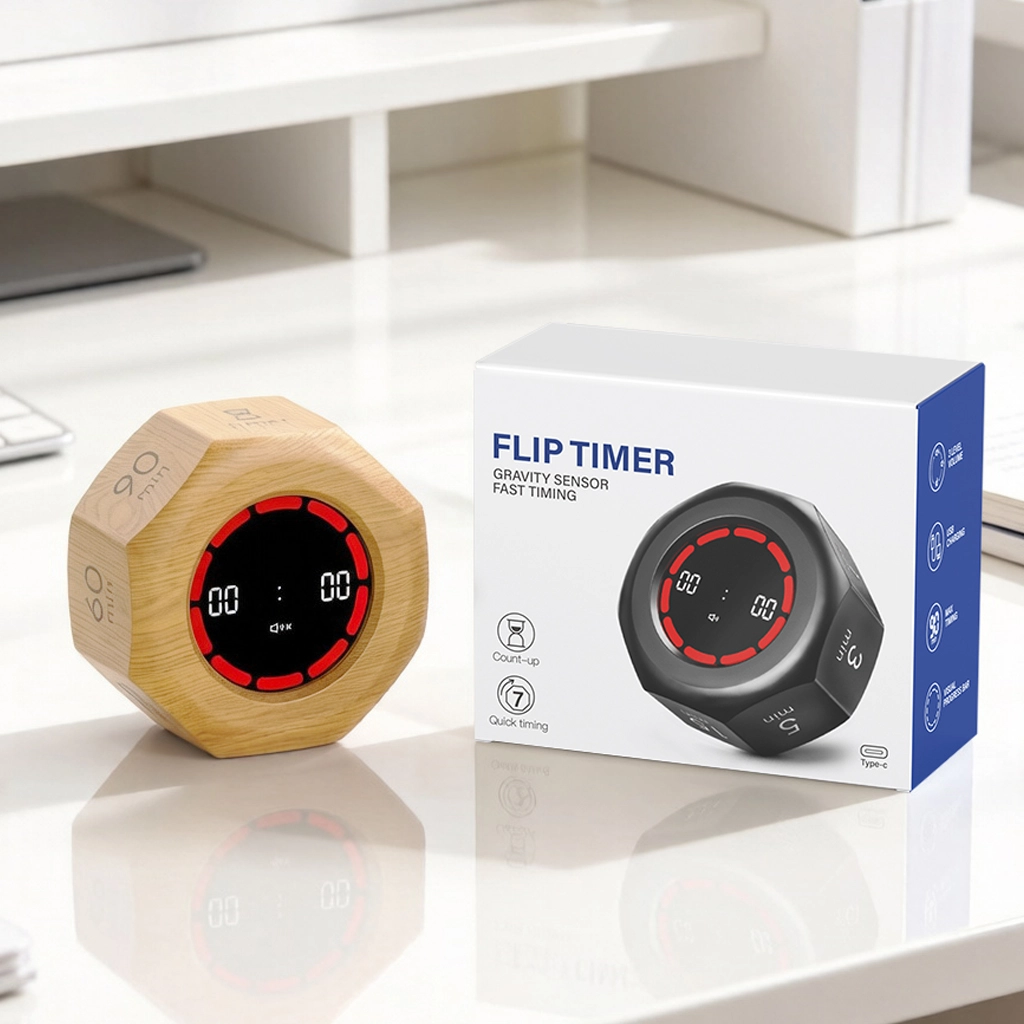
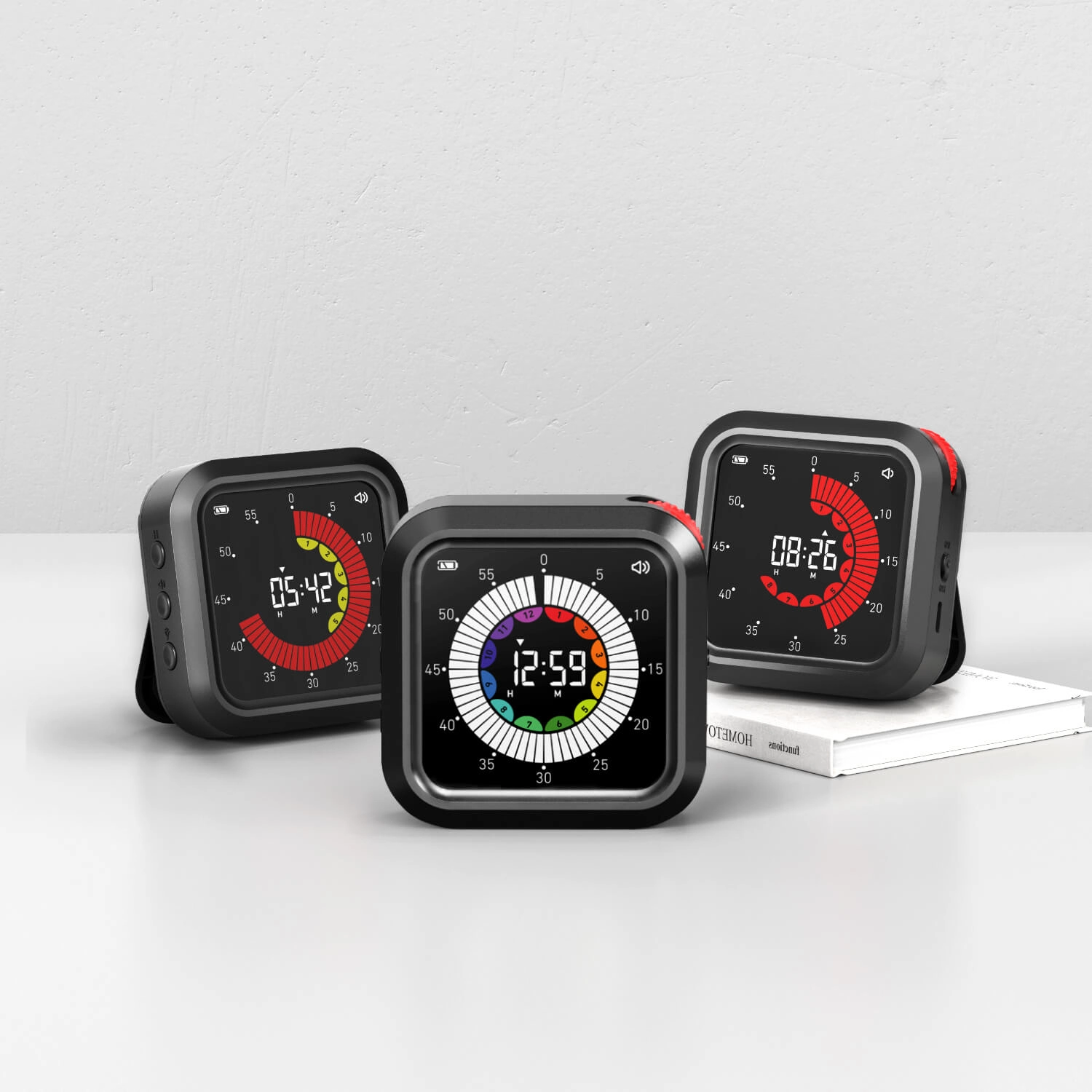
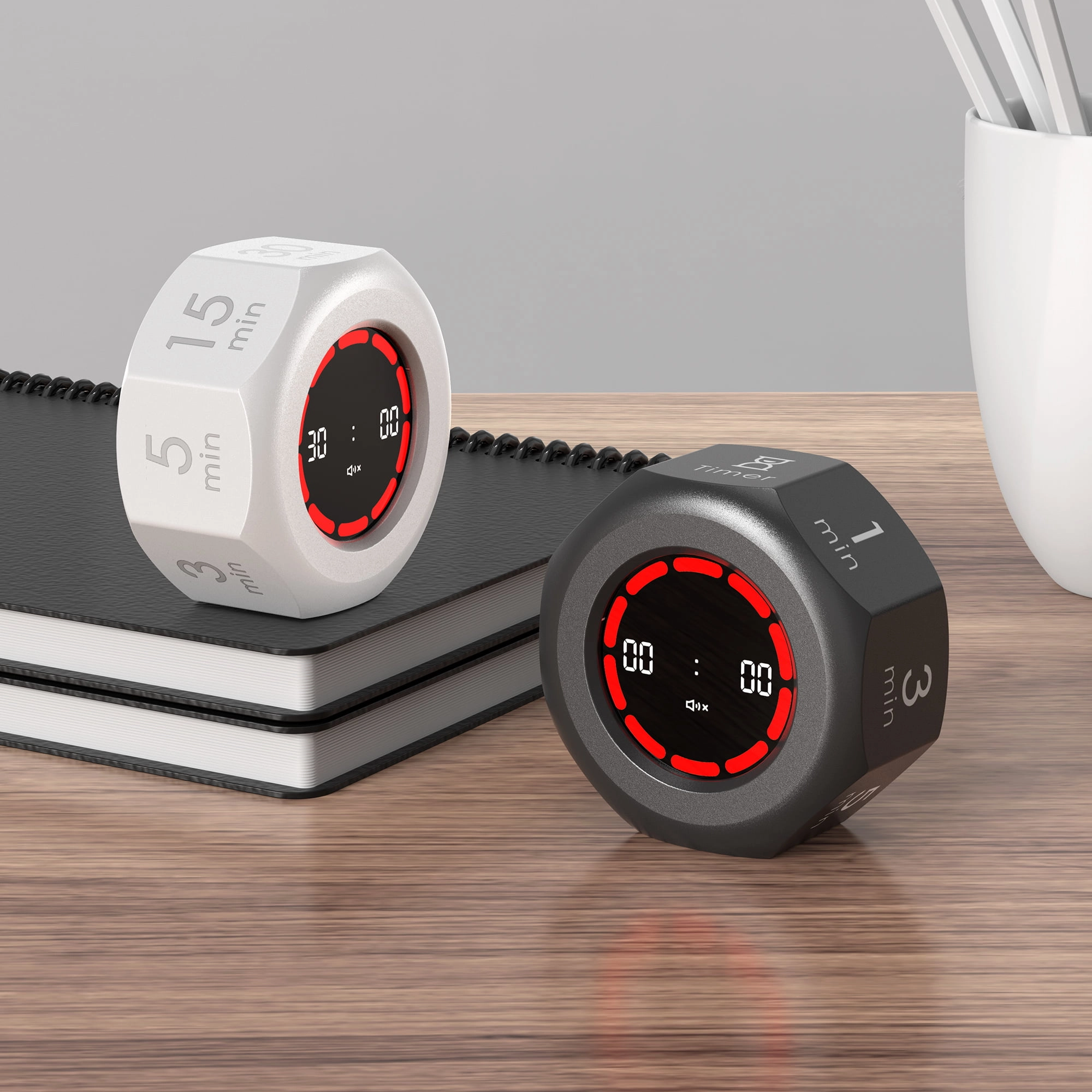
Our product range includes digital timers, pomodoro timers, thermo-hygrometers, and temperature humidity monitors. These categories address related but distinct needs: countdown and interval management, structured focus sessions, and environmental measurement. Buyers should choose each device by its intended job rather than treating all timing and monitoring products as interchangeable. A timer helps users manage an interval; a thermo-hygrometer or temperature humidity monitor provides environmental readings. Combining these products in a facility may support broader workplace routines, but each specification should remain tied to a defined application.
When evaluating our timer options, project teams should compare display format, timing range, operating modes, alert settings, power arrangement, dimensions, and mounting suitability against the site checklist. For focus programs, assess whether a pomodoro-style format suits the organization’s work patterns and whether users can adjust intervals when needed. For facilities that also track temperature and humidity, review the separate monitor’s measurement range, display, placement, and documentation. Technical details should be confirmed against the relevant product datasheet before a purchase decision.
Plan rollout, user guidance, and replenishment
A successful deployment includes more than delivering units. Establish a model-to-location schedule, assign installation responsibility, provide concise operating instructions, and define who handles battery changes or replacement requests. For teams using multiple countdown devices, consistent labels and preset conventions can reduce confusion. Keep spare units or consumables where downtime would interrupt a scheduled activity, and include product identifiers in asset or purchasing records so replenishment does not depend on a visual description.
After installation, collect feedback on visibility, controls, alerts, and durability. Review issues after the first operating cycle and adjust location or settings before they become recurring complaints. If one environment repeatedly requires a different mounting system, enclosure, or alert behavior, update its product specification rather than relying on informal workarounds. This feedback loop helps buyers maintain a fit-for-purpose range while controlling training, maintenance, and replacement costs.
Contact our team to discuss application requirements or view our digital timer, pomodoro timer, and environmental monitoring products for your project.
Frequently Asked Questions
What should buyers prioritize when selecting a visual countdown timer?
Prioritize the intended task, viewing distance, ambient light, display legibility, control simplicity, alert behavior, mounting, power continuity, and environmental exposure. Match the specification to the actual site rather than choosing by price or digit size alone.
How can buyers determine whether a timer display will be visible across a room?
Measure the longest expected viewing distance and consider user positions, viewing angles, glare, and room lighting. Test a sample in representative conditions and request display dimensions or recommended viewing-distance information from the supplier.
Which timer features are useful in classrooms and training rooms?
Useful features include large, clear digits, simple controls, visible running or completed status, easy presets, durable buttons, and an alert that can be muted or adjusted when sound would disrupt instruction.
What should be checked before installing a timer in a production or exposed area?
Assess dust, moisture, temperature variation, vibration, impact risk, mounting stability, power arrangements, and whether users need to operate the controls with gloves. Verify any claimed ingress protection rating and its documentation rather than judging the enclosure by appearance.
Can a general-purpose countdown timer be used for a laboratory or healthcare procedure?
Not automatically. Buyers should confirm cleaning guidance, material compatibility, workflow requirements, and any applicable quality or compliance expectations. If timing is part of a controlled procedure, consult the organization’s compliance team and do not treat a general-purpose display as a substitute for validated process controls.
How can procurement teams compare timer suppliers consistently?
Issue a specification that separates mandatory requirements from optional features, request datasheets and warranty terms, verify environmental claims, and test samples against defined acceptance checks. Compare lifecycle costs such as power supplies, replacement frequency, installation, support, and spare availability alongside purchase price.
Custom Visual Timer Solutions: Questions to Ask a Visual Timer Manufacturer Before Ordering
Best Custom Pomodoro Timer Features for Retail Programs
Private Label Pomodoro Timer Supplier Comparison: Factory Capability, Communication, and Service
Cost vs Quality: Finding Durable Electronic Kitchen Timers
Interested in this article?
Let’s talk.
Need specifications, pricing, or customization options? We’ll provide everything you need.

Youben life
Youben life